Best Meeting Transcription App: 10 Top Picks
Compare the best meeting transcription app options for accuracy, formats, integrations, pricing, privacy, students, and instructors.
The best meeting transcription app isn't automatically the one with the highest advertised accuracy or the longest feature list. A transcript can be technically impressive and still fail the moment a student needs to verify a lecturer's wording, an instructor needs to control access to a recording, or a team needs to turn a discussion into usable follow-up work.
This comparison looks at what happens before and after transcription: audio capture, speaker labeling, timestamps, supported audio and document formats, integrations, pricing structures, privacy controls, and review workflows. The right choice differs for a live lecture, a study group, an instructor's online class, a client call, and a sales meeting.
That distinction matters because real meeting audio is difficult. Research found average recognition accuracy of 61.2% with headset microphones, 56.5% with lapel microphones, and only 25.7% with average far-field recording in meeting-transcription research. A clean vendor demonstration doesn't tell you how an app will handle a classroom microphone, interruptions, accents, technical vocabulary, or several people speaking at once.
Before choosing, verify current pricing, retention policies, consent requirements, and model-training terms. This is especially important when recordings contain student information, medical education, client discussions, or workplace conversations. Dedicated meeting assistants are often excellent at summaries and action items. An end-to-end study workflow such as ClassLecture.ai may be a better fit when the transcript is only the beginning.
Table of Contents
- 1. ClassLecture.ai for AI Study Assistance
- 2. Otter.ai for Live Transcription and Collaboration
- 3. Fireflies.ai for Searchable Meeting Archives
- 4. Fathom for Generous Free Recording
- 5. Sembly AI for Multilingual and Compliance-Minded Teams
- 6. Grain for Clips and Collaborative Review
- 7. Avoma for Revenue and Conversation Intelligence
- 8. Supernormal for Bot-Free Desktop Capture
- 9. Notta for Clear Quotas and Cross-Device Use
- 10. tl;dv for Free Capture and Shareable Highlights
- Top 10 Meeting Transcription Apps, Feature Comparison
- Choose by Workflow, Then Test the Transcript
1. ClassLecture.ai for AI Study Assistance
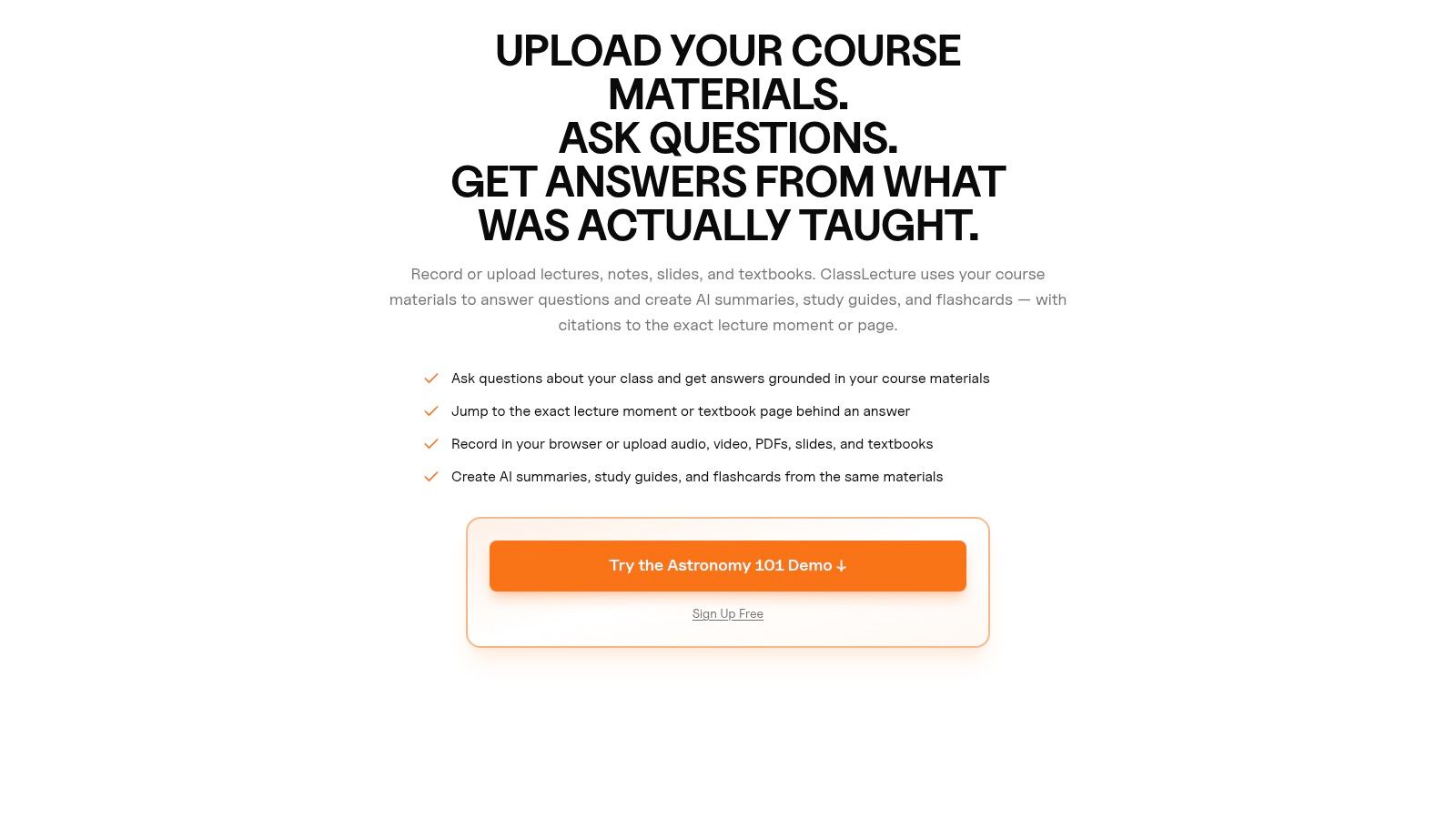
ClassLecture.ai is the strongest fit when a meeting recording needs to become a reusable learning resource, not just a set of minutes. It captures tab or system audio from Zoom, Google Meet, and Microsoft Teams in desktop Chrome or Edge, and it also accepts uploaded recordings and course materials. Students can work from lecture audio, meeting recordings, textbooks, notes, and research papers in one browser-based workspace.
The important difference is source control. Its conversational Q&A can answer questions against selected transcripts, notes, textbooks, or both, with timestamp and document-page citations. That gives a learner a way to check whether an explanation came from the lecture, a textbook, or another uploaded source instead of treating an AI response as an unsupported answer.
Why it fits student and instructor workflows
ClassLecture.ai can generate summaries, structured study guides, flashcards, and question-and-answer sessions from the same source material. Its classes area helps organize content by course, term, school, and year, while FSRS spaced-repetition scheduling brings due flashcards back for review and includes an exam-readiness view by class.
It supports audio and video formats including MP3, MP4, M4A, WAV, MOV, and WEBM, alongside documents such as PDF, DOCX, EPUB, TXT, Markdown, and HTML. Bulk upload is available for up to 80 files, and users can try uploads or sample courses without creating an account. The free tier includes 3 hours of lecture transcription and 10 questions per month, while paid plans start at $17 per month when billed yearly, according to the supplied product information.
Practical rule: For medical, construction, and occupational-safety learners, inspect terminology, numbers, abbreviations, speaker labels, and timestamps against the original recording before using generated material for serious revision.
The trade-off is capture flexibility. Live meeting capture is limited to desktop Chrome or Edge, and mobile browsers aren't supported for that feature. Accuracy and generated answers still depend on microphone quality and speaker clarity. For a professional team that mainly needs CRM updates, pipeline analytics, or broad collaboration, another app may offer a more specialized workflow.
2. Otter.ai for Live Transcription and Collaboration
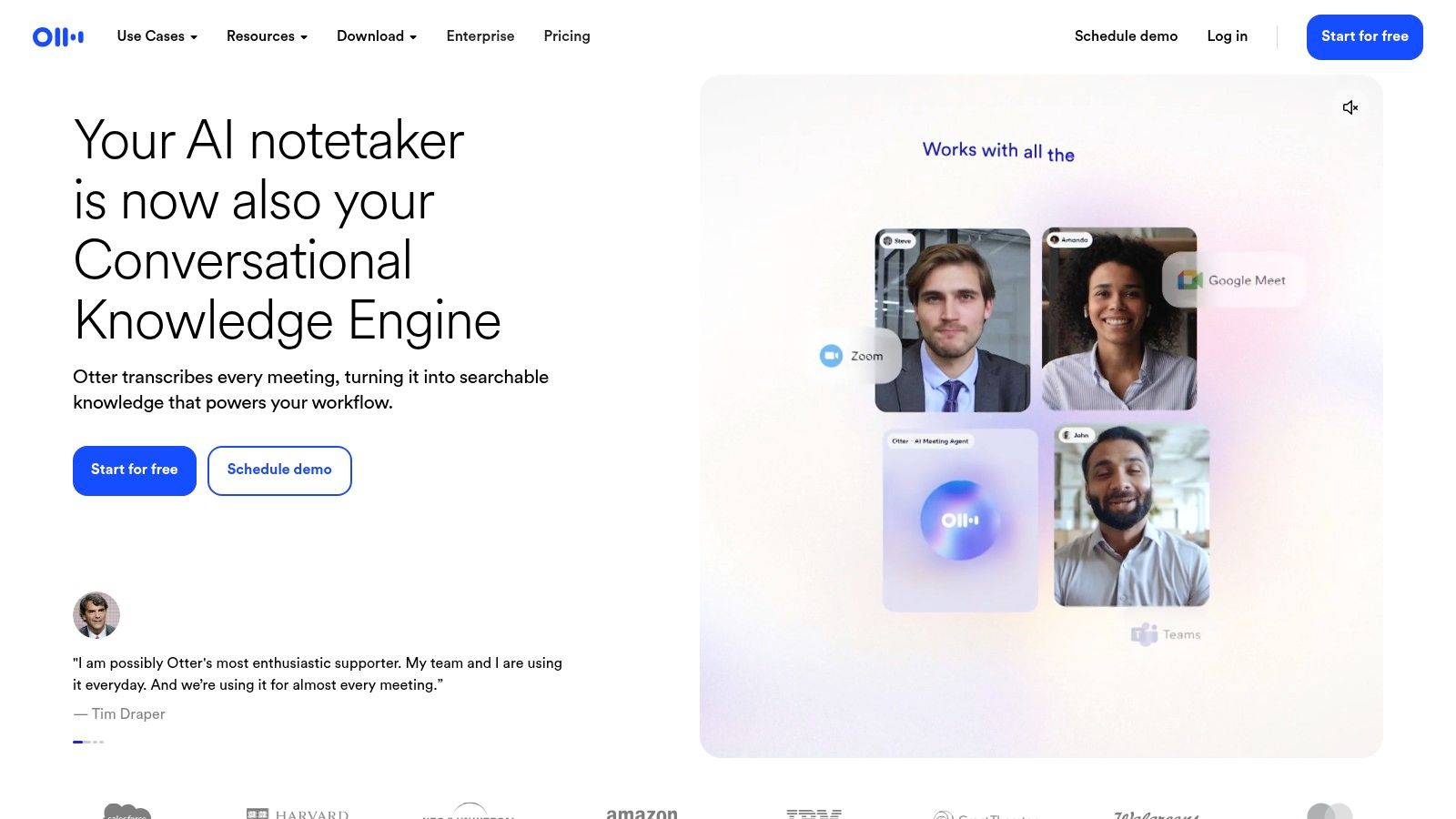
Otter.ai remains a practical choice for teams that want a transcript while a Zoom, Google Meet, or Microsoft Teams meeting is happening. It provides live transcription, captions, speaker labeling, searchable archives, summaries, outlines, and action items. Its web, mobile, desktop, and Chrome-extension access also makes it easier to move between meetings and later review.
Otter's strength is maturity rather than academic depth. A student can use it to follow a live online discussion, while an instructor or department can use shared transcripts and administrative controls for collaborative documentation. The app can auto-join supported online meetings as a notetaker, which reduces manual recording steps but creates a visible participant that should be disclosed to attendees.
The main limitation is meeting length and downstream study work
Lower plans impose per-meeting and monthly minute limits, so a student with recurring long lectures should calculate expected use before committing. The supplied plan information identifies a 90-minute per-meeting limit on Pro, but current plan pages should be checked because limits can change.
Otter is better at capturing and summarizing a meeting than at turning a semester of source material into a structured revision system. It can help locate a discussion, identify speakers, and extract action items, but learners who want page-cited Q&A, flashcard scheduling, and class-wide exam review may need another layer.
For a university team, Otter makes sense when accessibility, live captions, collaboration, and cross-platform capture matter most. For an individual student, it becomes more compelling when the institution already uses it and the main requirement is a searchable meeting archive. Students comparing it with a study-focused tool can also review these Otter.ai alternatives for lecture and learning workflows before deciding.
3. Fireflies.ai for Searchable Meeting Archives
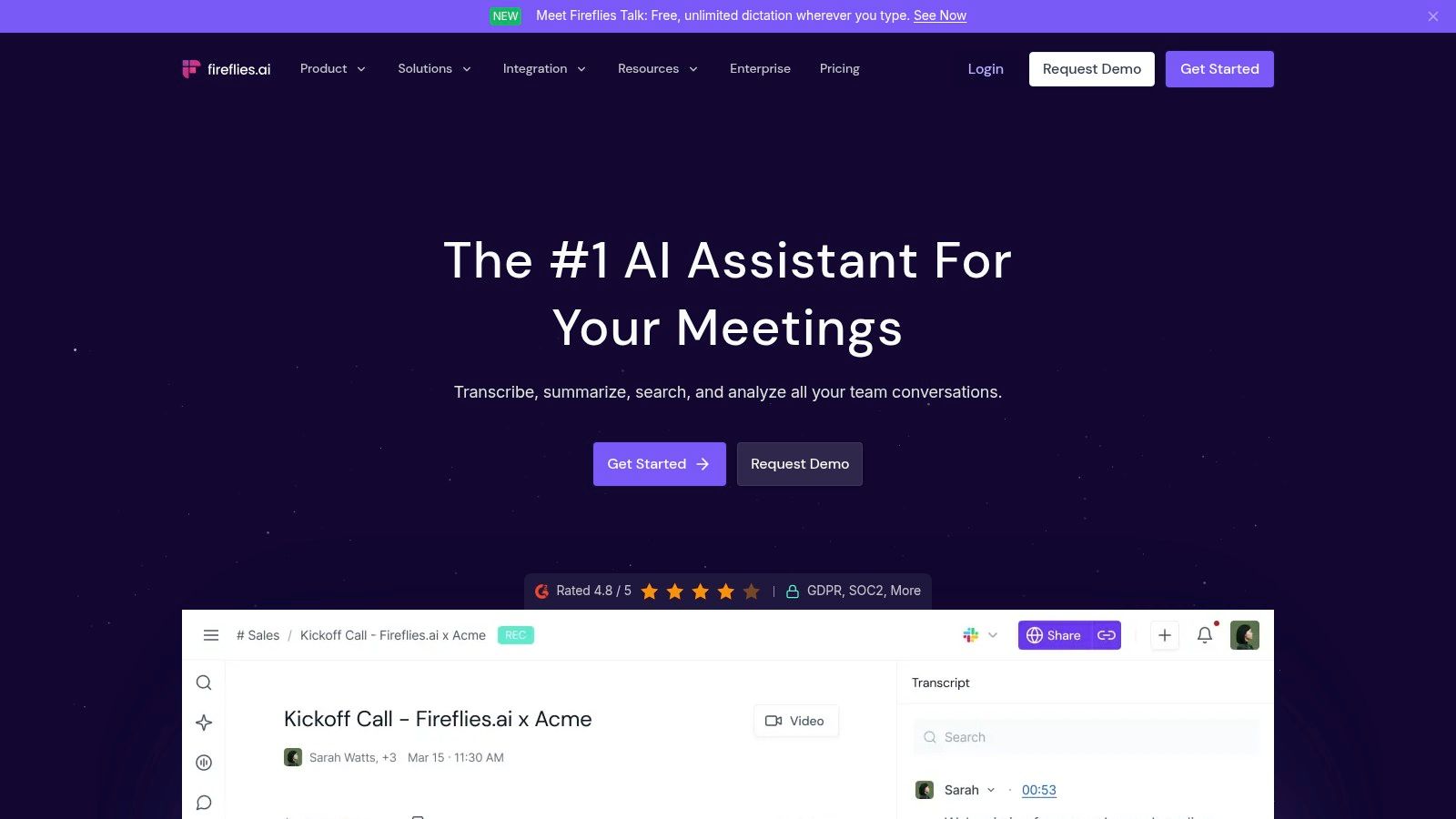
Fireflies.ai is built for teams that need to search a growing archive of recorded conversations. It captures meetings through supported platforms, a bot, or a Chrome extension, then creates searchable transcripts, real-time notes, summaries, and conversation intelligence. Integrations can send meeting data to a CRM, Slack, project tool, or knowledge base, which makes it more useful for shared operational records than for individual study.
That workflow suits sales departments, research groups, and distributed organizations that revisit decisions across many meetings. Users can search recurring topics, locate the discussion behind a task, and connect follow-up work to the original recording. Higher-tier conversation analytics extend the product from transcription into pattern analysis.
Usage metering changes the buying calculation
Fireflies includes assistants such as AskFred, Voice Agents, and email or Slack assistants. Advanced assistant features use monthly AI-credit pools, so pricing decisions should account for more than recorder seats. Teams should estimate how often users will query meetings, create generated materials, or trigger automations.
For instructors, the platform can work when teaching assistants or staff members need access to a shared meeting library. A student reviewing lectures faces a different trade-off. Fireflies can help locate a discussion, but it is less suited to combining transcripts with textbooks, checking source context, or turning course material into flashcards and a structured review sequence. Its strongest value is organizational search and integration-driven follow-up.
Privacy requires a separate review. Fireflies lists enterprise security and compliance options, including SOC 2 Type II and GDPR support, with HIPAA available on Enterprise plans per its security page. These labels do not answer practical questions about retention, deletion, participant access, consent notices, or whether recordings are used for model training.
A searchable archive only helps if the source remains trustworthy. Users need a way to open the relevant recording moment, not only a generated answer.
Fireflies is a strong operational choice for collaboration-heavy organizations. Students should compare its automation breadth with the simpler question of whether they can verify a lecture claim quickly. They can also review this guide to Fireflies.ai alternatives for lecture and learning workflows.
4. Fathom for Generous Free Recording
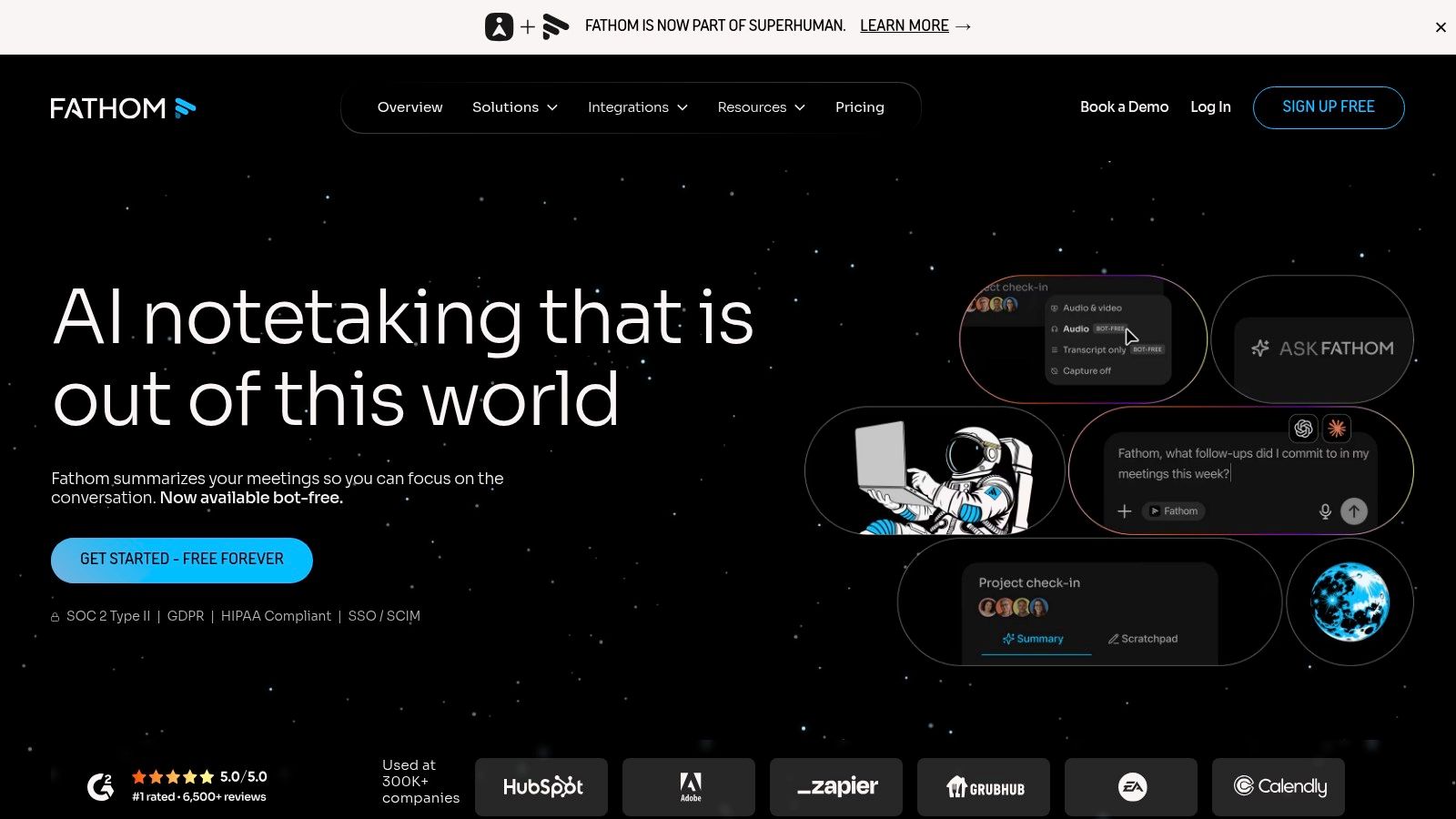
Fathom appeals to users who want regular recordings and transcripts without immediately paying for basic capture. Its Free plan includes unlimited recordings and transcriptions, while the platform also provides AI summaries, highlight playlists, global search, and integrations with ChatGPT and Claude. Paid plans add team and revenue features such as CRM field synchronization and AI scorecards.
That free structure changes the evaluation for students, instructors, and small teams. Someone recording frequent online study groups can build a useful archive without spending time rationing every session. An instructor can create highlights from a class discussion or review a meeting through a concise summary rather than replaying the full call.
Where Fathom stops short
Fathom's strongest outputs are meeting deliverables. It helps users find highlights, review summaries, and distribute follow-up information. It isn't presented as a course workspace with textbook ingestion, page-linked answers, flashcard scheduling, or class-level exam readiness.
Capture also affects fit. The supplied information describes bot and bot-less capture, with bot-less capture on Mac identified as a beta feature rather than a fully cross-platform workflow. Users who rely on Windows, mobile devices, or in-person classroom recording should verify the current capture options before choosing it.
Fathom works well when the goal is record everything, summarize quickly, and revisit important moments. It is less compelling when a student needs to connect a lecturer's explanation to uploaded notes, a research paper, and a repeated review schedule. Free recording doesn't automatically create a complete learning workflow, so test whether the summaries preserve the technical terms and distinctions that matter in your course.
5. Sembly AI for Multilingual and Compliance-Minded Teams
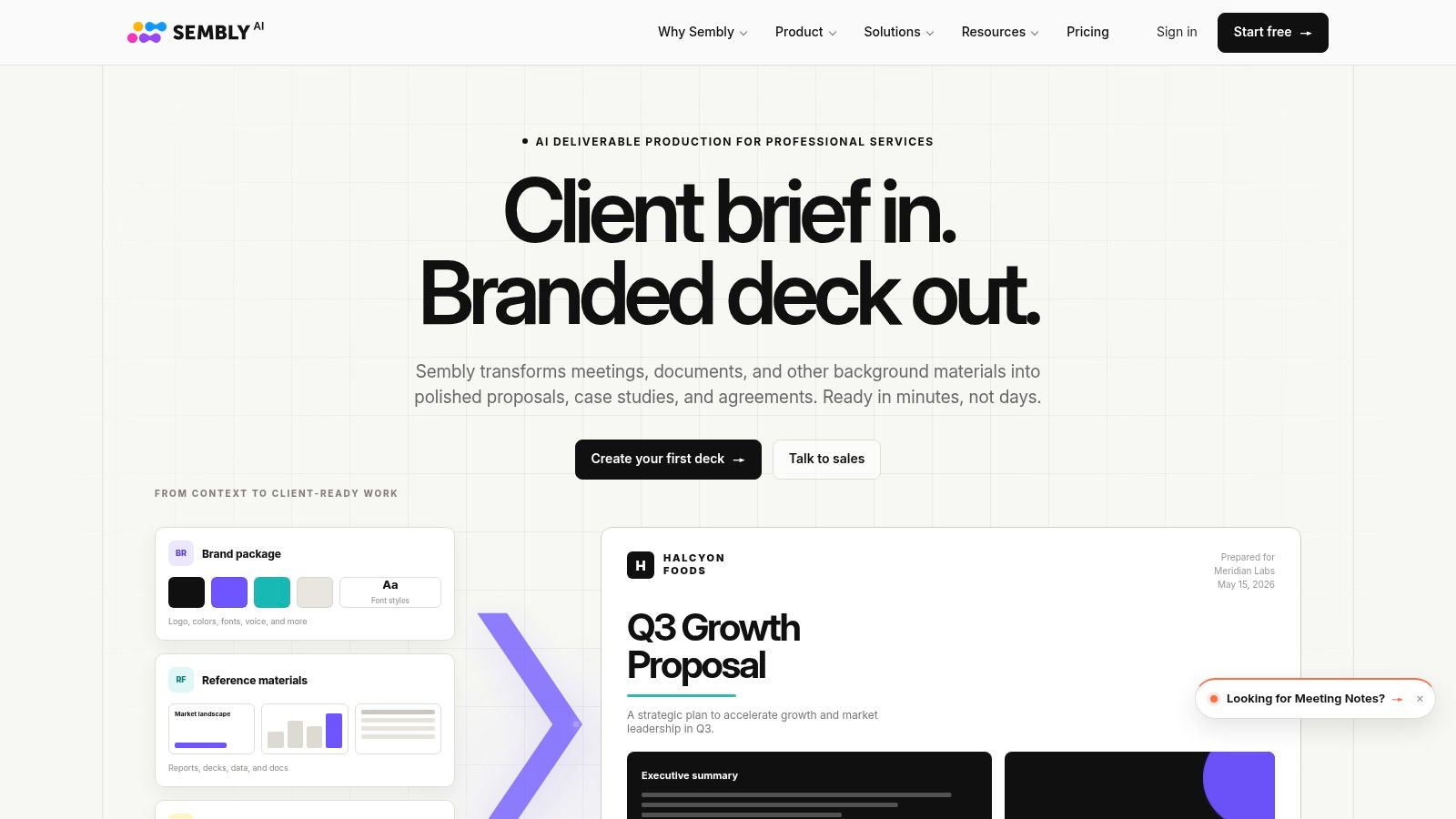
Sembly AI focuses on structured meeting intelligence. It supports attendance across Zoom, Google Meet, Microsoft Teams, and Webex, with custom vocabulary, AI-generated notes and minutes, multi-meeting chat, and outputs such as presentations and reports. The supplied product information also describes support for 40+ languages and mixed-language meetings.
That combination makes Sembly a natural candidate for international programs, multilingual teams, and organizations that need more than a raw transcript. A study group with mixed-language discussion may value the ability to produce organized minutes, while an institution may care more about consent tracking, retention rules, audit logs, access controls, and an optional HIPAA offering.
Structured notes are useful, but they aren't source verification
Sembly's emphasis on decisions, tasks, and meeting artifacts is valuable for instructors coordinating a course or teams documenting regulated work. It can reduce the distance between a conversation and a formal record. The risk is assuming that well-formatted minutes are automatically complete or accurate, particularly when participants interrupt one another or use specialized terminology.
Plan complexity is another consideration. Quotas for AI documents and insights can make costs harder to forecast than a simple transcription allowance. Higher MAX and Enterprise features add capability and administrative control, but a student or small study group may not need that stack.
The best reason to choose Sembly is not a headline language count. It is the combination of mixed-language support, structured outputs, and governance controls. Test it with real course audio, including code-switching and accents, then compare speaker labels and timestamps with the recording. For formal educational records, confirm who can export, share, or delete the resulting transcript.
6. Grain for Clips and Collaborative Review
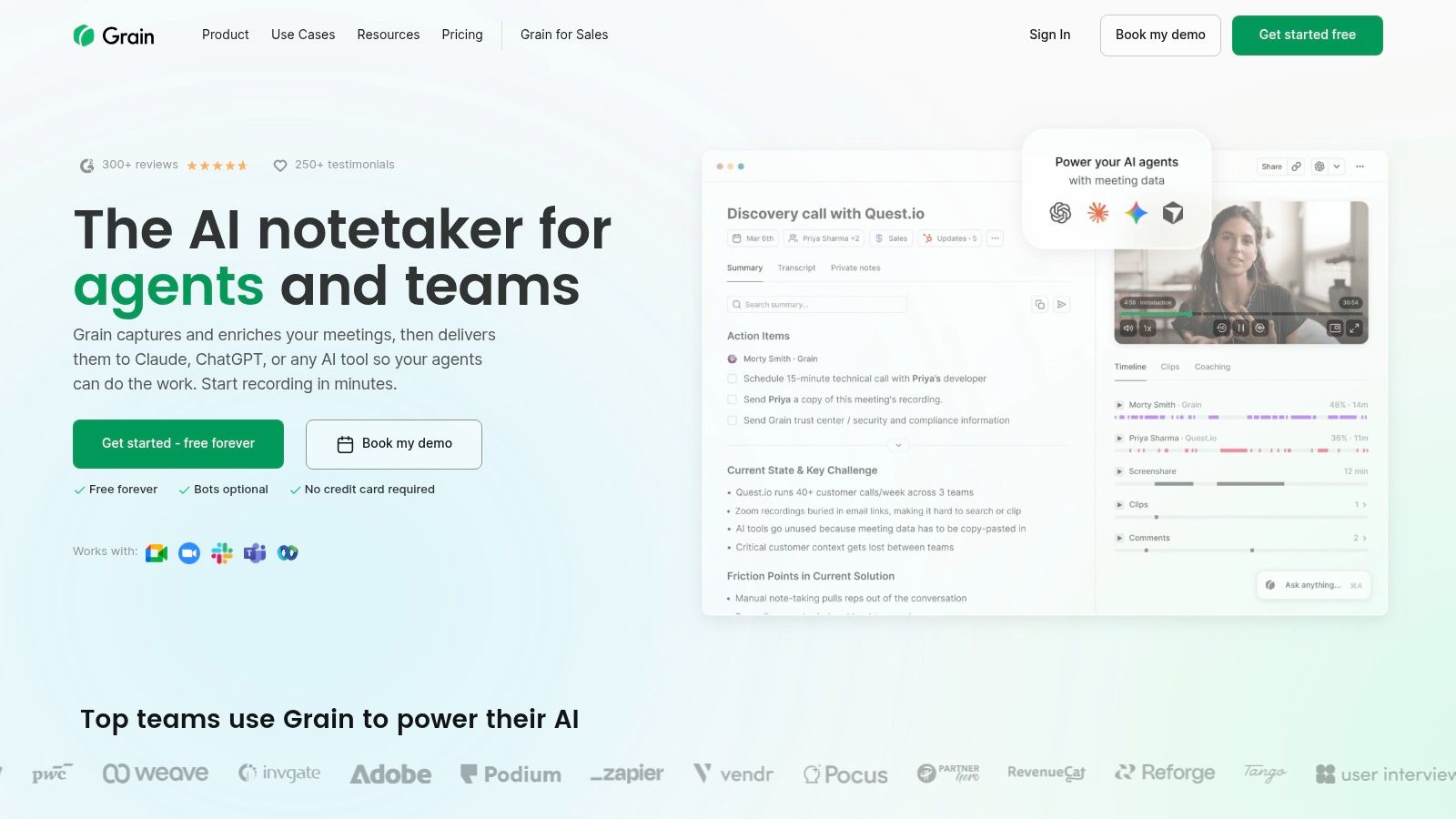
Grain treats a meeting recording as a source for shared moments. It records across Zoom, Google Meet, Microsoft Teams, and Webex, then provides AI notes, searchable transcripts, clips, highlights, and team intelligence. Its free viewer seats are especially useful when many people need to consume meeting material but only a smaller group needs to record it.
This model works well for instructors, project leads, and cross-functional teams. A teacher could share a short segment from a class discussion with a study group. A product team could send a timestamped decision to colleagues who weren't present. A supervisor could use clips to direct attention to the relevant section rather than distribute an entire recording.
Viewers are not the same as study collaborators
Free viewer access can lower the friction of sharing, but recorder seats still carry paid licensing. Public pricing details may be less explicit for Enterprise, so larger institutions should ask for a precise quote and confirm which administrator controls are included.
Grain is strongest when the desired output is a clip with context. It is not necessarily the best choice for a learner building a personal archive from lectures, PDFs, and textbooks. A clip helps someone revisit a moment, but it doesn't by itself create flashcards, spaced review, or a cited conversation over an entire course.
Privacy settings deserve particular attention because clips are easy to redistribute. An instructor should establish who can view, download, or share them before recording students. A transcript that stays inside a controlled workspace has a different risk profile from a highlight that can circulate through a public link.
Choose Grain when collaboration and asynchronous sharing outweigh individual study automation. Choose a study-focused platform when the same recordings need to become review resources across an entire term.
7. Avoma for Revenue and Conversation Intelligence
Avoma combines meeting transcription with conversation intelligence, coaching, scheduling, lead routing, and CRM synchronization. Its recorder-seat model lets organizations pay for teammates who capture meetings while viewers and collaborators access the resulting material without the same recorder requirement.
The workflow is built for sales, customer success, and recruiting teams. Avoma's meeting notetaker produces summaries, action items, and searchable transcripts, while additional conversation and revenue intelligence features support scorecards, deal-risk analysis, coaching, and forecasting-related work. That makes it a better fit for a manager trying to compare customer conversations than for a student trying to revise a lecture.
The feature stack can be a disadvantage
Avoma's recorder-seat approach can make access economical for a team with a small number of active hosts and many reviewers. But Conversation Intelligence, Revenue Intelligence, and Lead Router add-ons create pricing and setup decisions. A small organization that only needs searchable transcripts may pay for capabilities it won't use.
The same distinction applies to education. A business-school instructor teaching sales might find conversation scorecards useful for role-play exercises. A nursing student or construction learner is more likely to need terminology checking, source-linked answers, and systematic review than pipeline analytics.
Avoma is the right pick when the transcript must feed a coaching or revenue process. It can turn calls into structured performance data, but users should verify how conclusions are derived before treating automated labels as an objective assessment of a speaker or conversation.
For student and instructor workflows, the critical test is whether the platform makes the original audio easy to inspect. If it only provides a polished score or summary, it may be efficient for management while remaining weak for careful learning.
8. Supernormal for Bot-Free Desktop Capture
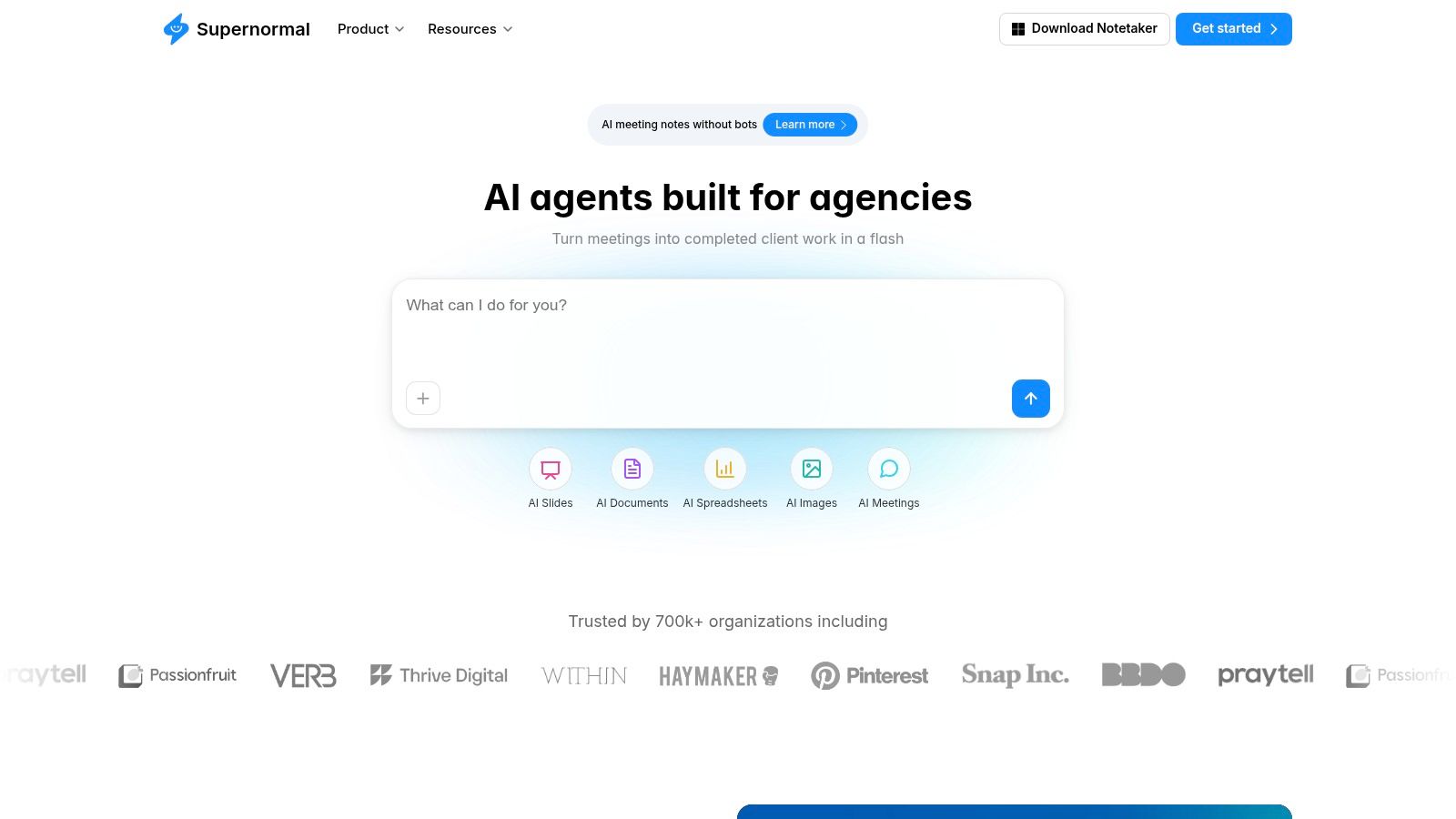
Supernormal captures meetings through a desktop application rather than placing a visible bot in the call. It uses the computer microphone to record audio and then produces structured notes and post-meeting artifacts such as slides, documents, and spreadsheets.
That capture method is useful when participants dislike visible meeting bots or when the host works across different meeting platforms. A coach, instructor, or consultant can keep the same desktop workflow across calls instead of configuring a separate integration for every service. The output also goes beyond a transcript, which helps teams turn discussions into documents quickly.
Bot-free doesn't mean consent-free
A local or desktop capture method can reduce bot-related friction, but participants still need to know that recording and transcription are happening. Consent, access, retention, and deletion remain governance questions regardless of how the audio enters the system.
Supernormal uses credit-based plans, with rollover and organization-wide credit sharing on Team and Business plans. The supplied information also lists SOC 2 and HIPAA security claims for Business and Enterprise. Because exact pricing mechanics can depend on credits and plan level, teams should model typical use rather than assume a flat subscription covers every generated artifact.
For study workflows, Supernormal is useful when a student wants a quick structured record from an online meeting. It is less specialized for combining the recording with textbooks, generating flashcards tied to a course, or tracking spaced review. It solves capture friction and document production, not the complete learning cycle.
Check microphone permissions, system-audio behavior, speaker separation, and transcript access on your operating system before adopting it for lectures. A bot-free experience is convenient, but poor device capture can still produce a weak transcript.
9. Notta for Clear Quotas and Cross-Device Use
Notta is a transcription-first platform that supports Zoom, Microsoft Teams, Google Meet, and Webex, along with file transcription, speaker identification, summaries, translation options, and web, mobile, and desktop applications. Cross-device synchronization makes it practical for users who record on one device and review on another.
Its clearest advantage is budgeting visibility. The supplied plan information lists a Free tier with 3-minute recordings and 120 minutes per month, while the Business tier offers unlimited monthly transcription with a 5-hour per-recording cap. Translation and Notta Brain AI credits are available as add-ons or higher-level capabilities. Verify current plan pages before purchase because quotas and feature packaging can change.
Quotas make the use case easy to understand
Notta suits an individual who wants to estimate recording demand before committing. A student can compare expected lecture hours with published limits, while an instructor can evaluate whether file transcription, speaker ID, translation, and exports justify a Business or Enterprise plan.
The trade-off is that a quota doesn't tell you whether the transcript is reliable enough for a particular subject. A medical lecture, construction procedure, or occupational-safety class can contain abbreviations, measurements, proper nouns, and instructions that require source checking. Translation can also introduce a second layer of uncertainty, so learners should inspect both the original audio and the translated output.
Notta is a sensible pick when cross-device access, published allowances, and multilingual workflows are more important than built-in study scheduling. Users who want to compare it with other low-cost or free transcription options can also read this guide to free audio transcription tools.
10. tl;dv for Free Capture and Shareable Highlights
tl;dv combines meeting recording, transcription, AI notes, Smart Topics, templates, speaker recognition, search, clips, and reels. It captures Zoom, Google Meet, and Microsoft Teams meetings, and it also offers bot-free desktop recording. The platform supports 30+ languages and Whisper-based multilingual transcription on Business and Enterprise plans, according to the supplied product information.
For students and remote teams, the most useful feature may be the path from transcript to highlight. A user can search a meeting, mark an important moment, and create a clip or reel for later review. That is faster than sending a full recording to a classmate or asking a colleague to replay an entire call.
Free capture still has AI limits
The Free plan offers unlimited recordings and transcriptions, but AI notes and queries are capped. That distinction matters. A learner may be able to preserve an entire term's raw recordings while having fewer automated opportunities to ask questions or generate summaries.
tl;dv works well for asynchronous sharing, course discussion highlights, and teams that want to point directly to important moments. It isn't a dedicated study system with textbook-grounded answers, flashcard scheduling, or class-wide review tracking. It also shouldn't be judged only on clean online calls. Independent meeting research found that far-field recording can perform substantially worse than close microphones, and overlapping speech creates separate speaker-attribution problems in the underlying evaluation.
Test the capture method, not just the dashboard. Record a real lecture or discussion with the microphone you actually use, then inspect labels, timestamps, jargon, interruptions, and uncertain passages.
Choose tl;dv when generous recording, searchable highlights, and clips are central. Choose a learning-focused platform when the final destination is structured revision rather than shared meeting moments.
Top 10 Meeting Transcription Apps, Feature Comparison
| Tool | Core features | UX & quality | Price & value | Target audience | Unique selling points |
|---|---|---|---|---|---|
| ClassLecture.ai, AI Study Assistant for Lectures 🏆 | ✨ Upload/record lectures, timestamped transcripts, AI summaries, flashcards, FSRS, bulk upload, meeting capture | ★★★★☆, ~90–95% clean‑audio accuracy; context‑aware Q&A with citations | 💰 Free: 3h transcribe + 10 Q/mo; Paid from $17/mo (annual) | 👥 Students, med/nursing, construction/trades, safety learners | ✨ Context‑aware Q&A with timestamps/pages; no‑account uploads; end‑to‑end capture→study |
| Otter.ai | Live transcription, speaker labels, AI summaries, searchable archive | ★★★★☆, mature cross‑platform UX | 💰 Free tier; paid plans with per‑meeting/minute caps | 👥 Teams, educators, general professionals | ✨ Auto‑join for Zoom/Meet/Teams; strong admin/security |
| Fireflies.ai | Record/transcribe, AI summaries, assistants, wide integrations | ★★★☆☆, flexible; usage‑metering for advanced AI | 💰 Free/paid; advanced features use AI‑credit pools | 👥 Sales, ops, enterprise teams | ✨ Broad integrations; enterprise compliance options |
| Fathom | Unlimited recordings (Free), instant summaries, highlight playlists | ★★★★☆, very usable Free plan for frequent users | 💰 Generous Free; paid for team/CRM features | 👥 Coaches, sales, educators | ✨ Unlimited Free recordings; fast summaries & playlists |
| Sembly AI | Transcripts, structured notes/minutes, multi‑meeting AI chat | ★★★☆☆, compliance & multilingual emphasis | 💰 Free/paid; quotas for AI docs/insights on plans | 👥 Regulated orgs, global/multilingual teams | ✨ Consent/retention/audit logs; 40+ language support |
| Grain | Record/transcribe, clips, highlight workflows, viewer seats | ★★★★☆, collaborative UX, shareable clips | 💰 Free viewers; recorder seats paid; Enterprise via sales | 👥 Cross‑functional teams, product & sales | ✨ Free viewer seats; strong clip/highlight sharing |
| Avoma | Meeting notetaker, convo intelligence, coaching, CRM sync | ★★★☆☆, comprehensive for revenue teams | 💰 Recorder‑seat pricing; viewers free; add‑ons extra | 👥 Sales, revenue ops, recruiting teams | ✨ Recorder‑seat cost model; CI & coaching tools |
| Supernormal | Bot‑less desktop capture, structured notes, slides/docs output | ★★★☆☆, credit‑based post‑meeting artifacts | 💰 Free limited credits; Team plans with pooled/rollover credits | 👥 Teams wanting low‑friction capture | ✨ Bot‑less capture; pooled credit model for teams |
| Notta | Live & file transcription, speaker ID, translations, multi‑device apps | ★★★☆☆, clear quotas and cross‑device sync | 💰 Transparent published quotas; Business: unlimited monthly (per‑recording cap) | 👥 Individuals, SMBs needing affordable transcription | ✨ Translation add‑ons; predictable quotas for budgeting |
| tl;dv | Recorder/transcribe, AI notes, Smart Topics, clips/reels, multi‑platform | ★★★★☆, very usable free capture; clip tools for review | 💰 Unlimited raw recording free; AI features capped on Free | 👥 Educators, meeting‑heavy teams | ✨ Bot‑free desktop capture; reels/clips; EU/US hosting choices |
Choose by Workflow, Then Test the Transcript
There isn't one universal best meeting transcription app. The right choice depends on what the user must do after the words have been captured.
Choose ClassLecture.ai when the priority is turning personal lectures, notes, textbooks, and recordings into cited Q&A, flashcards, study guides, and spaced review. Its strongest advantage is the connection between source material and learning activity. A student can ask about a lecture, inspect the timestamp, compare the answer with a page in a textbook, and return to generated flashcards later. That workflow is especially relevant for medical and nursing students, construction and trades learners, occupational-safety students, and anyone revising dense technical material. It doesn't guarantee exam readiness, and source checking remains essential.
Choose Otter.ai when you need mature live transcription, speaker labels, captions, and cross-platform meeting capture. It's a practical fit for institutions and teams that want a shared archive and collaboration features rather than a dedicated study system.
Choose Fathom or tl;dv when generous free recording and transcription matter most. Fathom emphasizes summaries, highlights, and post-meeting deliverables. tl;dv emphasizes searchable transcripts, clips, reels, and asynchronous sharing. Their free capture allowances shouldn't be confused with unlimited access to every AI feature.
Choose Notta when published quotas and cross-device transcription make budgeting easier. It's a reasonable option for individuals who want to compare expected recording hours with visible plan limits, particularly when file transcription or language features matter.
Choose Sembly AI when multilingual meetings, mixed-language support, consent tracking, retention controls, audit logs, or other governance features are central. Choose Fireflies.ai when integrations, searchable organizational history, and automated assistants matter more than a study-specific interface.
Choose Grain when clips and collaborative sharing are the main output. Choose Avoma when transcripts feed sales coaching, CRM activity, and revenue intelligence. Choose Supernormal when bot-free desktop capture and generated documents outweigh detailed academic study tools.
Every serious evaluation should use a representative recording, not a polished demonstration. Test a lecture, study group, or meeting with the microphones, accents, domain vocabulary, background noise, and speaker overlap you encounter. Inspect speaker labels and timestamps, compare important passages against the source audio, and see whether numbers, abbreviations, names, and procedural language survive intact.
Consent and governance deserve the same attention as accuracy. A 2025 University of Victoria report found that faculty were concerned recorded lectures could be shared beyond their intended audience without their knowledge or consent in its report on recorded educational content. Before recording, confirm how participants are notified, who owns the files, how deletion requests work, who can export or share transcripts, and whether recordings are used to train models.
Finally, calculate the correction burden and the actual monthly cost. A 2025 survey of 1,000 full-time professionals found that 48% cited inaccuracy or lost nuance as a drawback, while 46% cited privacy concerns and 42% cited data-security risks in its survey of AI note-taking adoption. A tool saves time only when the review effort, usage limits, AI credits, and privacy controls still fit the workflow.
ClassLecture.ai turns lectures, meeting recordings, textbooks, and notes into timestamped transcripts, source-grounded Q&A, summaries, study guides, flashcards, and spaced review. If you want a meeting transcription app that supports what happens after capture, visit ClassLecture.ai and test your own learning materials.
The ClassLecture.ai Team
We build ClassLecture.ai, the AI study assistant that turns your recorded lectures into transcripts, summaries, flashcards, and answers cited to the exact timestamp — so you learn faster from your own professor's words.
Keep reading
How to Record a Meeting for Better Study Notes
Learn how to record a meeting with clear audio, handle consent, and turn live sessions into interactive study guides and flashcards using ClassLecture.ai.
ReadFree Audio Transcription: 10 Tools Compared
Compare 10 free audio transcription tools for accuracy, limits, languages, privacy, and study workflows, including ClassLecture.ai.
ReadHow to Make Transcripts from Lectures and Meetings
Learn how to make transcripts from lectures and meetings. Covers recording, automated vs manual options, editing, timestamping, and exporting for search.
Read