10 Lecture Transcription App Options Compared
Compare 10 lecture transcription app options for accuracy, study workflows, pricing, integrations, and privacy before choosing a tool.
Most advice about choosing a lecture transcription app starts in the wrong place. It asks which tool has the most features, the fastest turnaround, or the cheapest transcript. That matters less than people think.
A transcript is only the first study tool. The question is whether an app helps you move through the full loop: capture a lecture cleanly, produce a transcript you can trust, find the exact explanation you missed, turn that material into review assets, and come back later when you're weak on a concept. A tool can be excellent at one step and frustrating at the next.
That difference matters more now because recorded lectures are no longer unusual. One market roundup reports that 95% of schools record lectures always or most of the time, 71% provide transcripts and/or closed captions, and 83.3% use automatic speech recognition for transcripts, according to Sonix's lecture transcription statistics roundup. In other words, lecture capture is mainstream. The comparison has shifted from “Can this app transcribe?” to “What happens after the transcript exists?”
That's the lens here. I'm comparing tools by the job they do in a lecture workflow: capturing audio, producing a trustworthy transcript, turning content into study materials, fitting into live sessions, and protecting academic data. I'll use ClassLecture.ai as the reference point for an end-to-end, course-material-centered workflow, but not as the automatic winner for every student or institution.
Table of Contents
- 1. ClassLecture.ai
- 2. Otter.ai
- 3. Notta
- 4. Sonix
- 5. Rev
- 6. Temi
- 7. Descript
- 8. Trint
- 9. Fireflies.ai
- 10. Glean
- Top 10 Lecture Transcription Apps: Feature Comparison
- Choose the Workflow You Will Actually Use
1. ClassLecture.ai
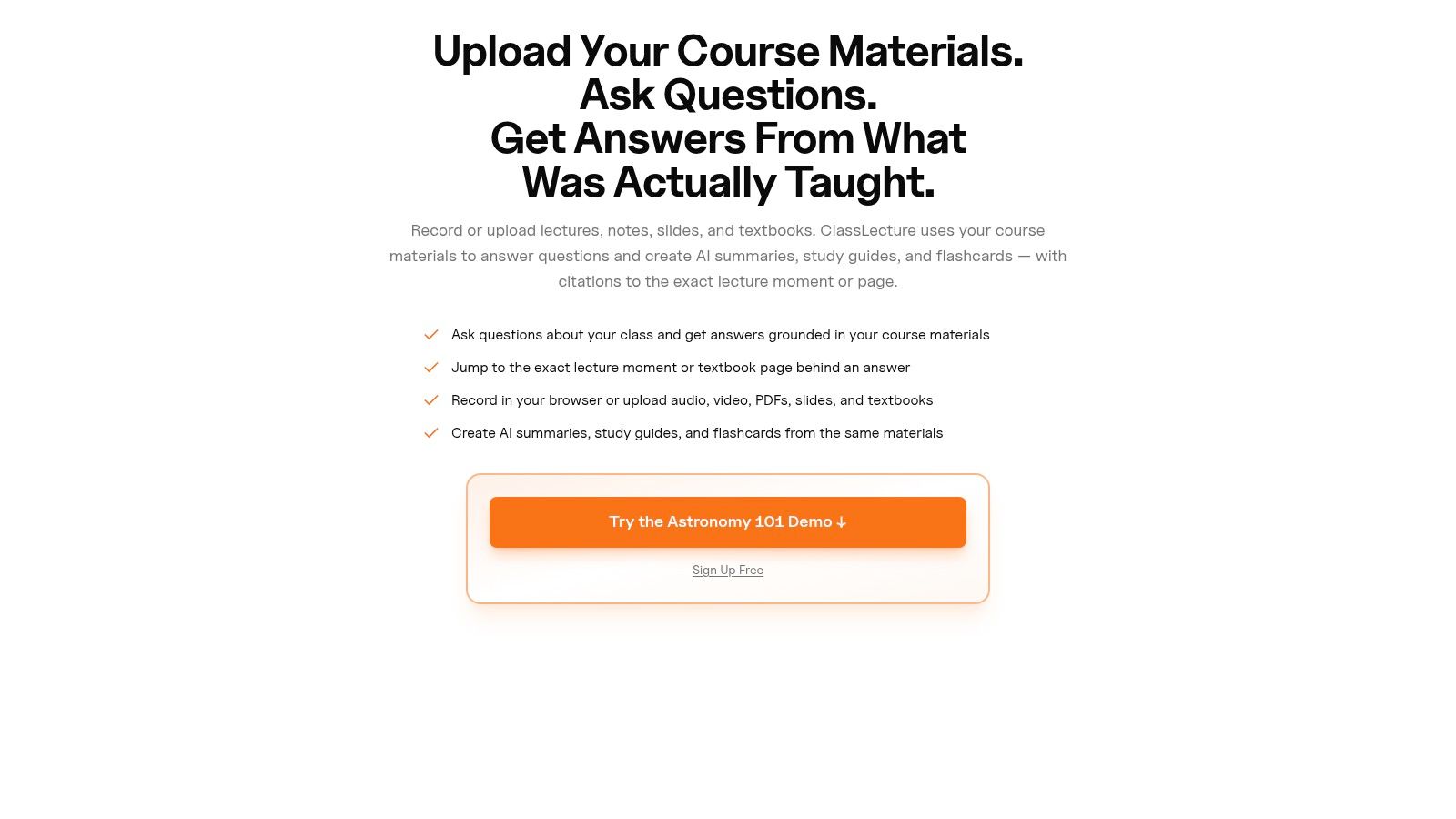
ClassLecture.ai is the clearest example here of a lecture tool built around the full study loop rather than transcript production alone. Its core assumption is accurate to how students review material. The lecture audio matters, but so do the slides, assigned readings, and personal notes that explain what the transcript cannot.
That changes its role in the workflow. Some apps are strongest at capturing live sessions. Others are strongest at editing transcripts or exporting captions. ClassLecture.ai is better understood as a course record system that happens to include transcription, then uses that record to support review.
Where it fits in the lecture workflow
It performs well when the job is to combine capture, verification, and study generation in one place. You can upload lectures, notes, slides, textbooks, and meeting recordings, then query them together instead of switching between a recorder, a transcript viewer, a chatbot, and a flashcard app.
The practical advantage is trust. Its Q&A can point back to timestamps in a lecture transcript or the relevant page in an uploaded document, which gives students a way to verify an answer against the original source. In courses where terminology, formulas, or instructor phrasing matter, that is more useful than a summary that cannot show its evidence.
Practical rule: If an app answers questions without showing the underlying lecture moment or document page, it is faster to use but harder to trust.
ClassLecture.ai also covers more of the front end than many study-focused tools. It supports in-browser lecture recording, bulk uploads, and meeting capture for Zoom, Google Meet, and Microsoft Teams sessions in Chrome or Edge. That makes it more relevant for students who attend a mix of live lectures, recorded sessions, and online classes.
Where it goes beyond transcript retrieval
Its strongest distinction is what happens after the transcript is created. The platform turns course material into summaries, study guides, and flashcards with spaced repetition scheduling, then organizes those assets by class and term. That is a different use case from general transcription apps that stop at search, export, and light summarization.
There is a trade-off. If your only need is a quick transcript of a single lecture, this approach can feel heavier than a simple recorder. If you routinely revisit older lectures before exams, the added structure saves time later because the transcript, citations, and study materials stay connected.
The free plan includes limited transcription, summaries, Q&A, flashcard generation, and document uploads. Paid plans start in the mid-range for student software. The main constraint is familiar: poor audio still lowers transcript quality, and active users can hit free-plan limits quickly.
- Best fit: Students who want one system for recording or uploading lectures, checking answers against source material, and building study assets from the same course record.
- Main strength: It connects capture, transcript verification, and review materials without forcing exports into separate tools.
- Main trade-off: It is more workflow-oriented than lightweight. Students who only need raw transcription may not use its study features enough to justify the extra structure.
2. Otter.ai
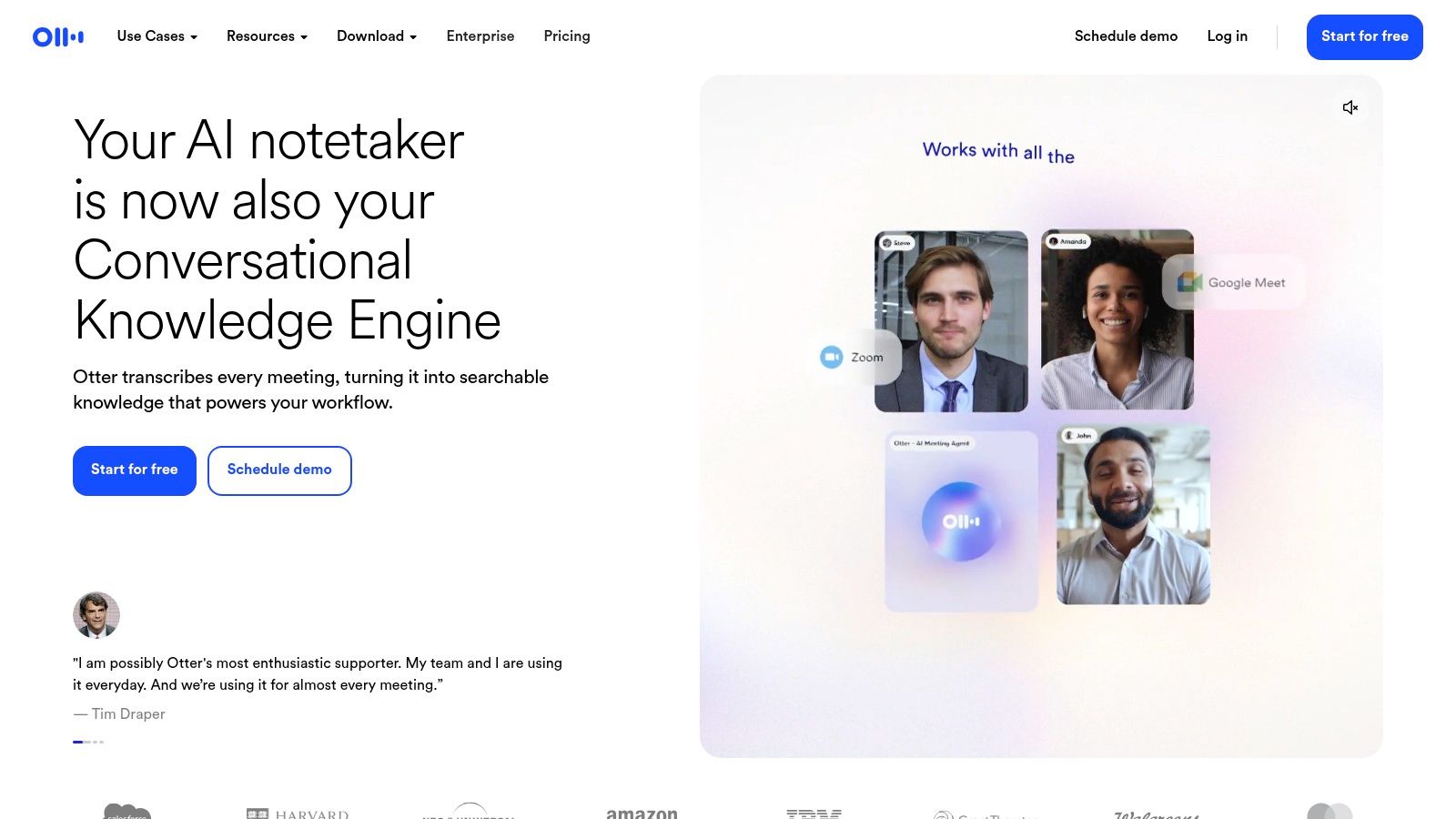
Otter.ai is not a study system first. It is a capture system first, which is exactly why many students still choose it.
That distinction matters in lecture workflows. Some apps are strongest after class, when you want summaries, flashcards, or organized review sets. Otter is strongest during the session and immediately after it. If your main risk is missing what was said in a live lecture, seminar, or online discussion, Otter reduces that risk better than many upload-first transcription tools.
Its practical advantage is integration. Otter connects well with Zoom, Google Meet, and Microsoft Teams, so it fits courses that already happen inside meeting software. In that sense, it belongs in a different category from tools built mainly for editing transcripts or turning course material into study assets. It is closer to a meeting recorder that students can repurpose for lectures.
The trade-off shows up later in the workflow. Otter gives you searchable transcripts, speaker labels, highlights, and summaries, but it does less to turn a semester of recordings into a course-centered review system. If you want transcript retrieval and lightweight notes, that is enough. If you want lecture content tied directly to flashcards, spaced review, and class-by-class study organization, a platform like ClassLecture.ai is built for a different job.
Otter's free tier includes 300 minutes per month, which is enough to test whether live capture changes how you review classes. Students comparing meeting-oriented tools with more course-specific options can use this guide to Otter.ai alternatives to see where Otter's design helps and where it creates extra steps.
- Best fit: Students who attend frequent live lectures, discussions, or online classes and need a fast transcript right after the session.
- Main strength: Strong real-time capture and direct integration with common meeting platforms.
- Main trade-off: It records and retrieves well, but it contributes less to the full record-to-study workflow than tools designed around course review.
3. Notta
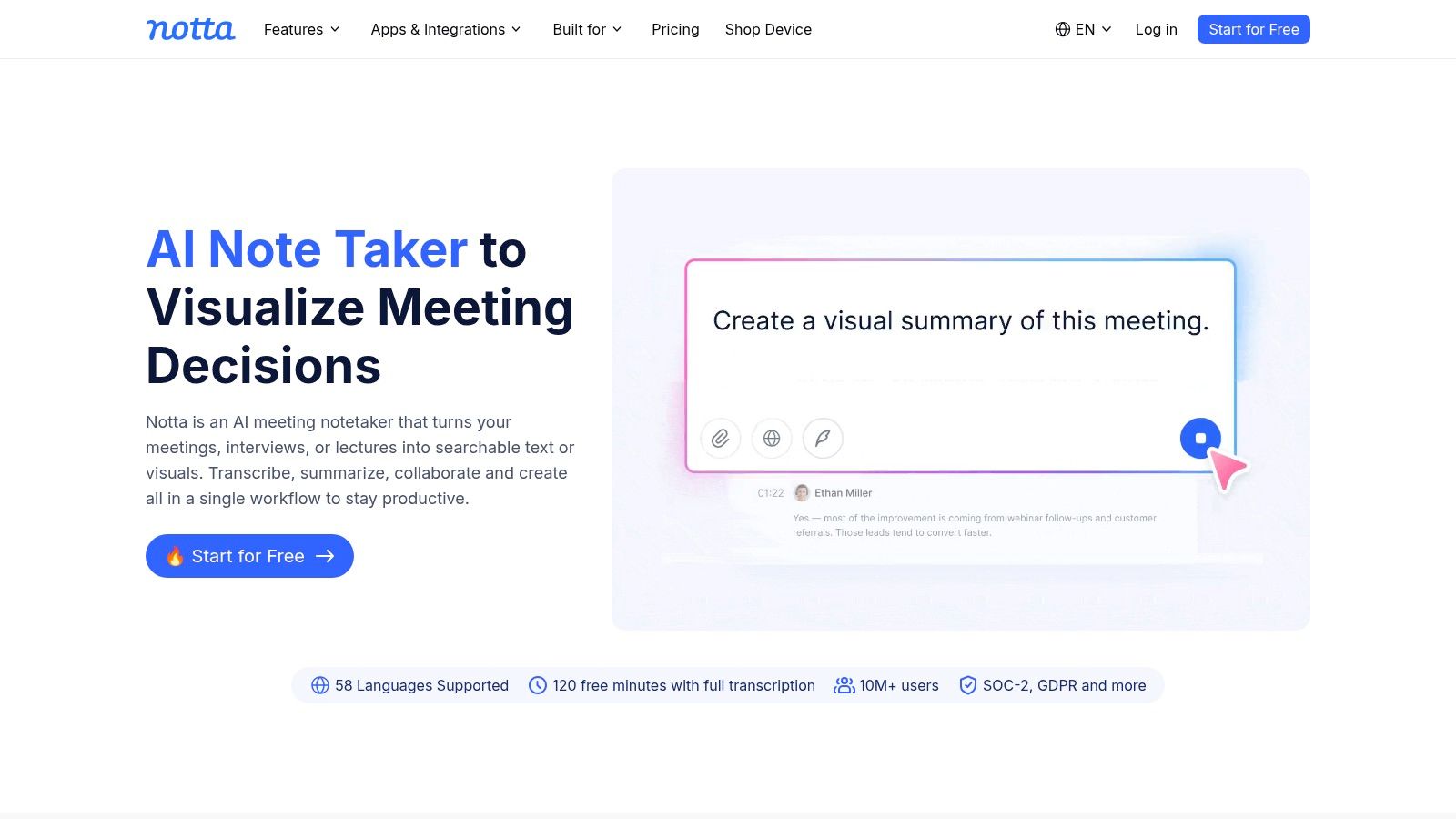
Notta is useful for students whose lecture workflow is inconsistent. Some classes happen in a hall, some over Zoom, some on a phone recording after the fact. Notta covers that messy middle better than tools that assume one capture method.
Its strongest job is capture flexibility. You can record live, upload files, use it across web and mobile, and work with translated output if a class or study group crosses languages. That makes it easier to maintain a usable record when your semester includes in-person lectures, online sessions, and shared recordings from classmates.
That does not automatically make it a better study tool.
Notta is better judged against two separate alternatives. Compared with meeting-first apps, it is less tied to one session format. Compared with study-first products like ClassLecture.ai, it contributes less after the transcript is created. The distinction matters because lecture transcription is only one step in the record-to-study workflow.
Best for mixed capture workflows, especially across languages
Students who switch devices often will notice the advantage quickly. A browser extension may fit one course, a phone recording another, and a desktop upload a third. Notta handles that variation without forcing the same workflow every time.
It also adds timestamps, summaries, and translation features that are practical for review and collaboration. Those features help most when the problem is access and retrieval, not course synthesis across weeks of material.
The trade-off is pricing logic. Core transcription is straightforward, but some AI functions depend on credits or plan limits, which makes heavier use harder to predict over a full term. For a student comparing costs across several classes, that matters more than an impressive feature list.
- Best fit: Students managing lectures across phone, laptop, browser, and multilingual settings.
- Main strength: Flexible capture options that preserve a usable transcript record across varied class formats.
- Main trade-off: It helps create and organize transcripts, but it does less to turn a semester of lecture material into structured study assets and review workflows.
4. Sonix
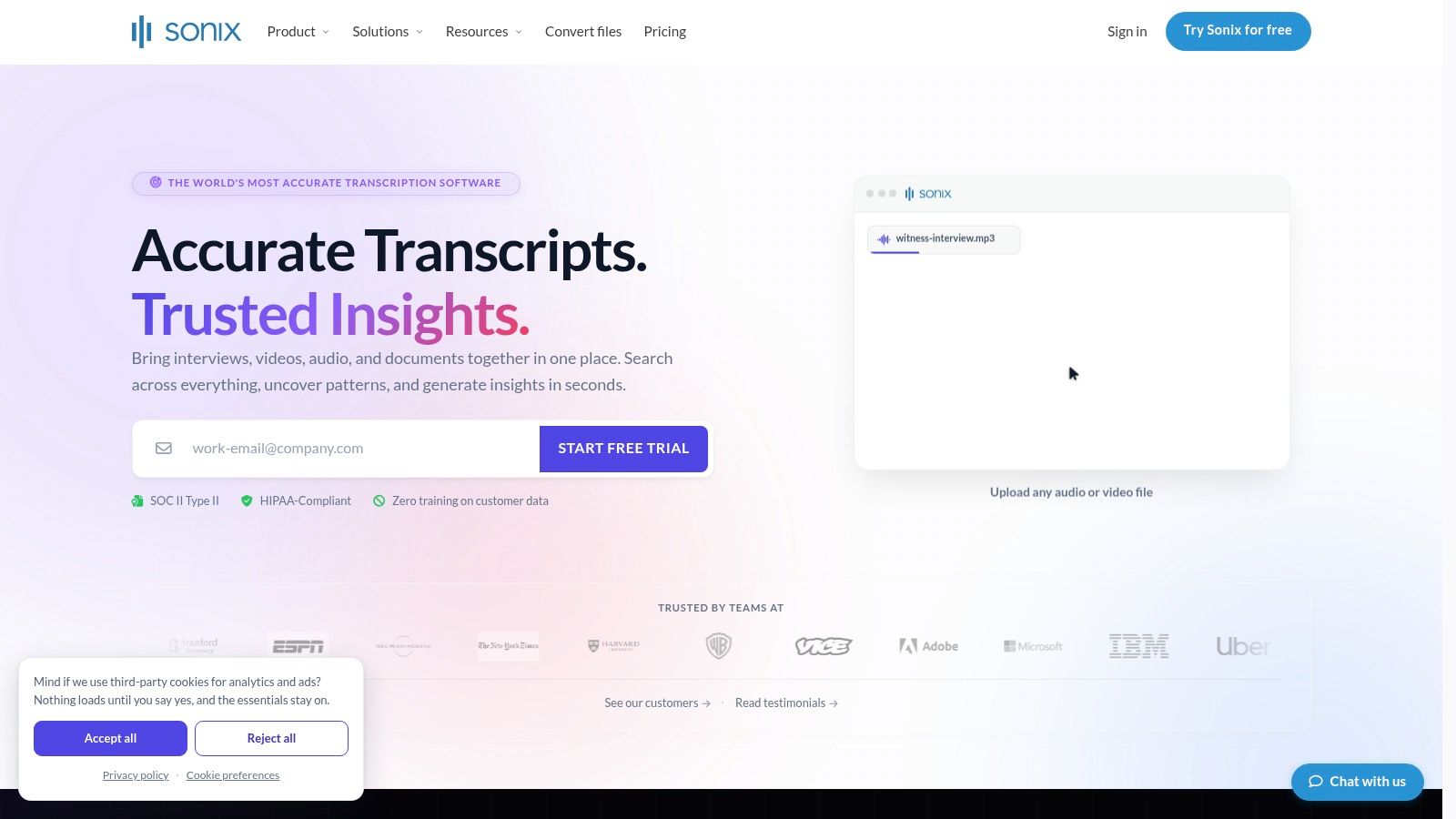
Sonix makes the most sense after the lecture has already been captured. Its value sits in transcript handling, not in the classroom recording moment or in the study phase that follows.
That distinction matters. In a lecture workflow, capture problems, transcript trust, review, and study generation are separate jobs. Sonix is strongest in the middle. You upload audio, clean the text, label speakers, correct terminology, and export the result in formats that other tools or departments can use. If you want one app to record class, summarize a semester, and build study materials, ClassLecture.ai covers more of that full path. If your priority is transcript quality control and file output, Sonix is the tighter fit.
The editor is the reason to choose it. Word-level timestamps, subtitle support, collaboration, and admin controls help when the transcript itself is a deliverable for accessibility, research, media work, or institutional records.
That also changes who benefits from it. A student reviewing one lecture a week may not need this much post-processing. A research assistant handling interviews plus lectures probably will.
If you are deciding whether a recording should be uploaded as-is, cleaned manually, or routed into a heavier editing pass, this guide on how to transcribe a lecture pairs well with Sonix's editor-centered workflow.
The trade-off is downstream utility. Sonix gives you a cleaner transcript record than many meeting-first tools, but it contributes less once the transcript needs to become flashcards, weekly synthesis, or exam review material. Its AI features are also metered separately, so cost planning can get less predictable over a full term.
Best fit: Users who treat transcripts as records to edit, export, archive, or publish.
What it does well: Transcript correction, timestamp control, collaboration, and output formats.
Where it falls short: It is less suited to the full record-to-study workflow than study-first lecture tools.
5. Rev
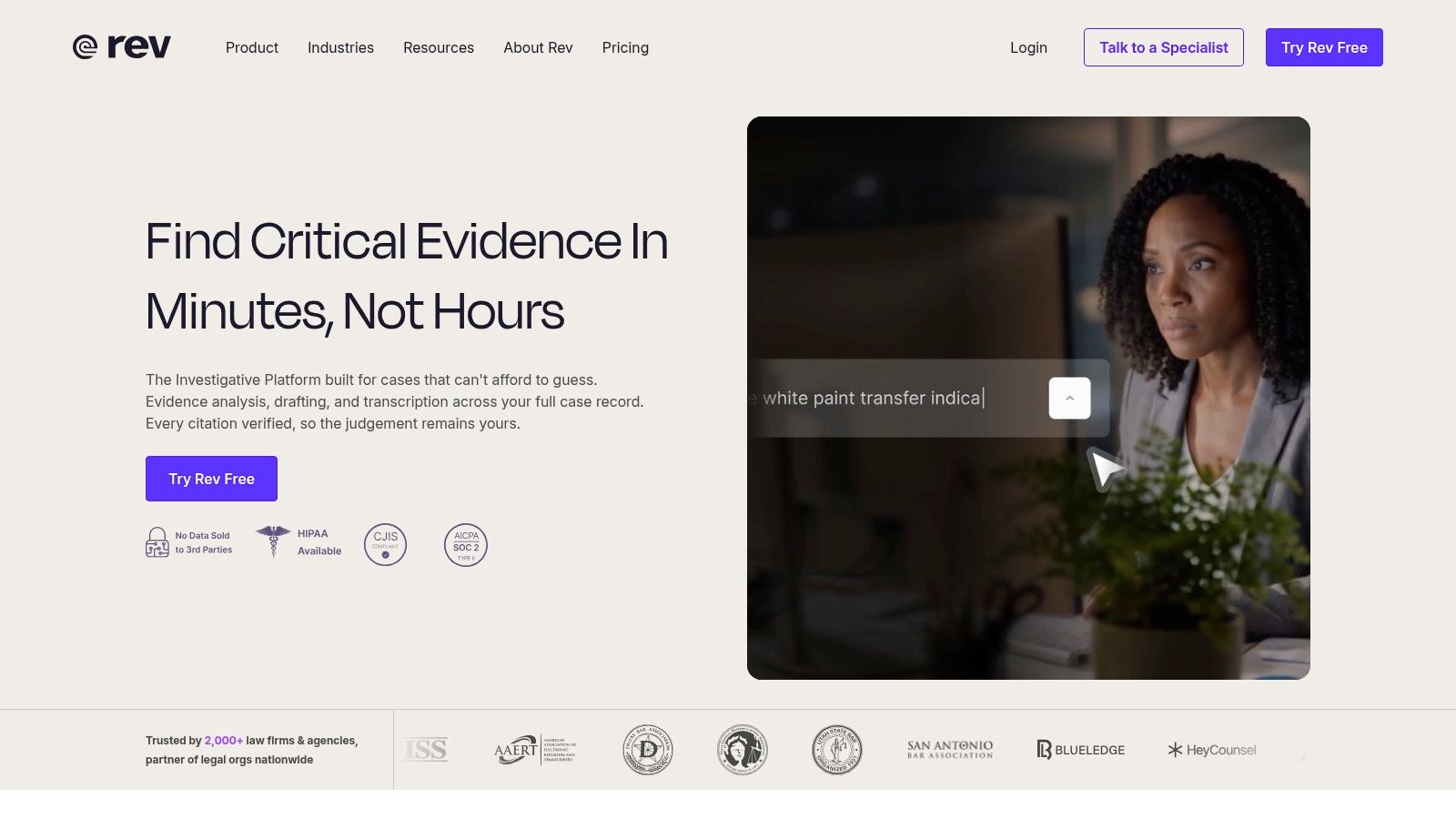
Rev is the option for lecture workflows where transcript trust matters more than speed alone. Its real advantage is not that its AI is categorically better than every other service. It is that the workflow can escalate from automated transcription to human transcription when a recording is too important, too messy, or too specialized to leave unresolved.
That makes Rev a risk-management choice.
Lecture recordings often fail at the first job in the workflow, capture. Room echo, distant microphones, overlapping questions, and discipline-specific vocabulary all reduce transcript reliability. Researchers working on lecture-focused speech recognition found wide error ranges on lecture audio and showed that lecture-specific tuning materially improved results in the RIT thesis on improving Whisper for lectures. The practical takeaway is straightforward. General transcription works well enough for many classes, but lecture audio is inconsistent enough that a fallback path has real value.
Rev fits that problem better than tools built mainly around editing, meetings, or study output. If the transcript will support accessibility documentation, research review, or a disputed quote from a seminar, having a human-review option changes the standard from “usable notes” to “more defensible record.”
The trade-off shows up later in the workflow. Rev helps with capture recovery and transcript confidence, but it does less to turn that transcript into flashcards, summaries, or exam prep. ClassLecture.ai is stronger if the transcript is only the midpoint and the end goal is studying from the material. Rev is stronger if the transcript itself is the asset you need to trust.
Use Rev selectively, not by default.
- Best fit: Faculty, researchers, disability support teams, and students handling recordings where errors would create real downstream problems.
- What it does well: Offers an AI-to-human path for difficult lecture audio and higher-stakes transcript use.
- Where it falls short: It is less efficient as an everyday record-to-study system, and human review raises both cost and turnaround time.
6. Temi
Temi is useful in a narrower part of the lecture workflow than several tools around it. Its job is straightforward: upload a recorded file, get back a transcript, make light edits, and export the text into whatever system you already use for notes or review.
A typical use case is a student who records a seminar on a phone, uploads an MP3 or M4A file after class, corrects names and course terms in the editor, then exports a DOCX, PDF, or plain text transcript for annotation. That fits the "capture to transcript" stage well. It does much less once the goal shifts from recordkeeping to studying.
That distinction matters. Temi is closer to a utility than a lecture workspace.
For trustworthy transcripts, the trade-off is the same one that applies to lightweight general transcription tools. Clean audio and one primary speaker are manageable. Crosstalk, accents, room noise, and specialized vocabulary create more cleanup work, and Temi does not add the lecture-specific scaffolding that products like ClassLecture.ai use later in the workflow to turn class content into summaries, flashcards, or organized study outputs.
Temi also sits in an awkward middle ground for collaboration and institutional use. It is simpler than meeting tools such as Otter.ai or Fireflies.ai, but that also means fewer controls for shared sessions, ongoing class records, or broader academic workflows. If the transcript is only an intermediate file, that simplicity saves time. If the transcript needs to connect to recurring lectures, study materials, or support documentation, the handoff cost shows up quickly.
- Best fit: Students or faculty who want a fast transcript from an existing recording and already have a separate note-taking or study system.
- Main strength: Low-friction upload, edit, and export for one-off lecture files.
- Main trade-off: Limited help with study generation, collaboration, and the rest of the record-to-study pipeline.
7. Descript
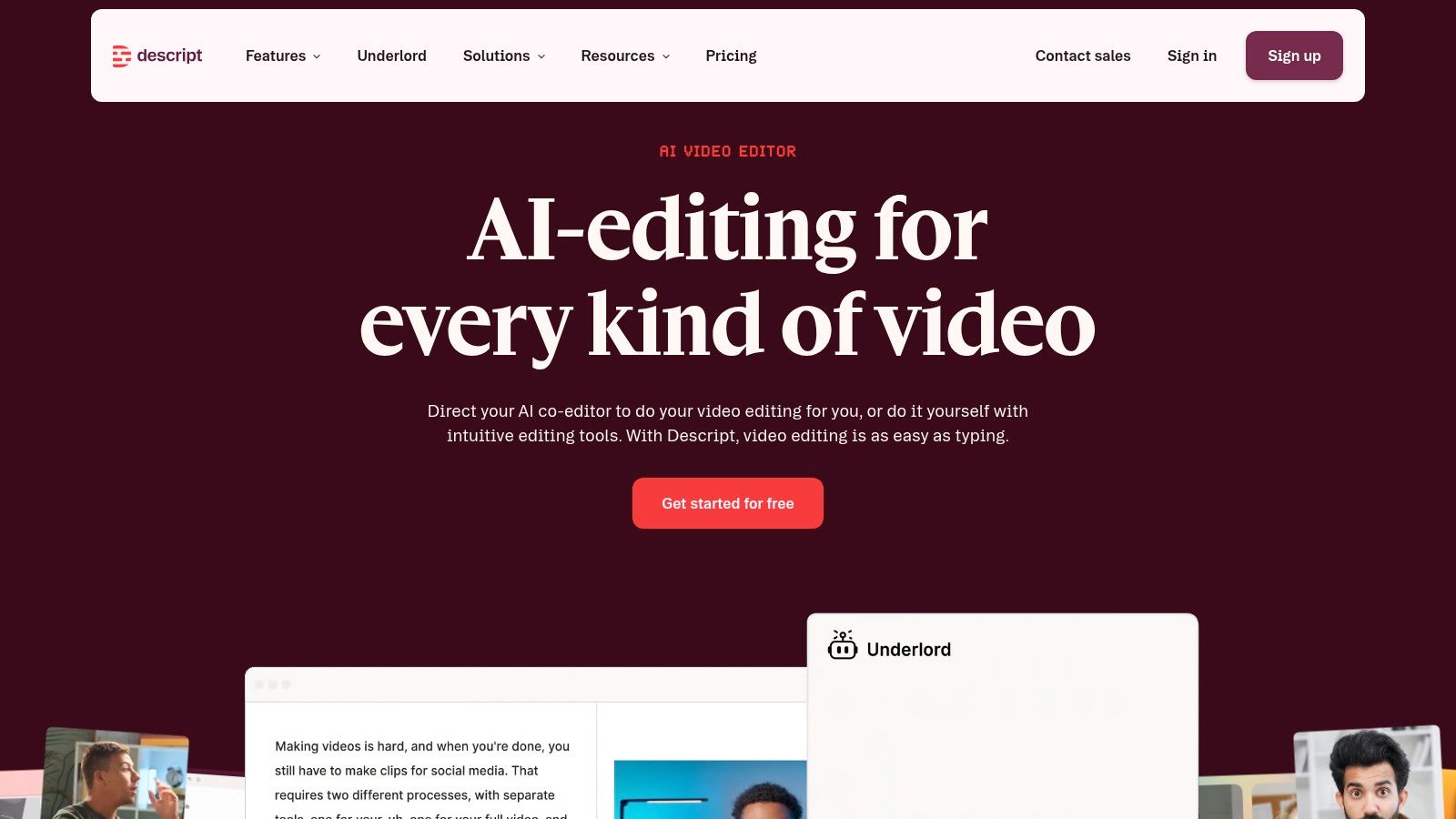
A lecture transcription app is not always a study app. Descript makes that distinction clear.
Descript fits the part of the workflow where a recording needs editing before anyone studies it. Instructors trimming a two-hour lecture into review clips, tutors cleaning audio for recap videos, and students producing annotated explainers will get more value from Descript than from plain upload-and-transcribe tools. Its transcript is tied directly to the media timeline, so deleting text also edits the audio or video. That changes the job from recordkeeping to production.
The advantage is not just convenience. Editing-first tools can improve what comes after transcription by removing dead time, reducing distracting filler, and exporting cleaner captions or shorter review assets. If you are comparing products in that category, this guide to Descript alternatives for transcription-first and editing-first workflows helps clarify the trade-offs.
Where Descript fits in a lecture workflow
Descript is strongest after capture and before study generation. It can clean, cut, caption, and package a lecture into something easier to reuse across office hours, tutoring sessions, or course recap libraries.
That also explains where it differs from ClassLecture.ai and other study-oriented lecture tools. Descript improves the recording itself. It does less to turn class content into flashcards, structured notes, or exam review materials tied to an ongoing course record.
- Best fit: Instructors, tutors, and students who repurpose lectures into clips, recaps, or polished teaching materials.
- Main strength: Text-based media editing combined with transcription, captioning, and audio cleanup.
- Main trade-off: More production power means more setup and a weaker handoff into studying if transcript editing is only one step in the process.
Limitation to consider
Descript is a good choice if the lecture is becoming content. It is a less direct choice if the lecture is becoming study material. Students who mainly need a trustworthy transcript, searchable notes, recurring class organization, and privacy-conscious academic storage may find that an editing suite solves the wrong problem.
8. Trint
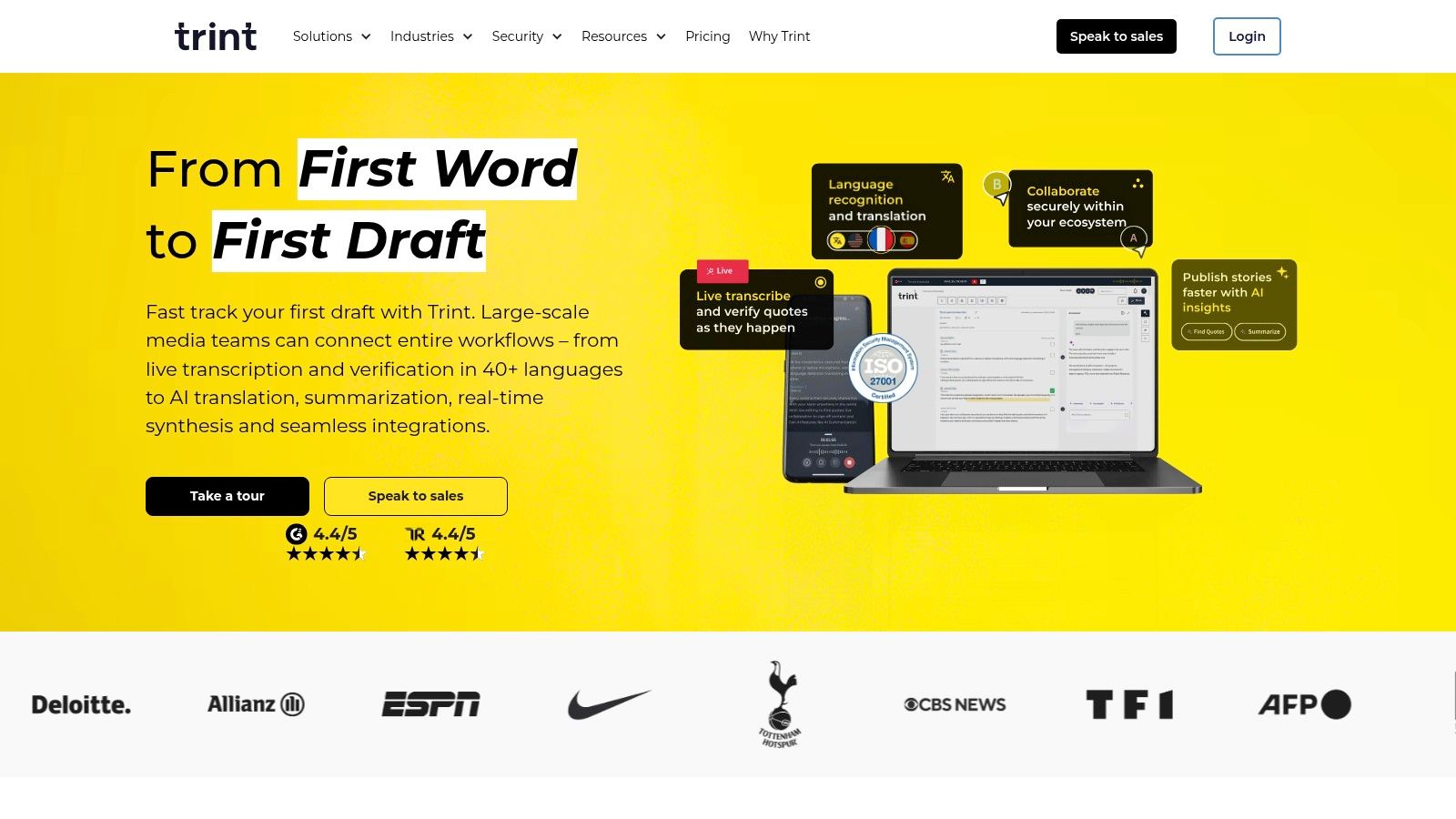
Trint earns its place in a lecture workflow for a narrower job than many student apps. It is less about getting a quick personal transcript and more about managing a transcript that several people will review, edit, quote, and store under shared rules.
That distinction matters. A lecture app can succeed at capture and still fail once the transcript becomes departmental material, research evidence, or a record used across a course team.
For audio capture and transcript generation, Trint is capable. Its stronger argument appears later in the workflow. Team editing, commenting, highlights, translation, and AI summaries make more sense in journalism programs, research groups, accessibility offices, and institutional settings than in a solo study routine. If ClassLecture.ai is built around turning class sessions into study outputs, Trint is better suited to transcript governance and collaborative review.
Another practical difference is data handling. Educational recording raises questions about consent, retention, and who can access the file after class. Student-facing guidance still advises checking recording policy and getting permission where needed, according to Scholarly's guide to AI lecture recorder tools. Trint fits organizations that need those decisions reflected in the tool, not left to ad hoc file sharing.
Use Trint if the transcript is a shared asset. Skip it if the transcript is mainly a step on the way to notes, flashcards, or exam prep.
- Suited for: Research labs, media programs, academic support teams, and institutions managing shared lecture records
- What it does well: Supports collaborative transcript review, controlled sharing, and longer-lived academic archives
- Trade-off: Heavier setup and less direct study conversion than student-first lecture tools
9. Fireflies.ai
Fireflies.ai fits one narrow part of the lecture workflow very well. It captures and summarizes live online conversation. That makes it a stronger option for seminars, office hours, group tutorials, and project meetings than for a recorded lecture library you plan to study from all semester.
The distinction matters because lecture transcription is not one job. You need to capture audio reliably, produce a transcript you can trust, turn it into usable study material, connect it to the class tools already in use, and handle recordings in a way that makes sense for an academic setting. Fireflies is strongest at the session layer. ClassLecture.ai is aimed further downstream, where the transcript needs to become notes, review material, and a usable study record.
A practical test is simple. If the class already runs through Zoom, Google Meet, or Teams, Fireflies makes adoption easy because the recording and transcript can happen inside the session workflow students and instructors already use. If the source material is a phone recording from the back of a lecture hall, its advantage shrinks. You can still upload files, but the product makes more sense when the event starts as a meeting.
That meeting-first design also shapes the output. Fireflies is good at identifying topics, summaries, and follow-up points from discussion-heavy sessions. It is less clearly suited to the kind of transcript students use to reconstruct a dense lecture, align it with readings, and extract exam-focused study aids.
Use Fireflies for recurring live academic conversations.
- Best fit: Remote seminars, office hours, tutoring sessions, study groups, and instructor meetings
- What it does well: Captures online sessions with low setup friction and produces searchable notes quickly
- Trade-off: Better at documenting conversation than building a long-term lecture-to-study workflow from classroom recordings
10. Glean
Glean belongs in a different part of the lecture workflow than Otter, Sonix, or Rev. Its value is not just transcript generation. It is the way it ties audio, typed notes, slide references, and review points to the same lecture timeline.
That distinction matters because students do not always need the cleanest transcript first. Sometimes they need a structured replay system that helps them recover what they missed during class.
A higher education paper on lecture recordings and captions argues that recordings, captions, and transcripts support pacing, note-taking, and access across the student population, not only in formal accommodation cases, according to the 2024 higher education paper on lecture recordings, captions, and access. Glean lines up with that use case more closely than general-purpose transcription apps.
The trade-off is scope. If your main job is converting raw lecture audio into a text record you can export, search, and repurpose into summaries or flashcards, Glean is less flexible than tools built around transcript editing or downstream study generation, including ClassLecture.ai. If the harder problem is keeping notes attached to the exact moment a lecturer explained a diagram, corrected a definition, or moved to a new slide, Glean has a clearer advantage.
Its strongest fit is institutional adoption. Campuses, disability support teams, and learning support programs can use it as part of a formal note-taking workflow, where consistency and support matter as much as file handling or transcript customization.
Students buying for themselves should check access and pricing first. Glean makes the most sense when note capture is the core need and the institution already supports the product.
Top 10 Lecture Transcription Apps: Feature Comparison
| Product | Core features | UX & accuracy (★) | Price & value (💰) | Target audience (👥) | Unique strengths (✨) |
|---|---|---|---|---|---|
| ClassLecture.ai 🏆 | Upload/record lectures, bulk uploads, transcripts, timestamped Q&A, AI summaries, FSRS flashcards | ★★★★☆, citation-backed, context-aware | 💰 Free tier (3 hr transcribe/mo, 10 Qs); paid from $17/mo | 👥 Undergrads, grads, instructors, online learners | ✨ Citation-backed answers; integrated capture→study pipeline; privacy-first |
| Otter.ai | Live transcription, speaker ID, meeting joins/imports, AI summaries | ★★★★☆, reliable live captions | 💰 Free 300 min/mo; paid tiers for advanced features | 👥 Students, remote teams, lecturers | ✨ Strong conferencing integrations; generous free tier |
| Notta | Real-time recording, multi-language transcription, translations, cross-platform apps | ★★★★☆, fast onboarding | 💰 Free limited plan; paid with high-minute tiers & educator discounts | 👥 Students, educators, teams | ✨ Translations & “Notta Brain” analysis; multi-device support |
| Sonix | High-accuracy transcripts, word-level timecodes, editor, subtitles, compliance options | ★★★★☆, precise editor & collaboration | 💰 Transparent pay-as-you-go + subscriptions | 👥 Research labs, institutions, multi-course managers | ✨ Polished in-browser editor; enterprise security (SOC2/HIPAA available) |
| Rev | AI + optional human transcription, captions/subtitles, interactive editor | ★★★★☆, top accuracy with human option | 💰 Predictable per-minute pricing; human tier pricier | 👥 Users needing highest accuracy; researchers | ✨ Easy AI→human escalation for noisy/critical audio |
| Temi | Fast automated transcripts, web editor, API access | ★★★☆☆, quick, basic accuracy | 💰 Very low per-minute cost; first file free | 👥 Budget users, quick uploads, developers | ✨ Low-cost automation & API for scale |
| Descript | Text-based audio/video editor, Studio Sound, filler removal, multitrack editing | ★★★★☆, powerful editing, steeper learning curve | 💰 Free tier; paid for pro features and credits | 👥 Creators, students polishing clips, podcasters | ✨ Edit-by-text, AI audio cleanup, publish-ready clips |
| Trint | Live & file transcription, team editing, translations, security/compliance | ★★★★☆, newsroom-grade collaboration | 💰 Enterprise/bulk pricing; trial limits apply | 👥 Institutions, media teams, research groups | ✨ Collaboration + compliance; data residency options |
| Fireflies.ai | Meeting bot joins, searchable transcripts, summaries, action items, integrations | ★★★★☆, great for virtual sessions | 💰 Competitive tiers; student/small-team pricing | 👥 Instructors, study groups, small teams | ✨ Meeting automations, CRM/Slack integrations |
| Glean (formerly Sonocent) | Capture lectures, align notes/slides to timeline, transcripts/captions, study workflows | ★★★★☆, student-focused accessibility | 💰 Institution licensing common; individual varies | 👥 Students, disability/support services | ✨ Purpose-built student workflows; campus/adoption focus |
Choose the Workflow You Will Actually Use
The best lecture transcription app isn't the one with the most buttons. It's the one that fits the step in the workflow that usually breaks for you.
If you want the lecture to become a study system, ClassLecture.ai is the strongest fit in this group. It connects recording and uploads to searchable transcripts, source-grounded Q&A, summaries, study guides, flashcards, spaced repetition, and class organization. That matters because research tying lecture capture to learning outcomes points to repeated engagement, not just possession of a recording. In a University of Illinois analysis, students who watched at least 2,000 minutes of captured lectures were predicted to increase their course total by 2.4 points on a 100-point scale, or about one letter grade, as summarized in Sonix's lecture capture statistics research roundup. A workflow that makes returning to lecture material easier has real academic value.
If live capture is the whole game, Otter.ai, Notta, and Fireflies.ai make more sense. They're strongest when lectures happen in real time, especially through online meeting platforms, and when searchable notes right after class are enough.
If your main job is transcript production and export, look at Sonix, Rev, or Temi. Sonix is best when you need a strong editor and scalable archive. Rev is the fallback when difficult audio makes human review worth paying for. Temi is the simple utility choice when you only need quick automated output.
Descript belongs in its own lane. Choose it when editing the recording matters as much as transcribing it. Trimming, polishing, and republishing lecture content is a different workflow from exam prep, and Descript serves that workflow well.
Trint is the better pick when collaboration, permissions, and compliance carry real weight. Glean is the better pick when accessibility support, note-taking scaffolds, and institution-backed use are the deciding factors.
Before you commit, do five things:
- Confirm permission: Check course policy and instructor expectations before recording.
- Test a real sample: Record a short segment in the actual classroom or virtual platform you'll use.
- Check subject accuracy: Review technical vocabulary, speaker labels, and whether the transcript stays usable for your discipline.
- Read the limits: Look closely at monthly quotas, overage rules, AI credits, and export restrictions.
- Review privacy terms: Make sure you understand retention, deletion, sharing controls, and how sensitive academic material is handled.
One last point is easy to miss. This market is growing quickly, but growth alone doesn't tell you which tool to choose. One market estimate puts the lecture transcription platforms market at USD 1.02 billion in 2024 and projects USD 3.19 billion by 2033, a 16.3% compound annual growth rate, according to Sonix's lecture transcription market statistics page. That confirms demand. It doesn't solve your workflow problem.
Choose the app that removes your bottleneck. For some students, that's capturing the lecture. For others, it's trusting the transcript. For many, it's turning a recording into something they'll study from next week.
If you want more than a transcript, ClassLecture.ai is built to turn lectures, notes, textbooks, and meeting recordings into a course-specific study assistant. You can upload or record class material, get a searchable transcript, ask citation-backed questions, and generate summaries, study guides, and flashcards from the exact sources your class used.
The ClassLecture.ai Team
We build ClassLecture.ai, the AI study assistant that turns your recorded lectures into transcripts, summaries, flashcards, and answers cited to the exact timestamp — so you learn faster from your own professor's words.
Keep reading
10 Best AI Note Taking Apps for Students in 2026
Compare 10 ai note taking apps for students by features, pricing considerations, study workflows, and best-use cases in 2026.
Read7 Best Transcription Software for Students in 2026
Compare the best transcription software for students in 2026: accuracy, pricing, Zoom and LMS support, privacy, and lecture-to-study workflows.
ReadBest Meeting Transcription App: 10 Top Picks
Compare the best meeting transcription app options for accuracy, formats, integrations, pricing, privacy, students, and instructors.
Read