7 Best Transcription Software for Students in 2026
Compare the best transcription software for students in 2026: accuracy, pricing, Zoom and LMS support, privacy, and lecture-to-study workflows.
You recorded the lecture, downloaded a clean-looking transcript, and saved it beside your slides. Now the midterm is approaching, and you still haven't reopened it. Finding the professor's explanation of a confusing concept means searching through files, rereading pages of text, and rebuilding the context you had during class.
A good transcript is only the first step in studying. The useful part comes afterward: replaying the right passage, checking unfamiliar terminology, asking focused questions, and turning explanations into practice you'll revisit.
The best transcription software for students should fit that whole routine, not just produce readable text. These tools differ in how they handle accuracy, uploaded formats, live capture, processing speed, pricing, integrations, and privacy. They differ even more once you want flashcards, source-linked answers, or an organized semester of course materials.
Choose the tool that makes it easiest to return to the original explanation, not the one whose transcript merely looks the cleanest.
The options below serve different jobs. Some are better for uploaded recordings, others for live online classes or editing videos. Only some connect transcription directly to ongoing study.
Table of Contents
- 1. ClassLecture.ai
- 2. TurboScribe
- 3. Notta
- 4. Otter.ai
- 5. Sonix
- 6. Descript
- 7. Rev
- How the seven tools compare for student lecture workflows
- Choosing the Right Tool for Your Study Routine
1. ClassLecture.ai
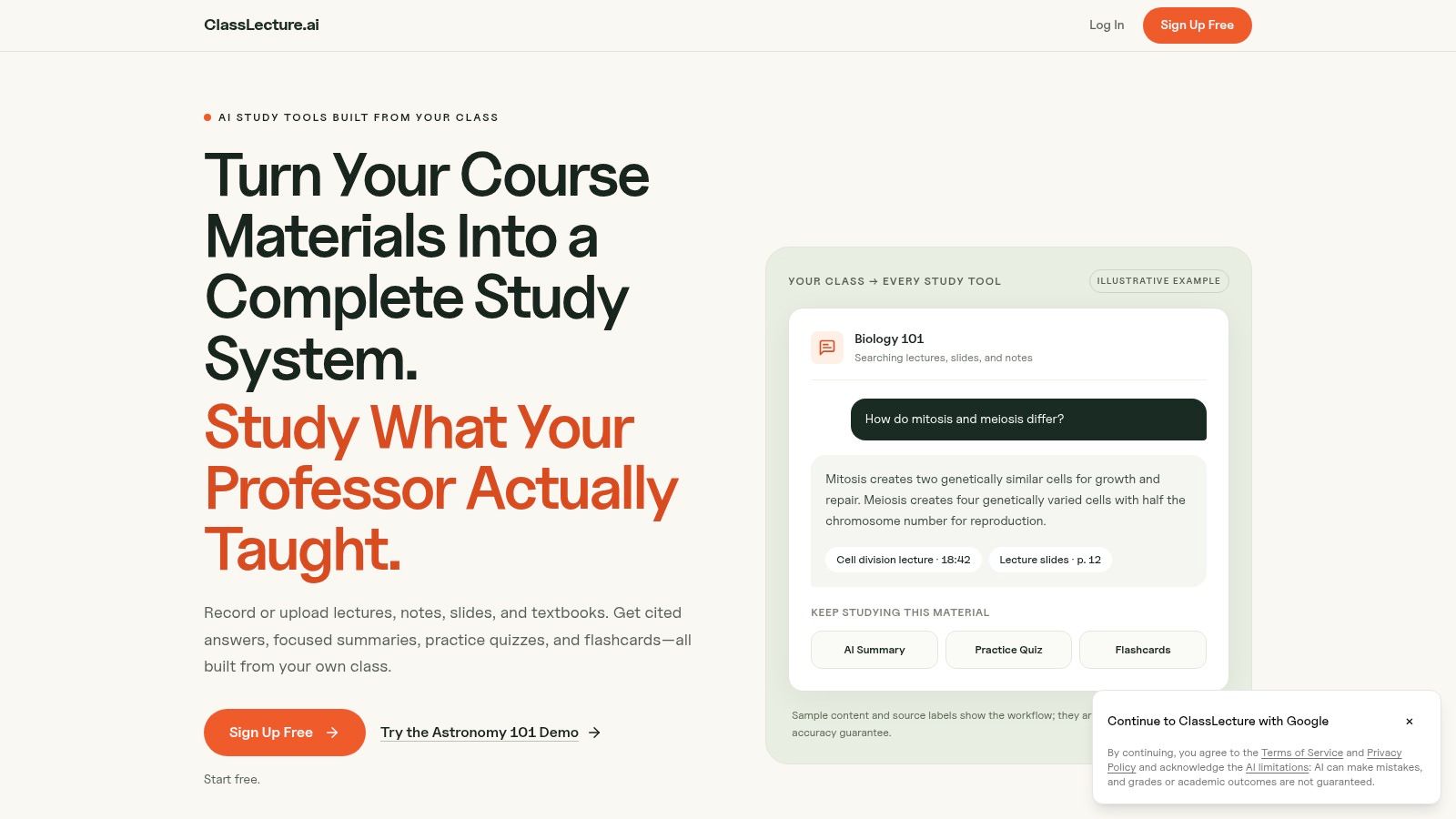
Best for connecting lecture capture to source-checked study. ClassLecture.ai combines searchable transcripts with questions, summaries, study guides, quizzes, and spaced-repetition flashcards. You can organize recordings, notes, and textbooks by class and term instead of maintaining a separate transcription folder and study app.
Record in your browser or upload audio, video, and documents. Supported materials include common lecture recordings, PDFs, Word files, Markdown, and EPUB. Our workflow lets you turn lectures into searchable text, then use the same material for review rather than copying passages between tools.
The important distinction is source control. You can ask questions using transcripts, documents, or both, then follow timestamp or page references back to the relevant material. That's useful when a textbook defines a concept broadly but your instructor emphasizes a particular application.
From a transcript to a review routine
Say your nursing lecture covers a medication class. Ask for an explanation based on that lecture, replay the cited passage, check the drug names against your course materials, and then generate practice questions. Construction and safety learners can use the same approach for terminology and procedures, without treating generated answers as professional guidance or official exam coverage.
- Connected review: Summaries, scored quizzes, study guides, and flashcards draw on your selected course materials.
- Semester organization: Class-level review brings together due flashcards across lectures and documents.
- Low-friction testing: Sample courses are accessible without an account, and a Free plan is available.
- Processing speed: A one-hour lecture is typically transcribed in about five minutes.
The trade-off is verification. Our reported transcription accuracy is about 90–95% on clean audio, not a guarantee for a noisy classroom. Transcripts, answers, citations, and study materials can be inaccurate or incomplete.
The Free plan includes three AI summaries, three quizzes, three flashcard decks, and three questions per month. Paid plans expand capacity, but choose based on your recording workload and review habits, not just the largest allowance.
2. TurboScribe
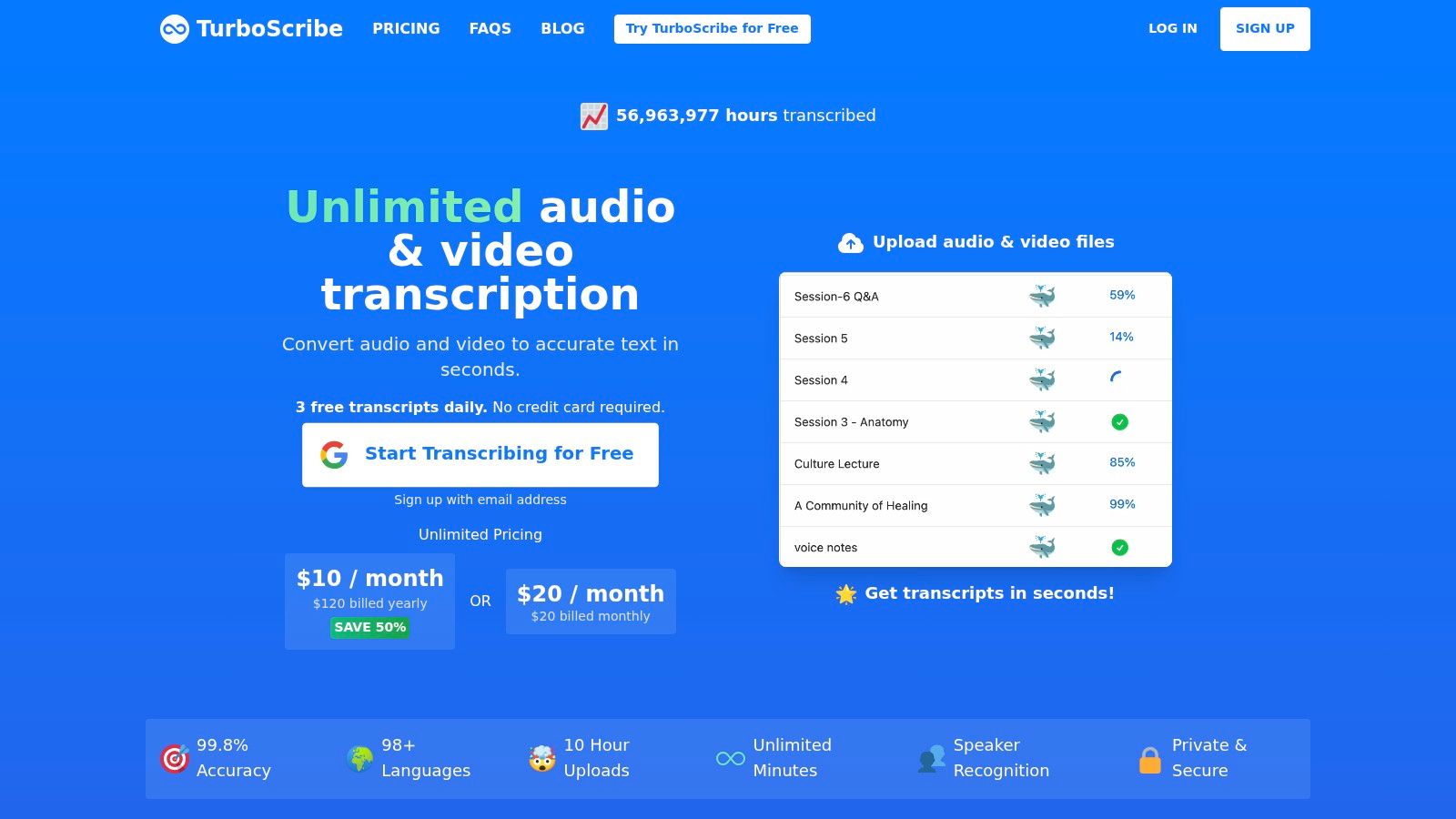
Already have a folder of downloaded lectures? TurboScribe is a straightforward option for turning those recordings into text. Its file-first approach suits students who don't need a meeting assistant joining live classes.
It accepts common audio and video formats, including MP3, MP4, M4A, MOV, and WAV, and offers speaker recognition and multilingual transcription. The appeal is a focused workflow: upload the recording, obtain the transcript, and move it into your existing notes system.
Where the simplicity helps, and where it stops
TurboScribe makes sense if you already maintain your own flashcards and course folders. You're buying transcription capacity rather than replacing your study routine. Free access provides a way to assess your recordings, while its paid unlimited-transcription offering is worth considering for a substantial archive.
- Works well for: Existing lecture files that need a searchable text version.
- Needs another tool for: Integrated lecture Q&A, spaced review, and class-level flashcard practice.
- Requires your attention: Names, technical vocabulary, and passages where speakers overlap.
Don't judge the output only by how smoothly it reads. Search for a difficult term you remember from class, then compare the wording against the recording. A fluent substitution can be harder to notice than an obviously garbled sentence.
Our guide to how to transcribe audio to text explains the preparation and review steps that matter before you rely on an uploaded transcript.
Choose TurboScribe when text is the missing piece. If your real problem is knowing what to study next, plan for the extra work of converting that text into questions and scheduled review.
3. Notta
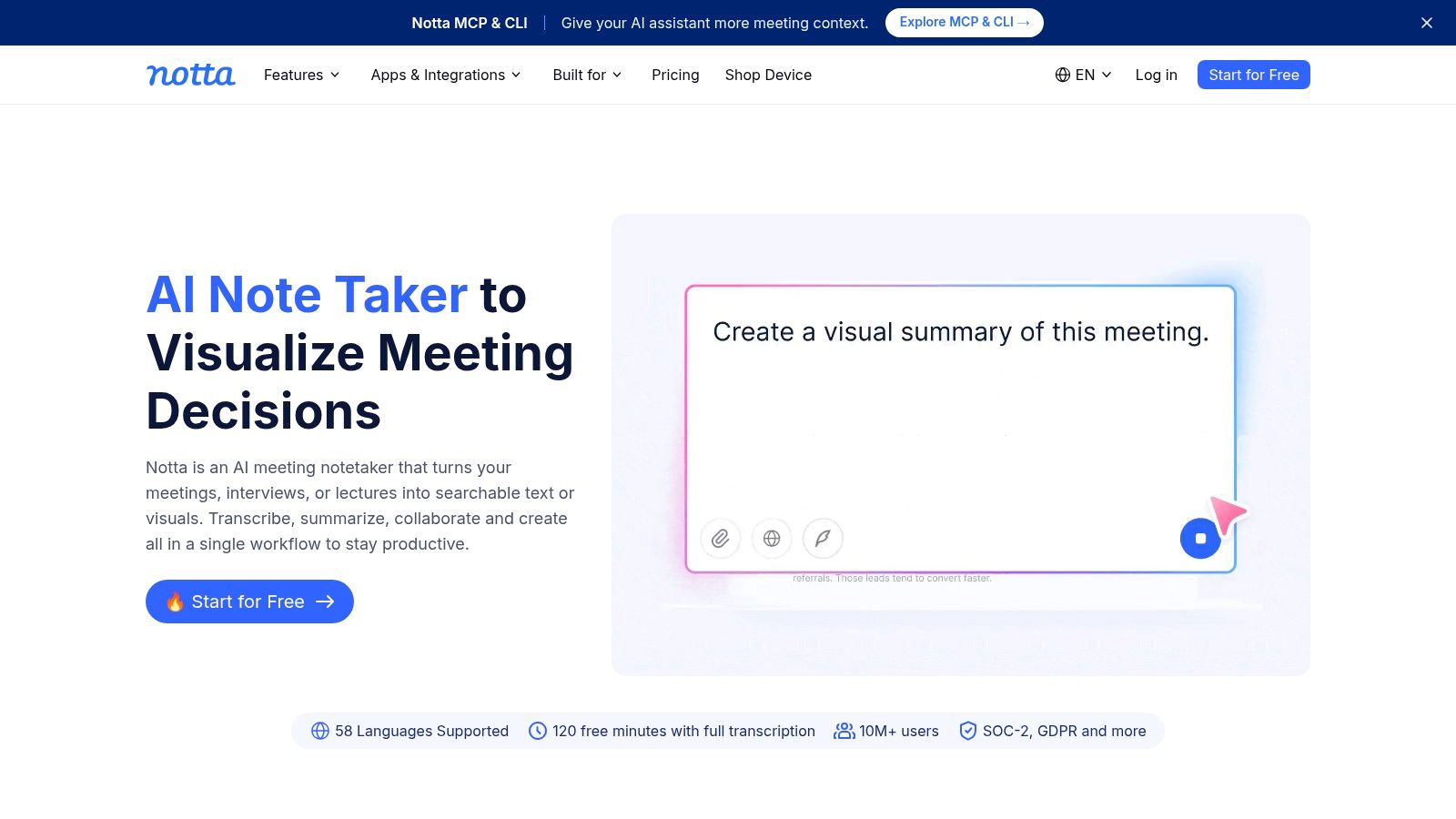
Your course materials may arrive through several channels: a recorded seminar, a live Zoom session, and a study-group meeting. Notta accommodates both uploaded recordings and supported online meetings, making it useful for that mixed workload.
Its meeting integrations include Zoom, Microsoft Teams, Google Meet, and Webex. Speaker identification and AI summaries help you review the resulting transcript, while paid features include longer recordings, export, and translation.
The distinction to keep clear is meeting capture versus course review. A summary can help you find the main topic, but you still need to turn an explanation into a question you can answer without looking.
Practical rule: Test a full-length class workflow, not just a short audio sample. Recording limits and export restrictions can matter more than the first transcript's appearance.
Check the plan against your timetable
Notta's free offering has a restrictive per-transcription limit, so it isn't a practical substitute for unrestricted full-lecture capture. Paid plans expand recording capacity, but monthly transcription allowances still matter if you record several courses. Eligible students and teachers can also explore its education discount.
Translation deserves a separate check. Confirm whether the feature you need belongs to your chosen plan or requires an additional purchase, and compare translated technical terms against the original lecture.
For a broader file-transcription comparison, TurboScribe alternatives for video creators provides another workflow perspective. For students, though, the deciding question is simpler: can you capture the class, retrieve the explanation, and export what you need without interrupting your review routine?
Notta is most compelling when flexible capture matters more than built-in spaced repetition.
4. Otter.ai
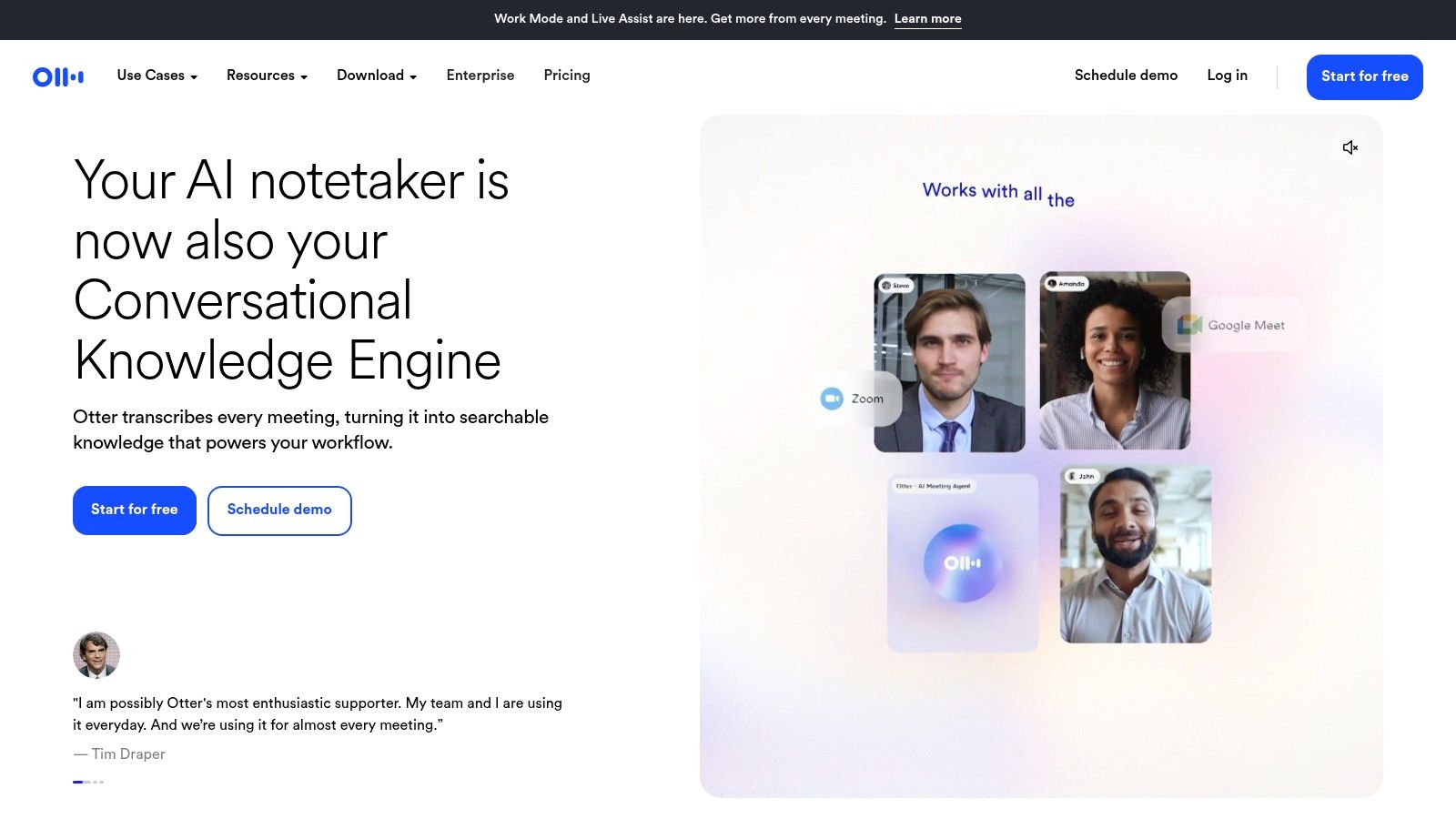
Otter.ai is a live-class option first. It suits students who want text appearing during an online lecture or study-group discussion, followed by search, playback, and AI chat across transcripts.
It works with Zoom, Microsoft Teams, and Google Meet, and offers mobile recording and transcription. Speaker identification can help separate an instructor's explanation from student questions, although you should verify labels before attributing a statement.
Live availability and final accuracy aren't the same benefit. A 2024 ACM study of lecture transcription found that streaming recognition performed significantly worse than batch transcription, a reason to distinguish immediate access from your final study reference.
A better fit for live capture than a recording backlog
Otter's free plan includes recurring transcription capacity, but its file-import allowance is a lifetime restriction rather than a fresh monthly allocation. That makes the distinction between recording live and uploading existing files especially important.
- Choose it for: Live online classes, discussion sessions, and searchable meeting notes.
- Test carefully for: Imported lecture archives and the language your instructor uses.
- Build separately: A consistent flashcard schedule and a course-by-course exam review system.
An effective review session starts with a question, not a complete reread. Search for the concept, replay the surrounding explanation, and write a retrieval prompt that you can answer later without the transcript.
If your needs lean toward uploaded recordings or more connected study materials, compare these Otter.ai alternatives.
Otter is useful when capturing the live conversation is the priority. It's less compelling if most of your semester already exists as recorded files waiting to be processed.
5. Sonix
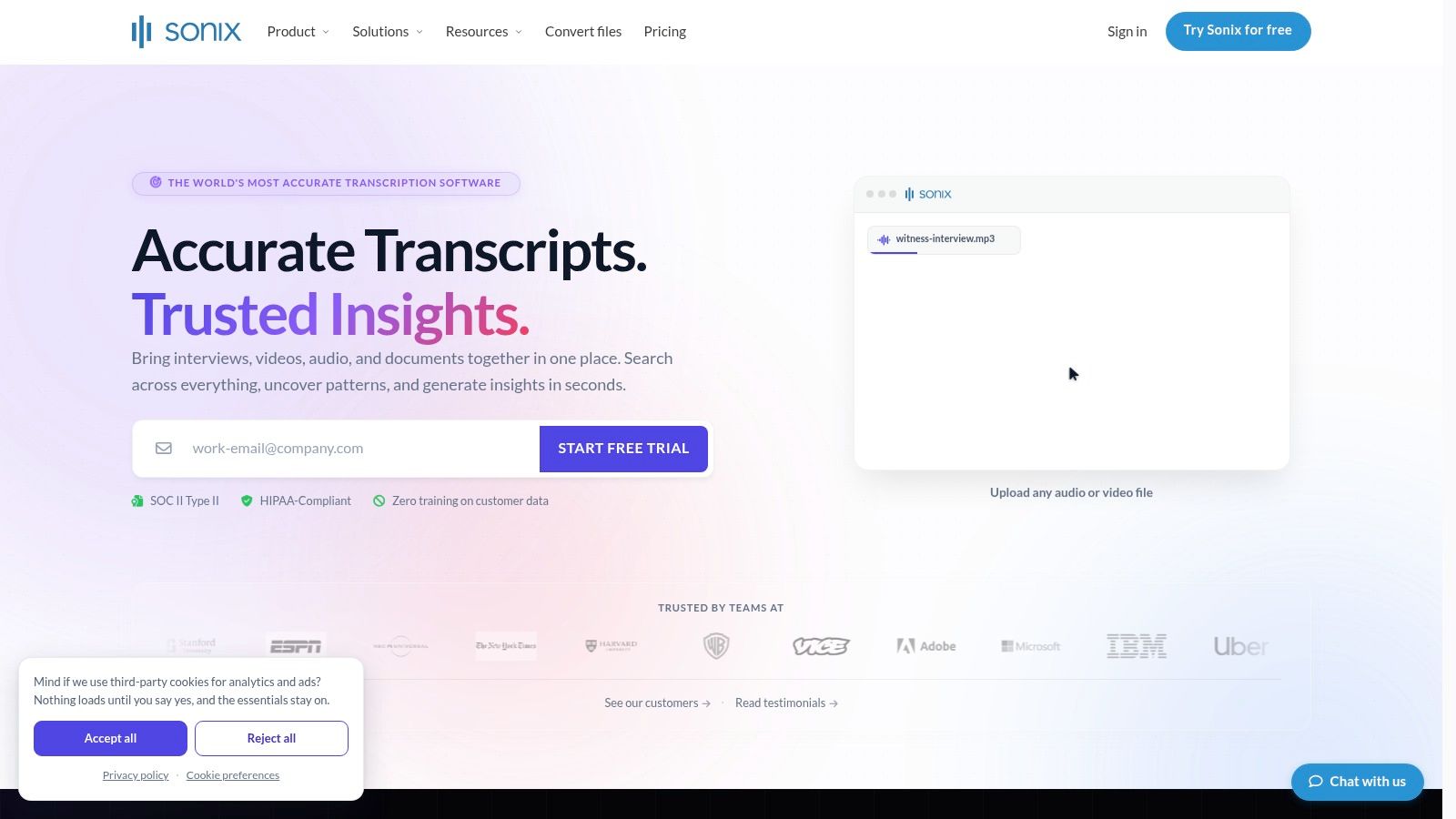
For careful transcript review, Sonix offers a useful combination: synchronized media playback, word-level timestamps, speaker labels, and search. Its browser-based editor suits students who want to inspect and correct wording rather than accept an untouched draft.
That matters in a technical seminar. You might search an anatomical term, jump to the matching passage, listen to the instructor's explanation, and correct the text before exporting it. Keeping playback close to the words reduces the friction of source checking.
Strong editing, separate study tools
Sonix supports document and subtitle exports, including DOCX, PDF, TXT, SRT, and VTT. Those options help if you need a readable transcript for annotation or captions for an authorized course video. They don't, by themselves, create a spaced-review routine.
- Pricing approach: Pay-as-you-go purchasing can suit occasional transcription, while subscriptions suit more regular work.
- Trial limitation: The free allowance is a trial, not a recurring free plan for ongoing classes.
- Shared-workspace detail: Subscription hours are shared across the workspace; adding seats doesn't add transcription hours.
The strongest reason to choose Sonix is control over the transcript after processing. It's a sensible fit for a graduate student reviewing interviews alongside lectures, or someone who needs polished text and flexible exports.
The drawback is the next step. You'll still need to create flashcards, manage practice questions, and organize review across courses elsewhere.
Before uploading a semester's recordings, try the export you intend to use. Check whether speaker labels, timestamps, and corrections remain useful outside the editor. A convenient editing screen is less valuable if your final study document loses the context you need.
6. Descript
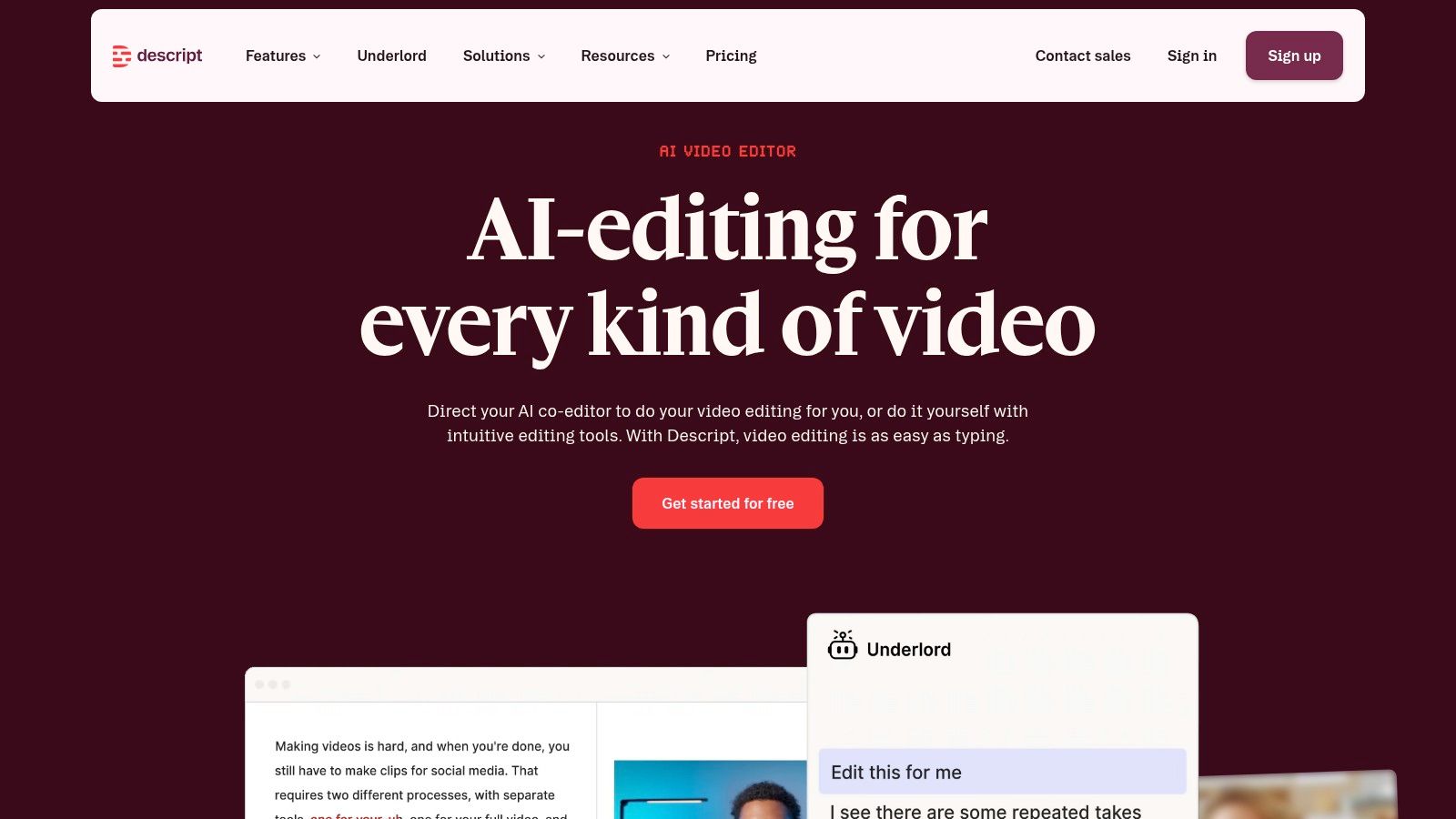
Deleting text to cut the corresponding audio is useful when you're making a presentation. It's a different task from preserving exactly what your professor said. Descript is strongest when transcription is part of producing or revising audio and video.
Its text-based editing, audio cleanup, and filler-word removal suit recorded presentations, student podcasts, and teaching videos. If you coach a class online and want to repurpose an authorized recording, those production features may matter as much as the transcript.
For ordinary lecture revision, however, the editing workspace can be more than you need. Free access lets you explore the workflow, while paid plans expand media capacity and export options.
Keep an untouched source recording. An edited study clip should never become your only record of what the instructor actually said.
Preserve meaning before polishing delivery
A hesitation may be disposable in a presentation, but an instructor's qualification isn't. Before accepting automated edits, check that you haven't removed a condition, exception, or correction that changes the explanation.
The same caution applies to readable transcripts. Smooth prose isn't proof of faithful wording, especially around unfamiliar terminology.
- Good fit: Students and instructors who also create recorded teaching or presentation material.
- Main trade-off: Production features add complexity when you only want searchable lecture text.
- Capacity concern: Monthly media allowances need to match the recordings you plan to process.
These Descript alternatives are worth comparing if you don't need a full editing workflow.
Choose Descript because you want to edit the recording through its transcript. If your priority is source-linked questions and recurring exam practice, assess that study workflow separately rather than assuming an editing suite will provide it.
7. Rev
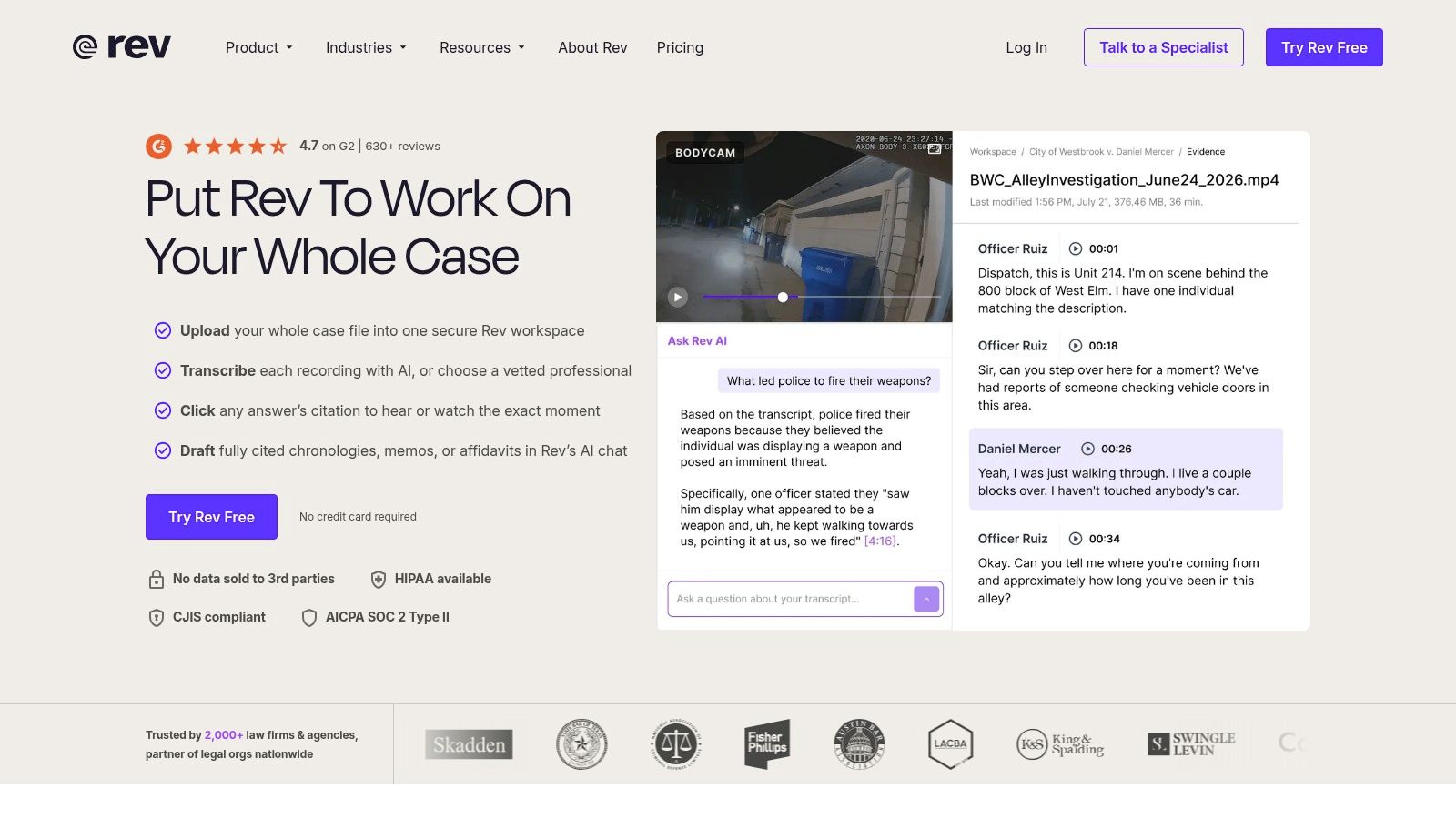
Some recordings deserve more attention than a quick automated draft. Rev offers both AI-generated and paid human-produced transcripts, giving you a choice when wording matters enough to justify additional cost and turnaround.
Its transcript editor and downloadable formats support review after delivery. Human-transcription options also include timestamps and verbatim services, which may be useful for an authorized research interview or a discussion where the precise phrasing matters.
Human transcription isn't a reason to skip source checking. An unfamiliar name, abbreviation, or specialist term can still require comparison with the recording and course documents.
Use the service selectively
For routine lectures, a human-transcription service may be difficult to justify across an entire semester. Per-minute ordering is easier to consider for a specific recording than for every class.
- Use AI for: An initial searchable draft when you can review uncertain passages yourself.
- Consider human transcription for: Wording-sensitive material where you need a more carefully prepared transcript.
- Compare before ordering: Turnaround, timestamps, verbatim options, and any additional services.
Privacy matters before either route. Ohio State's recording and sharing guidance advises obtaining written permission from the instructor or meeting host before recording, and written consent before sharing outside the class roster or meeting participants.
That guidance is particularly relevant to clinical discussions, research interviews, and recordings containing student identifiers. Don't upload patient-related or confidential workplace material merely because a transcription option is available.
Rev is best treated as a choice of transcription service levels, not a complete semester study system. Once the text arrives, you still need a plan for organizing it, verifying important passages, and converting the material into active recall.
How the seven tools compare for student lecture workflows
| Item | Free option | Listed paid pricing | Study features beyond transcripts | Best for |
|---|---|---|---|---|
| ClassLecture.ai | Monthly limits: 3 hours each for lecture transcription, meeting recording, and audio recording; 10 questions and up to 3 uploads | Not provided | Course-specific Q&A with source references, summaries, study guides, quizzes, flashcards, and spaced repetition | Turning course materials into a connected study and review workspace |
| TurboScribe | 3 transcripts per day | Unlimited: $20 monthly or $120 annually | No integrated study tools listed | Transcribing existing audio or video files |
| Notta | 120 minutes monthly; 3-minute limit per transcription | Pro: $13.49 monthly or $97.99 annually | AI summaries and speaker identification | Capturing online meetings and transcribing recordings |
| Otter.ai | 300 minutes monthly; 3 lifetime file imports | Paid plan pricing not provided | Search, playback, and AI chat across transcripts | Live transcription of classes and study-group meetings |
| Sonix | 30-minute trial for new accounts | Pay-as-you-go and subscription options; prices not provided | Searchable transcripts synchronized with media playback | Timestamped transcription, translation, and subtitle workflows |
| Descript | Free plan available; allowance not specified | Paid pricing not provided | Text-based audio and video editing, AI audio cleanup | Transcribing and editing course recordings or videos |
| Rev | 45 AI transcription minutes per month | AI: $0.25 per minute; human: $1.99 per minute | Meeting Hub and AI Notetaker listed; no dedicated study tools specified | Choosing between AI drafts and human transcription |
Choosing the Right Tool for Your Study Routine
Choose the best transcription software by working backward from your actual review habits. If you already manage flashcards and course folders well, TurboScribe may supply the missing text. If you need live capture, start with Otter or Notta; if careful editing and exports matter most, consider Sonix.
Descript makes more sense when you're producing recordings, while Rev offers a human-transcription route for selected wording-sensitive material. For a connected recording-to-review workflow, our workspace combines source-linked questions with study guides, quizzes, and flashcards organized around your classes.
Don't choose on a headline accuracy claim alone. Word Error Rate measures differences from a trusted human transcript, but lecture results vary with recording conditions, vocabulary, accents, and overlapping speech, as explained in ACM's analysis of speech-recognition evaluation.
Test the work you'll repeat all semester
Use a lecture that represents your real conditions, not your clearest recording. Include the instructor's technical vocabulary, student questions, and any difficult acoustics. Then evaluate what happens after transcription.
- Find an explanation: Search for a concept and return to the relevant audio without manually scrubbing through the recording.
- Check important wording: Compare names, formulas, medication terms, and safety terminology with the original materials.
- Create practice: Turn an explanation into a question, answer it without looking, and verify your response.
- Review the practical limits: Compare upload formats, recording caps, export access, pricing structure, and supported meeting platforms.
- Protect the recording: Check permission, access controls, retention, deletion, and whether uploaded material is used for model training.
For international students, the useful test is how the tool handles your instructor and your classroom, not a generic language-support label. Likewise, an appealing summary isn't enough if you can't trace its claims back to the source.
Start with the free option and a recording you're allowed to use. Keep the tool only if it helps you move from finding information to recalling and explaining it. Before relying on generated study materials, verify the key terms against the audio and course documents.
ClassLecture.ai turns your recordings, notes, and textbooks into searchable transcripts, source-linked Q&A, study guides, quizzes, and spaced-repetition flashcards. Visit ClassLecture.ai to try your own lecture, check a cited explanation against the recording, and build a review routine around what your course covered.
The ClassLecture.ai Team
We build ClassLecture.ai, the AI study assistant that turns your recorded lectures into transcripts, summaries, flashcards, and answers cited to the exact timestamp — so you learn faster from your own professor's words.
Keep reading
10 Lecture Transcription App Options Compared
Compare 10 lecture transcription app options for accuracy, study workflows, pricing, integrations, and privacy before choosing a tool.
Read10 Software for Recording Lectures in 2026
Compare 10 software for recording lectures, from OBS and Otter.ai to ClassLecture.ai, with use cases, limitations, and study workflow tips.
ReadThe 10 Best Audio to Text Converter Tools for 2026
Find the best audio to text converter for your needs. We compare 10 top tools on accuracy, speed, pricing, and privacy for lectures, meetings, and more.
Read