Best Spaced Repetition Flashcard App Options for 2026
Compare the best spaced repetition flashcard app choices of 2026: FSRS support, lecture imports, scheduling, sync, and how each fits your study workflow.
A smarter scheduler will not fix a bad lecture card. Students can find flashcards helpful without earning higher exam scores. In a medical-school psychiatry study, 87% of electronic-flashcard users considered the cards helpful, yet use wasn't associated with final-exam scores, according to the Duke publication record. Feeling productive is not the same as being ready for what the instructor will ask you to explain.
For lecture-heavy courses, the practical question is which spaced repetition flashcard app can take a recording, transcript, or slide deck and turn it into accurate questions, a daily load you can finish, and review that still works on the device you carry.
FSRS support matters, but so does everything before the first review. A well-built scheduler will keep serving a vague prompt or an answer copied from a faulty transcript. Automatic card generation fails the same way if you cannot reopen the instructor's original explanation.
Choose the workflow you can maintain during a busy teaching week, not the app with the longest feature list.
The options below split along different strengths: lecture processing in one workspace, configurable scheduling, notes tied to cards, shared decks, or structured courses. I judge each one on lecture intake, FSRS scheduling quality, and whether review stays available across your devices. Where an app's documented features don't confirm FSRS support, transcript processing, or synchronization, don't assume it has those capabilities.
Table of Contents
- 1. AI Flashcard Generator From Lectures and Notes
- 2. Anki
- 3. RemNote
- 4. Quizlet
- 5. Brainscape
- 6. Mochi
- 7. Knowt
- 8. StudySmarter
- 9. Mnemosyne
- 10. SuperMemo
- Spaced Repetition Flashcard Apps Compared
- Choosing Your App and Building the Lecture Review Habit
1. AI Flashcard Generator From Lectures and Notes
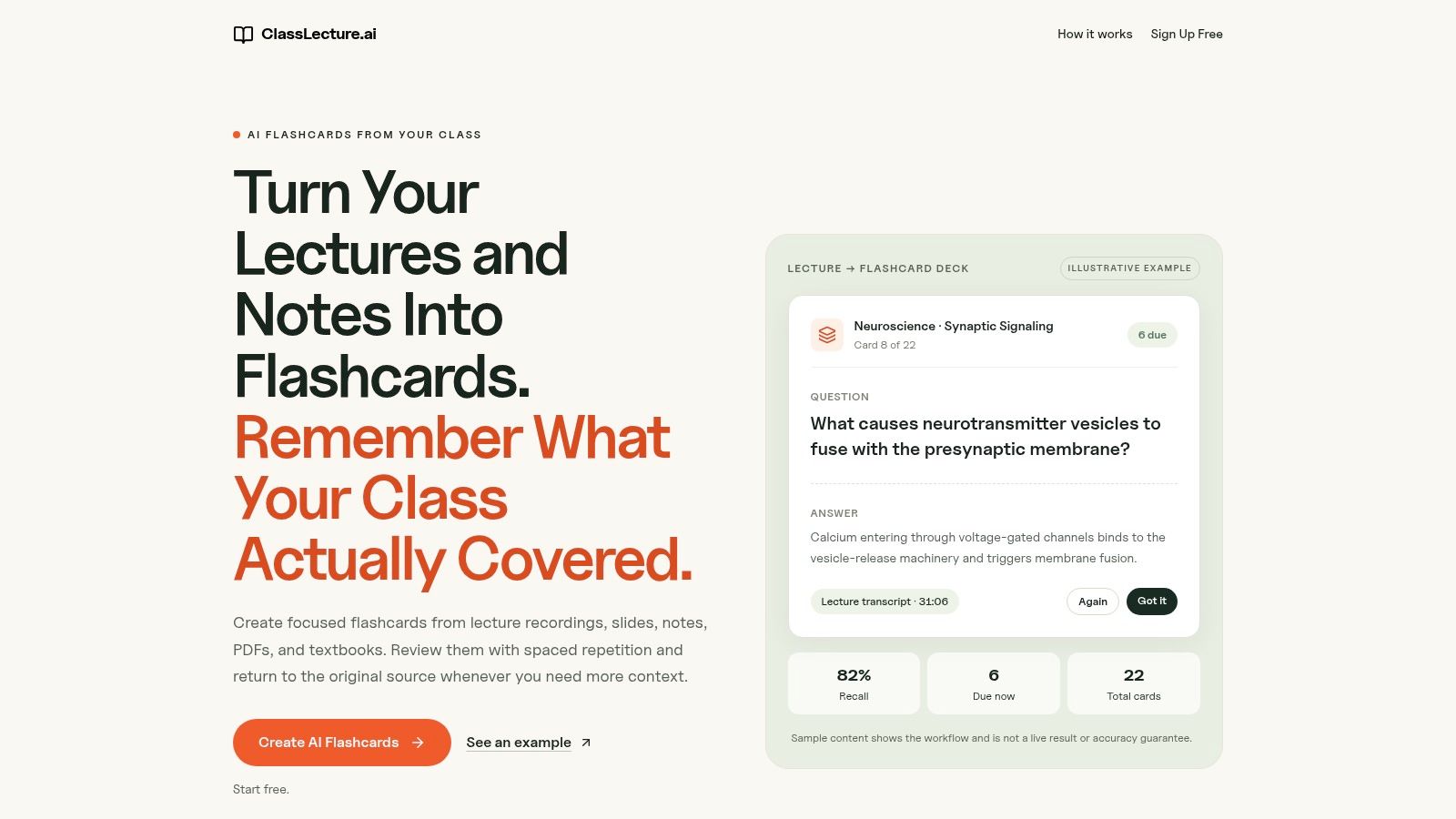
ClassLecture.ai's AI Flashcard Generator fits students whose study materials start as recordings, slides, notes, PDFs, or textbooks rather than finished decks. We transcribe lectures into searchable, timestamped text, then let you generate question-and-answer and fill-in-the-blank cards from selected class materials.
The important distinction is source traceability. Cards link back to the relevant lecture moment or document, so an unclear answer doesn't have to send you searching through an entire recording. For nursing, construction, or safety coursework, that context matters when the instructor includes an exception or explains why a procedure applies.
From Lecture Intake to Due Cards
Built-in FSRS scheduling uses Again, Hard, Good, and Easy ratings. Class-wide review brings due cards from different lectures and documents together, while an exam-readiness widget helps organize review. That's a more direct pipeline than generating cards elsewhere and maintaining a separate import routine.
- What works: Capture, transcription, card generation, and source checking stay within the same class-based workspace.
- What needs attention: AI transcripts, answers, cards, and citations can be inaccurate or incomplete. Verify important details against the original material.
- Access trade-off: Treat this as a browser-based study workflow, not a promise of native offline review. Test your phone-to-laptop routine before depending on it between classes.
Our guide to making AI flashcards explains the creation workflow. Free usage is limited; the Free plan includes three flashcard decks per month.
Who this fits: Students who want their own lectures converted into source-linked review material. Look elsewhere if your priority is extensive card-template customization or a confirmed offline-first workflow.
2. Anki
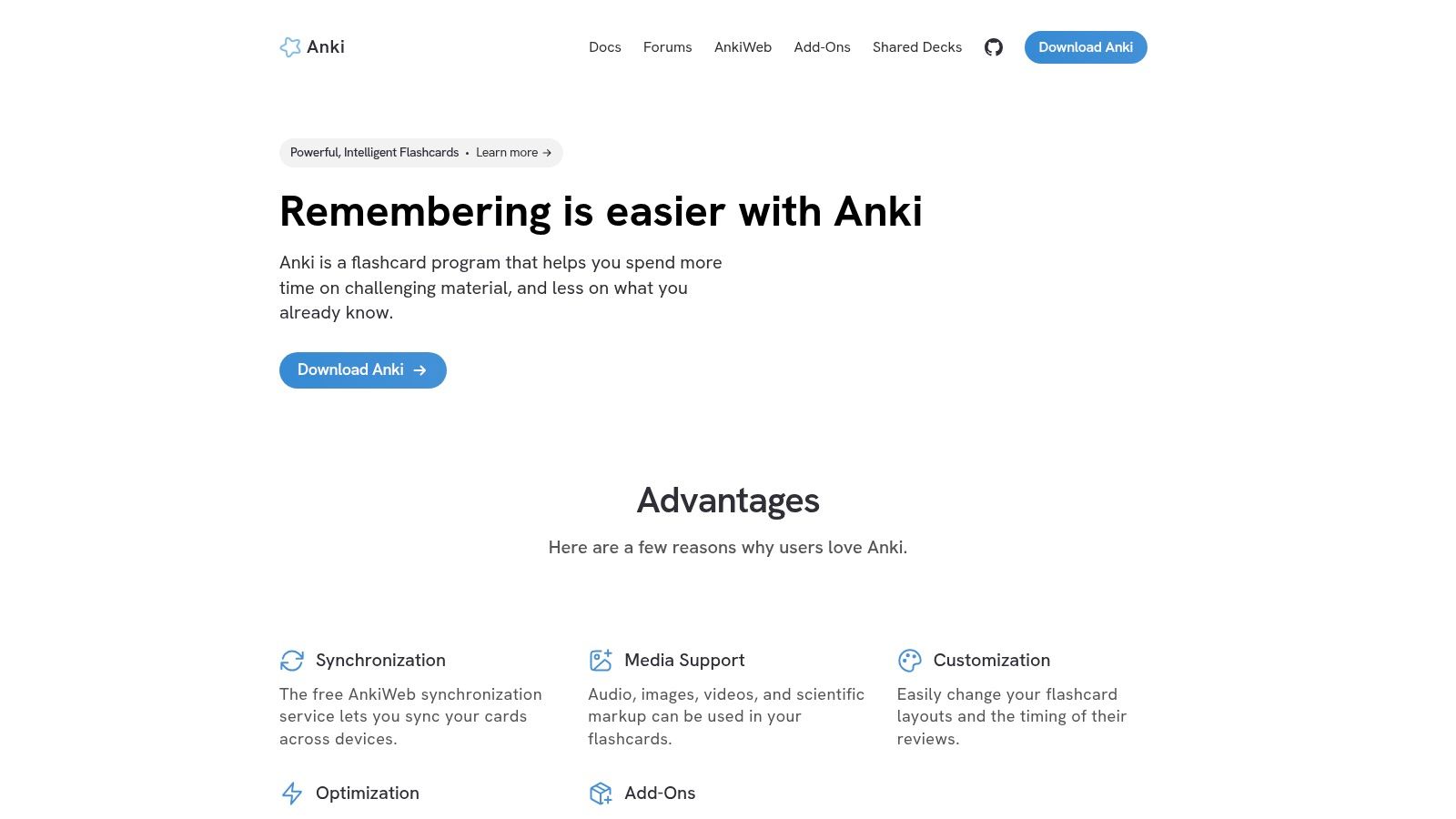
Choose Anki when you want control over the deck, not just access to it. Its FSRS support, custom card types, media handling, and add-on ecosystem make it well suited to material you'll revisit across courses.
The lecture bottleneck is creation. Anki isn't primarily a recording-to-transcript service, so plan to extract questions from your notes or bring in prepared material. Keep a lecture identifier, page reference, or timestamp in a dedicated field rather than burying it in the answer.
Strong Scheduling, More Setup
Scheduler quality deserves more scrutiny than a satisfying review animation. The open spaced-repetition benchmark includes approximately 20,000 Anki users and about 1.7 billion reviews, illustrating the scale of review histories available for evaluating scheduling predictions.
That doesn't make every deck effective. Anki gives you the tools to preserve context and refine prompts, but you're responsible for using them.
- Sync: AnkiWeb connects the study workflow across supported clients. Build synchronization into the start and end of your sessions.
- Cost trade-off: Desktop, AnkiWeb, and AnkiDroid are free; the official iOS app is a separate paid purchase.
- Maintenance: Add-ons and shared decks require judgment and occasional upkeep.
Who this fits: Students building long-lived, carefully edited decks for cumulative subjects. Skip it if configuration and manual lecture processing are likely to stop you reviewing altogether.
3. RemNote
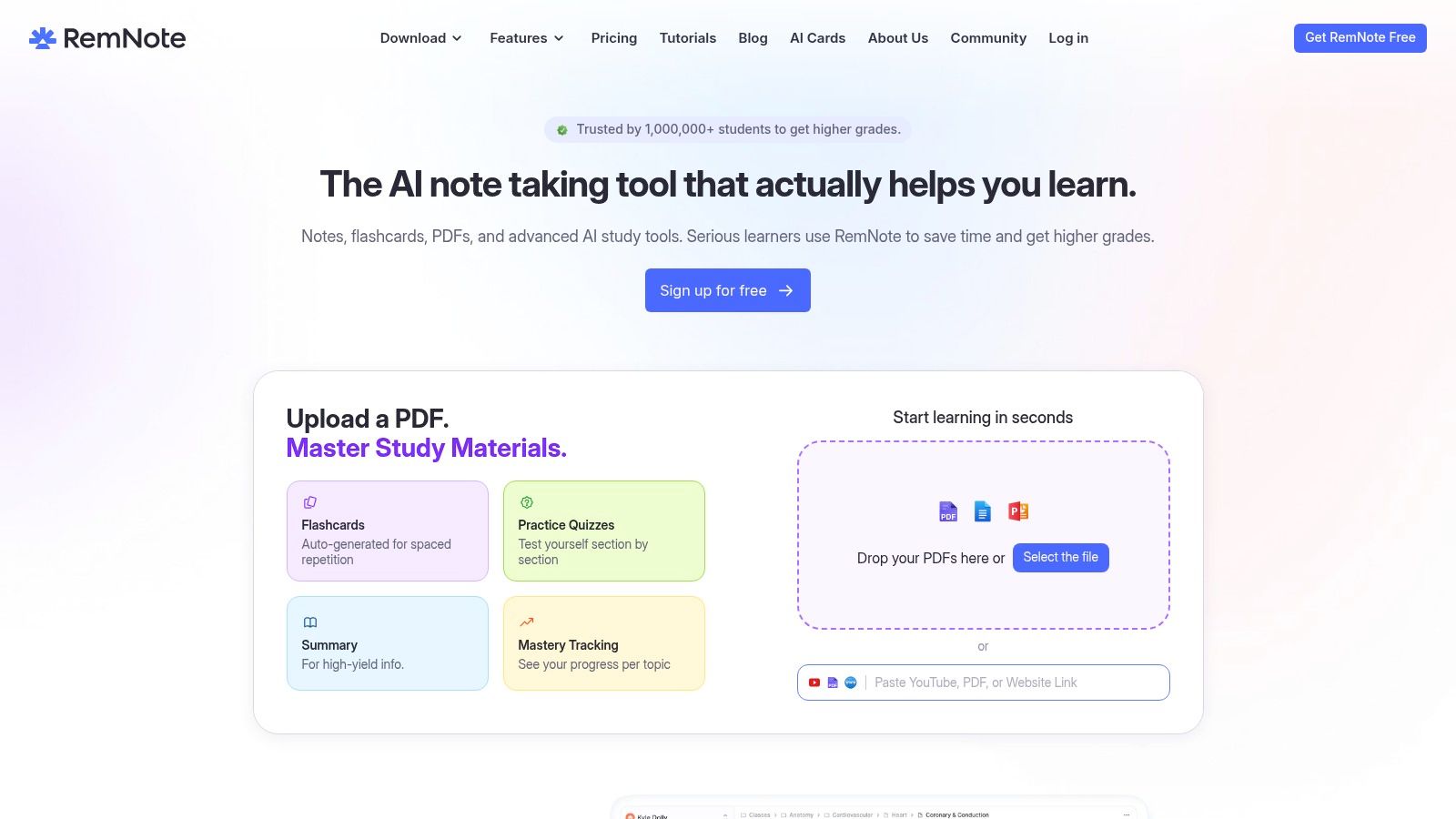
Say your physiology notes explain a mechanism across several connected paragraphs. Moving an isolated definition into a separate deck can remove the explanation you need when you forget it. RemNote keeps notes and flashcards connected, making it attractive when your lecture outline is already your main study workspace.
Its note-to-card workflow supports a useful habit: write the explanation first, then turn the testable parts into retrieval prompts. PDF annotation, image-occlusion cards, and optional AI lecture features broaden that workflow, although availability depends on the plan.
RemNote supports modern scheduling options, including FSRS, alongside exam-oriented tools. Still, check which scheduling and exam features your intended plan includes rather than assuming the free workspace includes everything.
- Lecture intake: Strongest when you want to organize notes and documents, not merely collect finished cards. Recording and AI generation have plan and usage limits.
- Review quality: Context remains accessible, but don't read the surrounding explanation before attempting the answer.
- Device handoff: Test note edits and completed reviews across your devices, especially if you expect to work without a stable connection.
The free plan includes unlimited notes and flashcards. The larger cost is learning how the note structure, card creation, and review queue fit together.
Who this fits: Students who want one connected home for lecture notes and recall practice. Choose something simpler if you already like your note-taking app and only need a review queue.
4. Quizlet
A useful shared set can save preparation time. A mismatched set can send you studying the wrong course. Quizlet is strongest when classmates or instructors already share relevant material and you want flashcards, Learn, and practice-test modes in a familiar environment.
For lecture-based study, start with the instructor's terminology and learning objectives. A public psychology set might use the same chapter title while omitting the distinctions emphasized in your seminar. Compare it with your transcript before making it part of your routine.
Convenient Practice Isn't the Same as Scheduler Control
Quizlet is less suited to a workflow built around detailed scheduling customization. Don't treat access to Learn or varied practice modes as confirmation of FSRS support or a transparent long-term retention model.
Its web and mobile access make device choice convenient, but confirm the account features and access limits you'll need. Expanded practice access and ad-free study depend on the paid offering.
- Best use: Share course-specific sets, revise terminology, and alternate between recall and practice questions.
- Main limitation: Public content needs checking, and a shared set doesn't automatically retain your lecture's source context.
- Lecture workflow: Keep a separate reference to the original explanation when importing or copying material.
The guide to psychology flashcards is useful for thinking beyond term-definition pairs toward comparisons and applications.
Who this fits: Students who value shared sets and varied practice more than scheduler configuration. Look elsewhere if source-linked recordings and explicit FSRS control are essential.
5. Brainscape
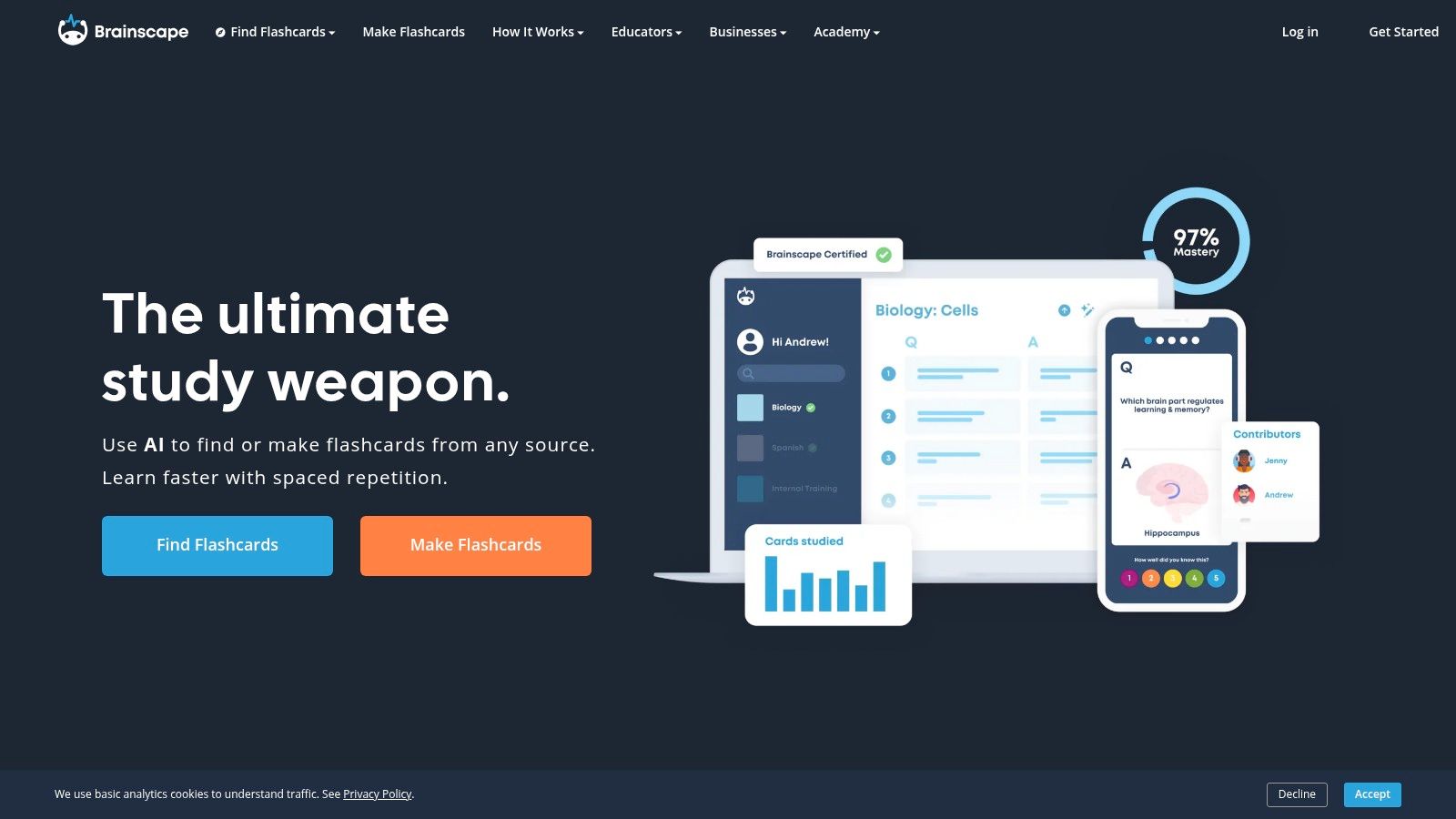
Brainscape makes your confidence rating central to review. That can feel more approachable than adjusting scheduling parameters, particularly when you want to open a course deck and start studying.
The catch is honest grading. Recognizing an answer after revealing it isn't the same as retrieving it unaided, so decide what counts as a complete answer before rating yourself.
Practical rule: Give yourself credit for the answer you produced before the reveal, not the explanation that looks familiar afterward.
For lecture intake, Brainscape supports creating, importing, and sharing cards. Don't assume that importing text also preserves the recording timestamp or surrounding explanation. Add source references to your own cards when the lecture context matters.
Confidence-based repetition isn't interchangeable with confirmed FSRS support. Choose it because you like its review method, not because every adaptive scheduler must work identically.
- Free-plan strength: You can create and study your own cards without buying premium content.
- Paid-plan trade-off: Advanced access to others' content, certified materials, and media features depends on the plan.
- Progress and access: Tracking and reminders can support a routine, but test your actual web-to-mobile handoff before committing a course.
Ready-made content is most useful when it complements your syllabus rather than replaces it. Certified content still needs to match what your instructor expects.
Who this fits: Learners who prefer explicit self-assessment and a guided review experience. It's less suitable if you want extensive scheduler tuning or automatic lecture-source traceability.
6. Mochi
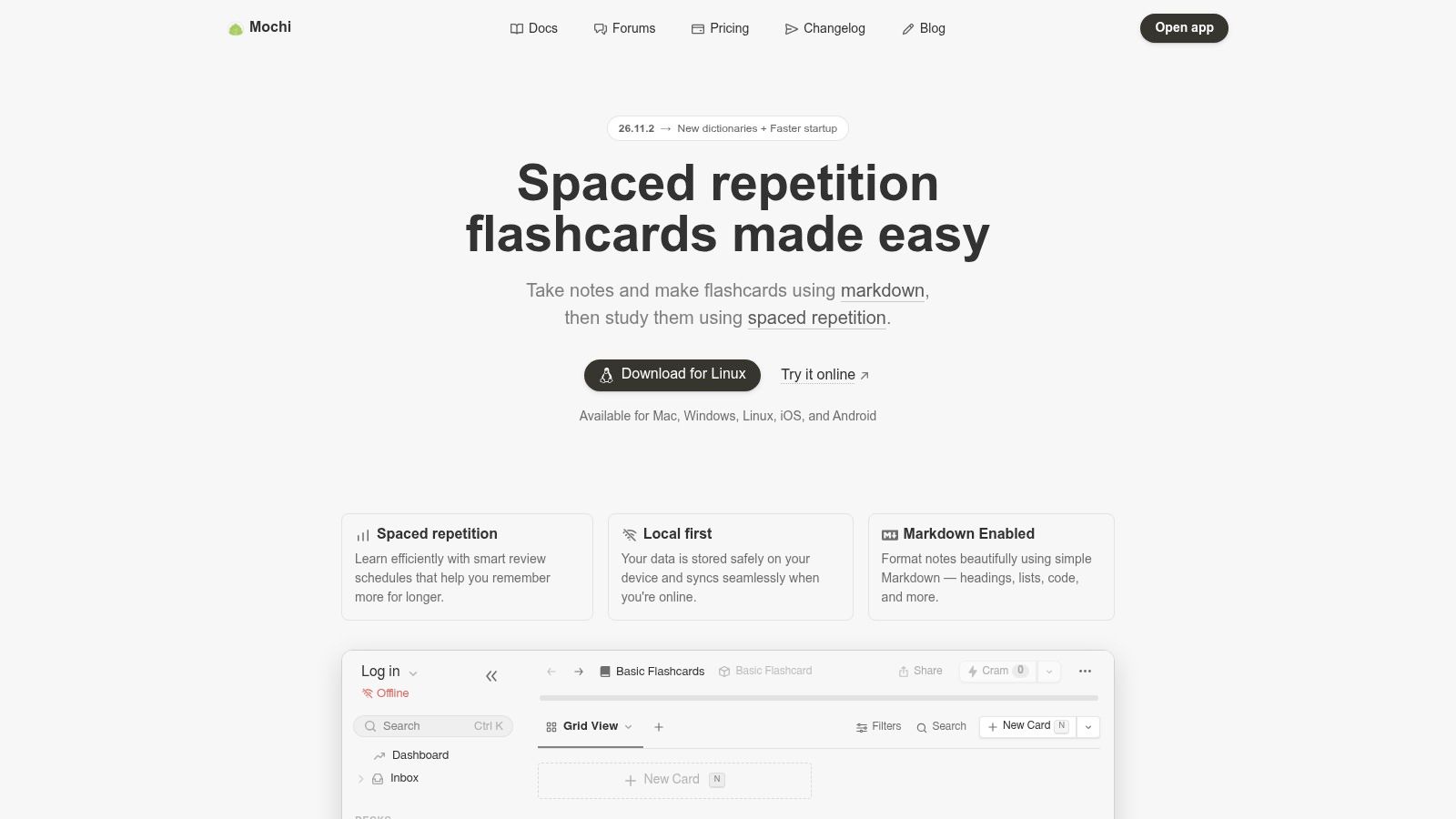
Mochi makes sense when you like plain-text notes and want offline review without building a sprawling study system. Markdown, tags, and linked references let you keep explanations close to the cards that test them.
A practical lecture workflow is to summarize a topic in a note, link its related cards, and retain the recording timestamp or document page in that note. This requires deliberate editing, but it also makes you decide which parts of a transcript deserve a question.
Offline and Sync Are Separate Decisions
Mochi's free plan supports offline use without requiring an account. Cross-device sync is paid, which is a meaningful distinction if you write cards on a laptop and review them on your phone.
Spaced repetition is part of the app, but the supplied product information doesn't establish an FSRS implementation. Don't choose it on that assumption. Its clearer attraction is the combination of local study, Markdown, and linked material.
- Works well: A compact personal knowledge base with notes and cards in the same workspace.
- Requires effort: Turning raw lecture transcripts into focused, answerable prompts.
- Paid extras: Sync, publishing, dynamic fields, and AI integration sit beyond the basic free workflow.
Markdown is pleasant if you already use it. If formatting syntax feels like another subject to learn, a more conventional editor may be a better fit.
Who this fits: Students who prefer text-centered organization and offline study. Look elsewhere if you need free cross-device synchronization or an integrated recording-to-card pipeline.
7. Knowt
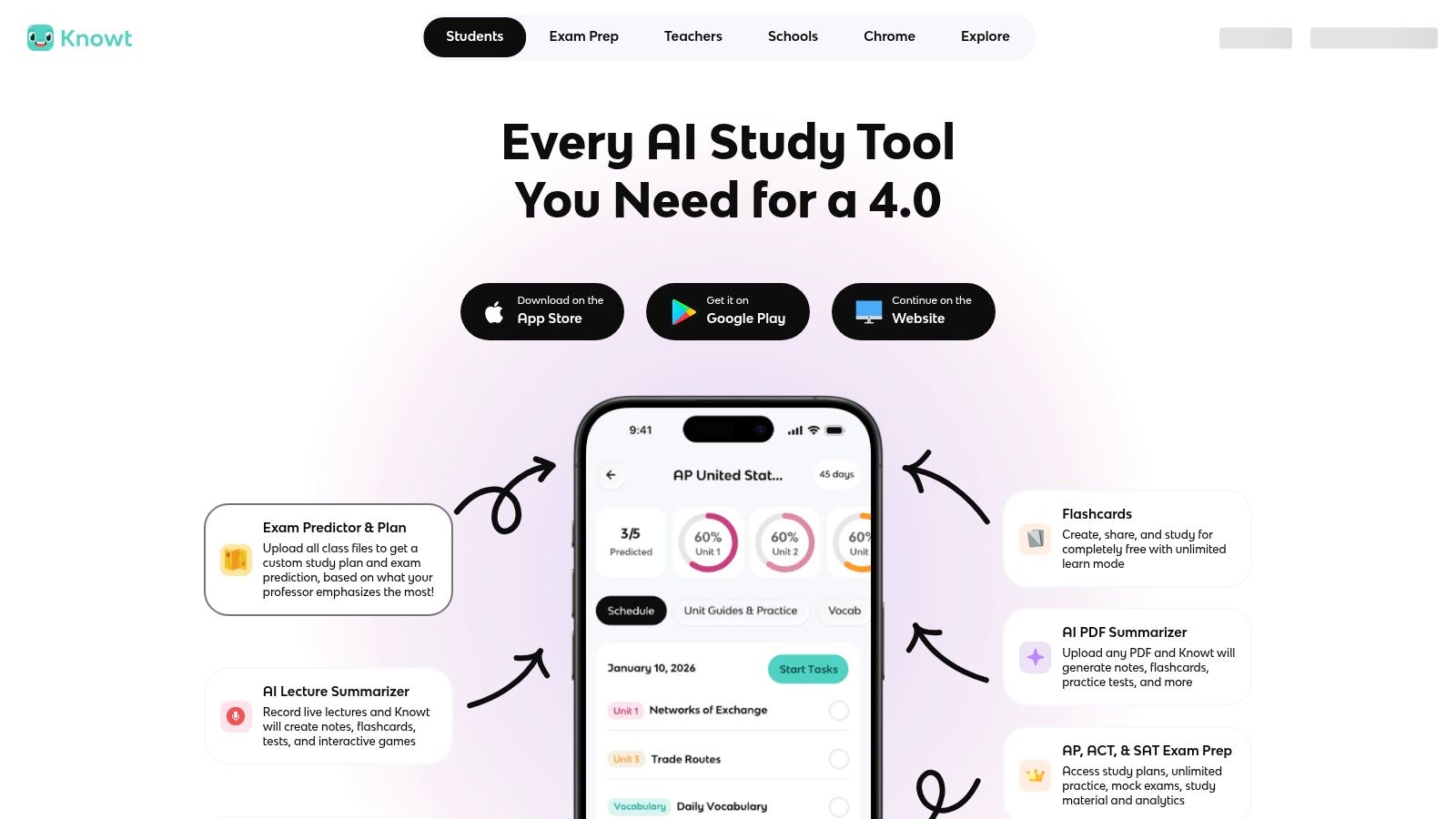
Budget can determine whether a review routine survives the semester. Knowt includes spaced repetition on users' own sets in its free tier, alongside several ways to practice the same material.
Adjustable daily new-card counts and review intervals are useful when lectures arrive faster than you can process them. Reduce new intake when due work grows instead of continuing to add cards because generation is available.
Knowt also offers imports for existing flashcard sets. That's helpful for bringing material into a single workspace, but importing a set isn't the same as preserving its original scheduling history or lecture references.
- Lecture intake: Check the AI limits before planning to process every recording or document automatically.
- Scheduling: Adjustable intervals provide control, but they don't by themselves establish FSRS-grade prediction quality.
- Practice variety: Learn, Practice Test, and Match offer alternatives to card review. Use them for different purposes rather than treating every activity as equivalent recall practice.
For device access, test a full cycle: create or edit a card on your computer, review it on your phone, and confirm the result carries back. Check current account and plan conditions before moving your only working deck.
Public sets also need a source audit. A plausible answer may still use a different textbook convention or omit a course-specific exception.
Who this fits: Cost-conscious students who want scheduled review and varied practice. It's a weaker choice when verified source links and transparent scheduler behavior are nonnegotiable.
8. StudySmarter
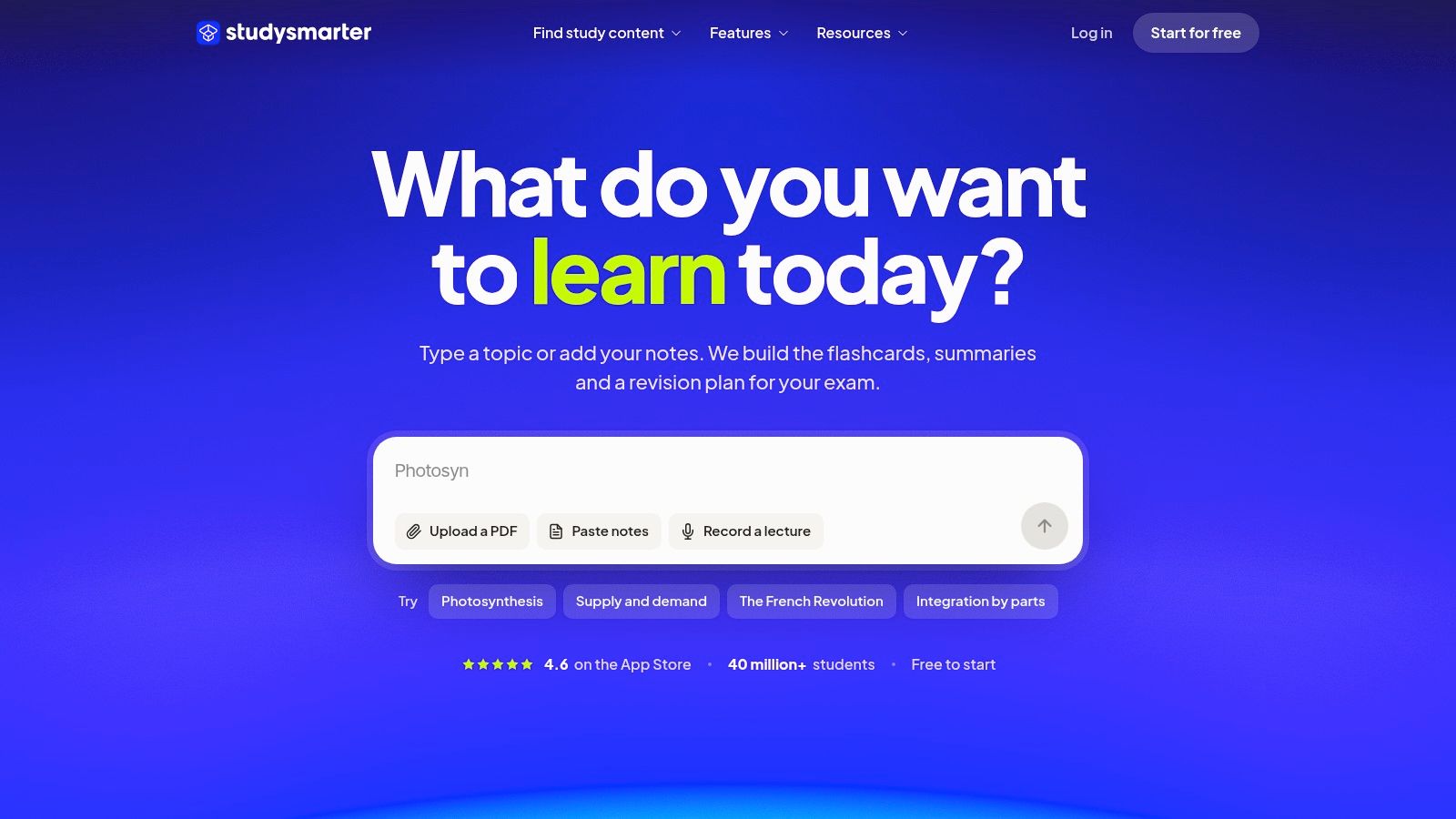
Some students don't need more scheduling controls. They need a place to organize revision alongside assignments and approaching exams. StudySmarter combines flashcards, revision notes, and study planning, making it a broader alternative to a dedicated card app.
That breadth helps if you otherwise lose track of which lecture you've processed. Keep course resources organized, distinguish unfinished material from review-ready cards, and connect study sessions to actual course deadlines.
Judge the Study Workflow, Not the Dashboard
StudySmarter includes spaced repetition, but don't infer FSRS support from the existence of scheduled reviews. Likewise, a polished planning view doesn't establish that a lecture transcript becomes an accurate, source-linked deck.
The mobile apps and web experience are relevant for commuting and studying between classes. Specific features can differ by region or app, so test the version you'll use rather than relying on a feature description from another market.
- Useful combination: Notes, cards, and planning share a broader study environment.
- Possible friction: Extra organization tools can become busywork if you only need to answer due cards.
- Plan consideration: The company describes much of the product as free, but confirm the limits relevant to your workflow.
Treat progress indicators as organizational aids. A completed study session tells you that you practiced, not necessarily that you can explain the concept without cues.
Who this fits: Students who want revision planning and flashcards together. Choose a more focused app if scheduler transparency, specialized card design, or direct lecture ingestion matters more than organization.
9. Mnemosyne
Mnemosyne is the utility-focused option. It's a free project centered on scheduling flashcard reviews, without the integrated AI generation and course-planning workflow of newer study platforms.
That narrowness can be an advantage. If you already maintain clear lecture notes and prefer writing your own questions, you may not need another service between your notes and your review queue.
The trade-off is that more of the lecture pipeline remains yours to manage. Extract the important questions, preserve references, and decide how you'll revisit the original explanation when an answer stops making sense.
A dedicated scheduler is enough when card preparation is already a reliable habit. It won't solve an unfinished transcript backlog.
- Scheduling: Algorithmic review is the central function. Don't assume FSRS support without explicit confirmation in current documentation.
- Lecture import: Plan on preparing study content rather than expecting integrated recording, transcription, and automatic card generation.
- Sync and platforms: Check current downloads, supported platforms, and synchronization documentation against your actual devices.
Its interface and feature set are less elaborate than many commercial study environments. That's acceptable if you value a focused tool, but less appealing if mobile convenience is what keeps you studying.
Keep your original course materials separately organized. A small source-reference convention is more useful than relying on memory to identify where a card came from.
Who this fits: Independent learners who want a free, dedicated flashcard project and don't mind handling preparation themselves. Look elsewhere for integrated lecture automation or a broader course dashboard.
10. SuperMemo
Language learning is where SuperMemo offers the clearest fit in this comparison. Its service combines scheduled repetition with structured language courses, while allowing learners to add their own cards and notes.
The scheduling lineage is significant: SuperMemo's account of its origins dates its first personal-computer application to December 13, 1987. That history doesn't establish that every current SuperMemo product shares the same interface, capabilities, or workflow.
Course Content Versus Your Own Lectures
For a language course, ready-made vocabulary and grammar material can complement lecture study. For nursing, engineering, or safety lectures, the catalog is less central; you'll need to assess the user-created content workflow.
Web and mobile access, downloaded-course offline study, learning plans, and progress tracking support course-based practice. Don't extend offline-course claims to every kind of personal content without checking the relevant product.
- Scheduling distinction: SuperMemo has its own scheduling tradition. Don't treat that as an FSRS claim.
- Lecture limitation: Adding cards and notes isn't equivalent to uploading a recording and receiving timestamp-linked questions.
- Payment trade-off: Premium course access may require a subscription or individual course purchase.
A sensible spaced-repetition schedule still needs room for listening, writing, conversation, or applied course problems. Card review should reinforce those activities, not replace them.
Who this fits: Language learners who want structured content alongside repetition. General lecture-heavy students should compare the personal-content workflow carefully before choosing it as their main study system.
Spaced Repetition Flashcard Apps Compared
A scheduler is only as useful as the cards it receives. For a lecture-heavy term, judge each app on three things: how reviews are timed, whether a recording or class file can become cards, and what you can do before you pay.
| Item | Scheduling algorithm | Lecture import workflow | Free tier | Best for |
|---|---|---|---|---|
| AI Flashcard Generator From Lectures and Notes | Spaced repetition that strengthens recall, surfaces gaps, and tracks exam readiness | Generates cards from lecture recordings and the class materials you select; each card links back to the lecture moment | Three AI summaries, three quizzes, three flashcard decks, and three questions per month | Turning a recorded lecture into source-linked review cards |
| Anki | Spaced repetition with FSRS support | You create the cards; there is no lecture-recording import | Free desktop, AnkiWeb, and AnkiDroid | Customizable decks and long-term exam preparation |
| RemNote | Spaced repetition and exam scheduler | Create cards from notes; optional lecture recording and AI tools depend on plan | Unlimited notes and flashcards | Studying with connected notes and exam tools |
| Quizlet | Scheduled review not emphasized | Create, share, and study sets yourself | Some study modes and expanded access are limited or paid | Ready-made sets and varied practice modes |
| Brainscape | Confidence-based repetition | Create your own cards or import existing flashcards | Create and study your own cards | Simple confidence-rated review and pre-made content |
| Mochi | Spaced-repetition review | Write markdown notes and cards in one workspace | Free offline use | Lightweight notes and flashcards together |
| Knowt | Spaced repetition with adjustable intervals | Import flashcard sets you already have | Spaced repetition on your own sets; AI tools are limited | Students seeking varied study modes |
| StudySmarter | Spaced repetition | Build flashcards and revision notes with the study tools | Much of the product is described as free | Combining study planning with revision tools |
| Mnemosyne | Algorithmic spaced-repetition scheduling | Add cards in a dedicated flashcard workflow | Free to use | Learners seeking a focused flashcard tool |
| SuperMemo | Spaced repetition | Add personal cards and notes alongside structured course content | Premium courses are paid | Language learners using structured courses |
Anki is the clear FSRS option, and you pay for that control with manual card writing. RemNote can connect notes to an exam schedule, with recording and AI features gated by plan. Quizlet, Brainscape, Knowt, and StudySmarter fit shared sets, confidence ratings, imported decks, or broader revision planning. None of those four, nor Mochi or Mnemosyne, turns a lecture recording into timestamp-linked cards. SuperMemo stays a course-plus-personal-cards system, not an FSRS lecture pipeline.
I would use the three-deck monthly allowance to test one lecture's cards against the recording, then decide whether hand-built FSRS decks or a set-based app carries the rest of the term.
Choosing Your App and Building the Lecture Review Habit
The best spaced repetition flashcard app matches how your lectures reach you. If recordings and scattered documents are the bottleneck, start with an integrated lecture-to-card workflow. If you enjoy constructing precise prompts and controlling schedules, Anki or RemNote can justify their setup effort.
Quizlet, Brainscape, and Knowt fit students who value shared material or varied practice. Mochi and Mnemosyne suit more independent workflows, while StudySmarter emphasizes broader organization and SuperMemo is especially relevant to structured language study. Don't migrate a semester's worth of material until you've tested creation, review, source checking, and device handoff with an actual lecture.
Build a Repeatable Lecture Routine
Use the same sequence regardless of the app:
- Process the lecture promptly: Aim to import or organize it by the following day as a personal routine, not a scientifically fixed deadline. Correct important transcript errors before generating cards.
- Review due cards before adding more: When the queue becomes unmanageable, reduce new intake and remove duplicate or low-value prompts.
- Check questionable answers: Return to the recording, slide, or textbook page. Split ambiguous cards and preserve conditions or exceptions.
- Reserve time for application: After recall practice, explain a mechanism, solve a problem, compare cases, or diagnose an error without the card in view.
Scheduling cannot repair weak questions. A systematic review of spaced-repetition approaches in medical education highlights how studies often combine spacing, retrieval, flashcards, and testing, making the contribution of an individual component difficult to isolate. Don't interpret a scheduler badge as proof that your cards develop meaningful understanding.
For independent exam preparation, Magna Education's discussion of independent AP prep provides a separate planning resource. Keep the same distinction in mind: remembering course facts and being ready for an assessment aren't identical tasks.
Keep Control of Uploaded Material
Before uploading recordings, consider permission and sensitive content, especially when classmates, patients, clients, or workplace discussions are involved. The Jisc student-perceptions report documents student use of AI study tools alongside concerns about privacy, access, and dependence.
For our workflow, you can delete individual lectures or entire classes. Important AI-generated content still needs verification against the original course material.
Consistency matters more than switching apps. Choose the tool that makes accurate preparation and daily retrieval realistic, then judge your progress by what you can explain and apply without seeing the answer.
ClassLecture.ai turns your recordings, notes, and course documents into searchable study material, source-linked flashcards, and FSRS reviews. Visit ClassLecture.ai to try a lecture-to-review workflow with your own class material, then check the generated cards against the original explanation before studying them.
The ClassLecture.ai Team
We build ClassLecture.ai, the AI study assistant that turns your recorded lectures into transcripts, summaries, flashcards, and answers cited to the exact timestamp — so you learn faster from your own professor's words.
Keep reading
Structured Analysis PDF Guide for Students
Build a structured analysis pdf from any lecture: method picker, templates, a worked example, and source checks.
ReadSpaced Repetition Tools in 2026: 10 Options Compared
Compare 10 spaced repetition tools by algorithm, FSRS support, import/export, and lecture integration. Find the right app for your study workflow in 2026.
ReadThe Best Spaced Repetition App: 10 Options Compared
Compare the best spaced repetition app options by algorithm, device support, syncing, and course load. Find the right fit for your study routine.
Read