10 Best AP Government Flashcards for 2026 Exam Prep
Explore 10 AP Government flashcards from top study platforms, with import tips, usage guidance, and spaced-repetition practice for 2026 exam review.

The night before an AP Gov unit test has a familiar feel. Supreme Court cases blur into each other, foundational documents start sounding alike, and the terms you swore you knew an hour ago suddenly look fuzzy. Good AP Government flashcards help, but only if they match the job you need done, fast access to ready-made sets, clean cards from your own notes, or a scheduler that keeps older material from falling out of memory. Every community-made deck needs a quick check against your class materials before you trust it.
Table of Contents
- 1. Quizlet
- 2. Knowt
- 3. Brainscape
- 4. Varsity Tutors
- 5. StudyStack
- 6. Cram.com
- 7. Anki
- 8. Quizizz
- 9. Kahoot!
- 10. Fiveable
- Top 10 AP Government Flashcards, Comparison
- Build a Review Routine That Keeps Cards Alive After Exam Week
1. Quizlet
Quizlet is the fastest place to hunt for ready-made AP Government flashcards when you need volume and speed. The public library is huge, so you can usually find decks for vocabulary, required Supreme Court cases, foundational documents, and unit-by-unit review without building from scratch. It also gives you multiple study modes, which makes it useful when you want to move from recognition to self-testing in the same session.
The trade-off is obvious. Community decks vary a lot, so you can't assume a deck is accurate just because it's popular. I treat Quizlet as a search engine first, study tool second, then I verify every card against class notes or a trusted course outline before using it seriously.
Practical rule: use Quizlet to find candidates quickly, then keep only the cards that match your teacher's wording and the current AP framework.
Best use in an AP Gov workflow
Quizlet fits the “find it now” stage. That means last-minute review of civil liberties terms, a quick pass on institutions, or a short deck for cases before a quiz. It's less satisfying when you want full control over how cards are phrased or how weak cards return later in the week.
You'll get the most value if you combine it with a more disciplined review system, like the kind discussed in this guide on building better flashcards for AP Government-style terms. The site's mobile access and folder organization also make it easy to keep separate stacks for cases, documents, and vocabulary. Just don't let the convenience of a big library replace the vetting step.
Website: Quizlet
2. Knowt
Knowt is a better fit when you want AP-oriented materials instead of a general flashcard warehouse. It has AP U.S. Government & Politics content, free study modes, and the ability to turn your notes into cards. That makes it useful for students who want to move from lecture notes to review material without rebuilding everything by hand.
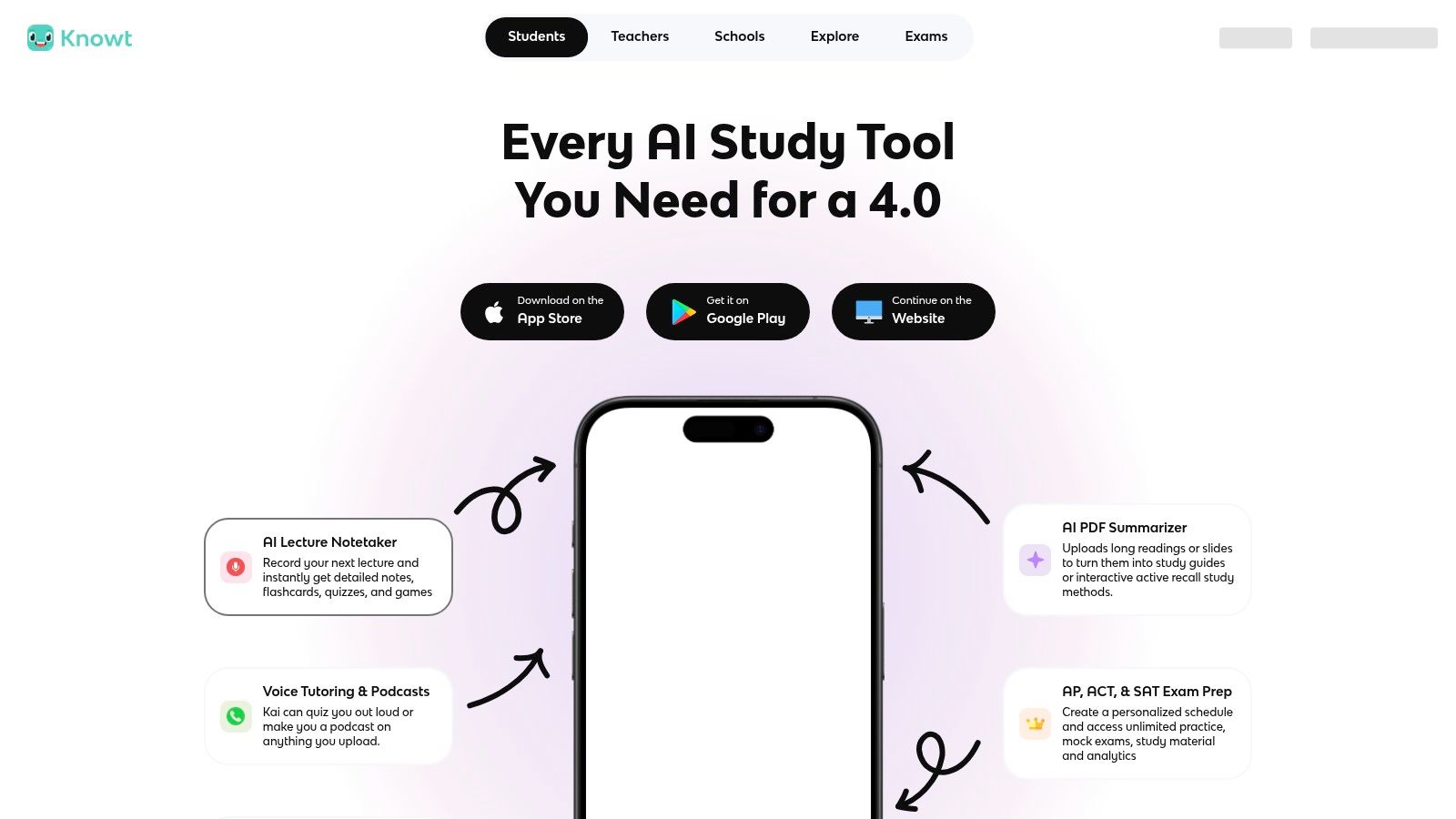
The stronger workflow here is note-to-card conversion. If your teacher gives dense slides or you keep your own summaries, Knowt can turn that material into something more drillable. The platform also supports importing from Quizlet, which helps if you already have a few decks you trust and want to centralize them.
Where Knowt makes sense
Use Knowt when you're trying to keep your study material aligned to the course instead of generic civics trivia. It's especially handy for students who like the AP subject area to be front and center rather than buried inside a broader study app. Free core modes also make it easier to test the platform before you commit.
The downside is breadth. Quizlet still has the bigger public catalog, so if you need a very specific deck fast, you may hit fewer choices here. I'd also check pricing pages before upgrading, since plan names and feature access can shift over time.
Website: Knowt
3. Brainscape
Brainscape works best for students who want their AP Government flashcards to adapt to confidence, not just repetition. Its confidence-based spacing is useful when some topics, like federalism or political participation, keep slipping while simpler definitions stick. That makes it a strong option for targeted review instead of random drill sessions.
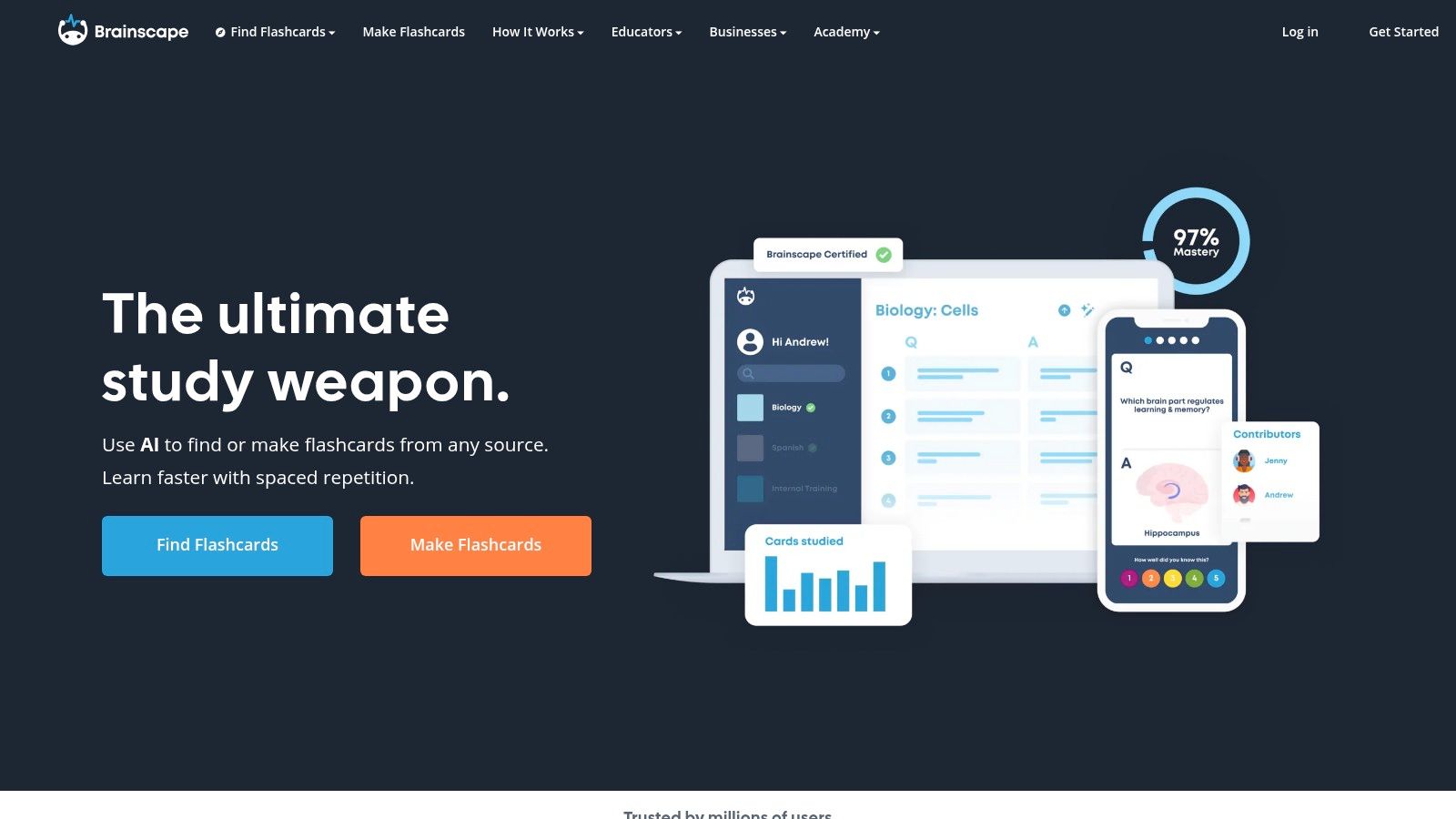
The interface is clean, and that matters more than people admit. A structured layout helps when you're reviewing on your phone between classes, especially if you want to see what still needs work without digging through clutter. Certified or curated decks can also reduce the risk of starting from a weak set.
What to watch for
Brainscape is strongest when the deck itself is well made. If the AP Gov deck is thin or outdated, the scheduling won't save it. I'd still inspect the card list for required cases, foundational documents, and coverage of institutions before relying on it.
Good scheduling can't fix bad content. If the deck misses core AP Gov material, adaptive review only helps you rehearse gaps more efficiently.
Brainscape is a sensible middle ground for students who want more structure than Quizlet and less setup work than Anki. It's not the first stop for building from notes, but it's a solid place to keep a curated set moving through review.
Website: Brainscape
4. Varsity Tutors
Varsity Tutors stands out because it doesn't treat flashcards as a standalone toy. The AP Government material sits inside a larger topic structure, so you can jump from cards to lessons and drills without switching platforms. That's useful when your review needs to cover more than isolated terms.
The web flashcards are straightforward, and the mobile Flashcard Maker adds a simple way to build your own set on the go. For AP Gov, that matters because many students need to turn class-specific notes into quick prompts, not just browse public decks. The broader practice hub also makes it easier to move from definitions to actual skill work.
Why the structure helps
AP Government isn't just vocabulary. You need to connect institutions, rights, case law, and evidence, so a topic map can help you avoid fragmented studying. Varsity Tutors is good for that kind of systematic review, especially when you want a free place to start.
The limitation is depth. Some topics have stronger coverage than others, and it doesn't feel as customizable as a dedicated flashcard app. I'd use it as a free structured layer, then fill the gaps with cards built from your own class material.
Website: Varsity Tutors
5. StudyStack
StudyStack is the no-frills option that still gets the job done. It has a long-running library of user-shared government decks, plus study modes that lean simple and direct. If you want a fast review site without a lot of setup, it's easy to start here.
The interface feels older than newer platforms, but that also keeps it light. I've found that kind of tool useful when a student wants a quick pass on Supreme Court cases, unit vocabulary, or a print-friendly set for offline review. It's not trying to be a full learning system, which is part of its appeal.
Plain truth: StudyStack is useful when you want speed and simplicity more than polish.
Best fit and main risk
StudyStack fits the student who wants free access and doesn't mind checking a deck's date and creator. That vetting step matters because the library is user-made and quality can vary. Search works well enough, but it doesn't feel as polished as some newer competitors.
Use it for rapid drill sessions, not as your only source of truth. It's strongest when paired with course notes or a teacher-provided outline. That way, you get the benefit of its simple format without letting old or incomplete cards steer your review.
Website: StudyStack
6. Cram.com
Cram.com is a practical place to search for ready-made AP Gov sets when you're chasing a niche topic. The public library is broad, so you can usually find cards for vocabulary, federalism, required cases, and documents without much effort. It's built for quick access more than deep customization.
That makes it a decent choice for pre-quiz drilling. If you need to hammer terms fast, the memorization flow is straightforward and the games give you a small change of pace. For students who study on a phone, the mobile app support is a real convenience.
Where it helps, and where it doesn't
Cram is strongest when you already know what topic you need. It's less helpful when you want strong filtering or a modern analytics layer. Since the sets are user-created, the same caution applies here as it does with any public library, verify before trusting.
I'd use Cram for quick term acquisition, then move the useful cards elsewhere if I wanted long-term retention. That's especially true for AP Gov, where memorized labels aren't enough unless they connect to institutions, documents, and case reasoning.
Website: Cram.com
7. Anki
Anki is the most serious option on this list for long-term retention. If you want complete control over spacing, card formatting, and what gets reviewed when, AP Government flashcards become a system instead of a pile of decks. Shared AP Gov decks exist, but the strength really lies in building your own from notes and tightening them over time.
The learning curve is real. Importing decks, editing cards, and setting up your workflow takes more effort than tap-and-study apps. That said, the payoff is better if you're preparing for a cumulative exam or want older material to stay alive well past the first pass.
Why AP Gov suits Anki well
AP Government has a lot of content that rewards retrieval over rereading. Cases, foundational documents, and institutional interactions are easier to remember when they cycle back predictably. Anki's scheduling gives you that rhythm, and it's especially good if you build cards from your own class notes instead of relying on random public decks.
If you're new to the app, this flashcard study guide for building a review habit is the kind of companion reading that makes the workflow feel less abstract. Anki is not the fastest tool on day one, but it's often the one students keep using once they get serious about retention.
Website: Anki
8. Quizizz
Quizizz is better known for quizzes, but it also works as a flashcard and study activity platform. That mix makes it useful when you want AP Government review to feel a little more active, especially for solo sessions or assigned practice. If a teacher already uses Quizizz, the transition is even easier.
The platform lets you create or import content and turn it into study activities. That matters because AP Gov review often starts with notes, then gets turned into recall practice. A platform that handles both reduces friction, especially when you want a short gamified session rather than a long card slog.
Good for mixed-mode review
Quizizz works well when you want to switch between flashcards and quiz-style drills. It's a nice fit for civil liberties vocabulary, Supreme Court case names, or quick checks after class. The playful format can help students who resist plain flashcard routines.
The downside is curation. AP Gov coverage depends on the creator, so you still have to inspect the material before using it. I'd treat it as a flexible study layer, not a trusted AP-specific library.
Website: Quizizz
9. Kahoot!
Kahoot! is a familiar name because the game format is easy to recognize, but it also includes flashcards in its study flow. That makes it a good option for students who want something active and visual for quick recall. It's especially useful when you're studying with friends or reviewing in a classroom setting.
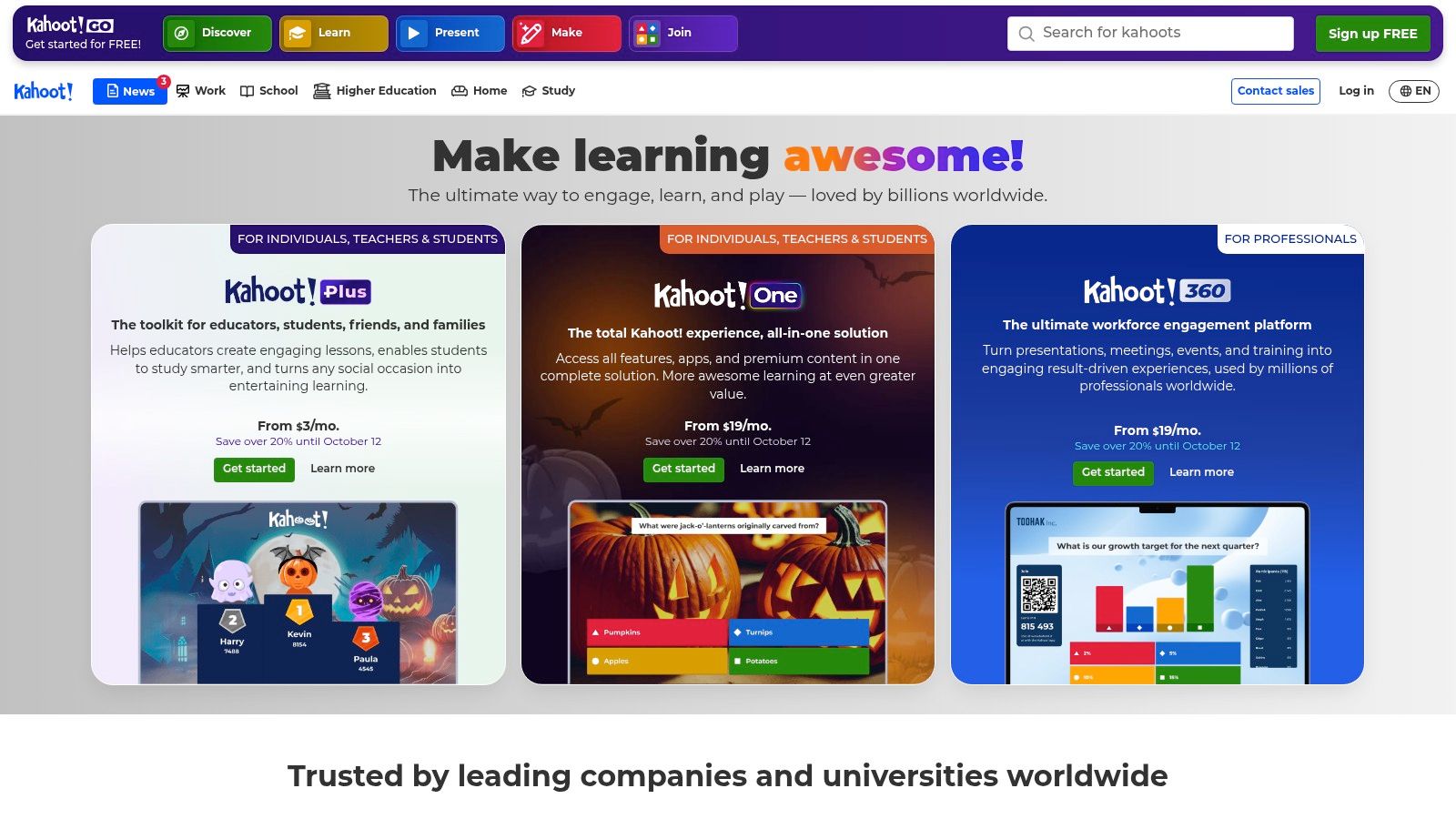
Kahoot! can also help you turn notes into cards, which saves time if your AP Gov teacher gives dense outlines or annotated slides. The problem is that it isn't AP-specific, so you're responsible for building or curating the content yourself. That makes it stronger as a review shell than as a source of finished decks.
Best use case
Use Kahoot! when the goal is engagement. It's good for quick drills on vocabulary, cases, and broad concepts, especially if you're studying in a group. Solo review works too, but the format really shines when there's a little competition or pacing pressure.
The access model can vary by plan, so check what you can use before committing. For AP Gov, I'd keep it in the rotation as a supplemental tool, not the place where you trust every card without review.
Website: Kahoot!
10. Fiveable
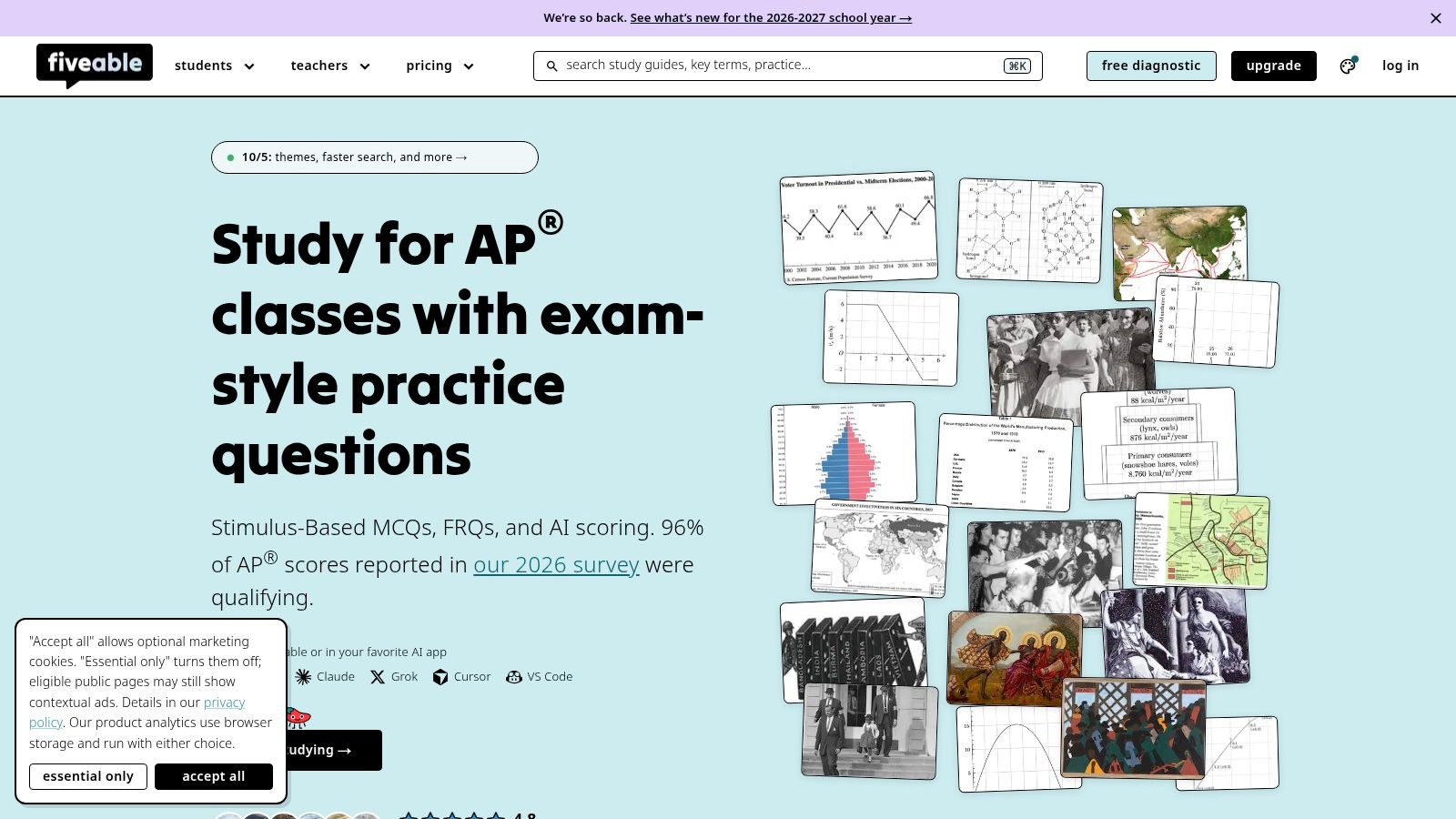
Fiveable isn't a pure flashcard app, but it belongs on this list because it gives AP-specific material that's already curated for exam use. Its AP Government hub includes study guides, practice resources, and unit review content that works well for quick recall lists. That's useful when you want AP-aligned material without sorting through generic civics content.
The best use here is prep before flashcard creation. If you need a reliable list of cases, documents, or unit themes, Fiveable can help you gather the raw material first. Then you can move those items into a flashcard app with the formatting and scheduling you prefer.
Where it fits in the workflow
Fiveable is most helpful during exam season, when you want focused AP content that's already organized around the course. The study lists and review pages can support fast recall, especially if your own cards are thin on required documents or cases. It's less useful if you want a traditional flashcard interface from start to finish.
If you study APUSH too, this APUSH flashcards review approach shows the same idea in a different history course, where curated review and card-making can work together. Fiveable's role is similar here. It gives you a cleaner starting point than random internet search results.
Website: Fiveable
Top 10 AP Government Flashcards, Comparison
| Platform | Core features ✨ | Quality ★ | Value 💰 | Target audience 👥 | Standout 🏆 |
|---|---|---|---|---|---|
| Quizlet | ✨ Massive AP Gov library; Flashcards, Learn, Test, Match | ★★★★☆ | 💰 Freemium (some features subscription) | 👥 Students needing ready-made decks | 🏆 Fast access to huge user library |
| Knowt | ✨ AP hub; convert notes → flashcards; Quizlet import | ★★★☆☆ | 💰 Mostly free; paid upgrades | 👥 AP-focused students who write notes | 🏆 Note-to-card + AP-curated workflow |
| Brainscape | ✨ Confidence-based adaptive SRS; curated decks | ★★★★☆ | 💰 Freemium / Pro tiers | 👥 Learners prioritizing weak areas | 🏆 Strong adaptive scheduling |
| Varsity Tutors | ✨ Topical taxonomy; web flashcards + lessons | ★★★☆☆ | 💰 Free with account | 👥 Students wanting structured topic review | 🏆 Integrated lessons + topical practice |
| StudyStack | ✨ User-shared decks, games, export/print options | ★★★☆☆ | 💰 Free, ad-supported | 👥 Quick-review & printable-card users | 🏆 Simple, gameable printable study tools |
| Cram.com | ✨ Large public deck library; quick search & apps | ★★★☆☆ | 💰 Free + premium | 👥 Students needing fast term drilling | 🏆 Broad niche-topic coverage |
| Anki | ✨ Open-source SRS; full card control & sync | ★★★★★ | 💰 Free desktop (mobile varies) | 👥 Serious long-term retention learners | 🏆 Gold-standard customizable SRS |
| Quizizz | ✨ Flashcards + gamified quizzes; import/create | ★★★☆☆ | 💰 Freemium (limits on free tier) | 👥 Gamified solo or class practice | 🏆 Mixes flashcards with live/asynchronous quizzes |
| Kahoot! | ✨ Game quizzes + Flashcards mode; scanning tools | ★★★☆☆ | 💰 Freemium (tiered plans) | 👥 Classroom/group review & engagement | 🏆 Highly engaging game-based interface |
| Fiveable | ✨ AP Gov guides, practice exams, cram lists | ★★★★☆ | 💰 Free + subscription content | 👥 AP exam-season reviewers | 🏆 AP-aligned curated study materials |
Build a Review Routine That Keeps Cards Alive After Exam Week
The best AP Gov setup usually isn't one app. It's a sequence. Start with one ready-made library for vocabulary and cases, verify every borrowed card against your own course notes, then move the cards you keep into a spaced-repetition tool so older material keeps resurfacing before the exam. That's the difference between a deck that feels busy and a system that protects recall.
If your source material is your own lecture recordings, notes, or textbooks, ClassLecture.ai fits that second step well. It can turn uploaded class material into flashcards and support FSRS-based review, so you can keep your AP Government cards tied to the exact lecture or document they came from. Its conversational Q&A also lets you check answers against source timestamps and page references, which is useful when you want to verify a card instead of guessing.
That source-checking habit matters more than most students think. AP Government rewards transfer, not just recognition, and that means a card should help you explain, compare, or apply a concept, not only name it. Keep the decks you trust, delete the ones that feel loose, and let your review system do the repetition for you.
If you want to build AP Government cards from your own lectures, notes, or textbooks, ClassLecture.ai can help you turn that source material into flashcards, study guides, and spaced-repetition review in one place. Visit ClassLecture.ai and see how it can keep your AP Gov review tied to the exact material you're studying.
The ClassLecture.ai Team
We build ClassLecture.ai, the AI study assistant that turns your recorded lectures into transcripts, summaries, flashcards, and answers cited to the exact timestamp — so you learn faster from your own professor's words.
Keep reading
10 AI Flashcards Maker Tools for Students
Compare 10 ai flashcards maker tools for student workflows, source checking, imports, exports, spaced repetition, and lecture-based study.
Read7 Cranial Nerves Flashcards Resources for Better Recall
Explore 7 cranial nerves flashcards resources, from lecture-based decks and mnemonics to spaced repetition, diagrams, and custom sets in ClassLecture.ai.
ReadSpaced Repetition Flashcards: A Complete Guide for 2026
Master any subject with spaced repetition flashcards. Learn the science-backed strategy to improve memory and ace your exams in 2026.
Read