How to Transcribe Meeting Minutes Accurately in 2026
Learn how to transcribe meeting minutes from recordings, check AI transcripts against the audio, and turn them into clear decisions and action items.
Transcribing meeting minutes is more than getting the words on a page. You capture the full audio, generate a timestamped transcript, pull out decisions and action items, and check each one against the recording before anything leaves the room. Skip that last check and one misheard number or deadline can travel much further than the meeting ever did.
Table of Contents
- What Transcribing Meeting Minutes Really Involves
- Why the Workflow Matters Now
- Who This Process Helps
- Setting Honest Expectations
- Choosing Between Live Recording and Uploads
- Habits That Improve Accuracy
- Comparing Capture Methods
- Letting the Machine Do the Typing
- Where Automatic Transcripts Fall Short
- What the Finished Transcript Gives You
- Why Speed Still Needs a Review Pass
- A Quick Routine for the Debrief
- Read for Structure, Not Word Count
- Worked Example from a Construction Training Session
- Building a Reusable Minutes Skeleton
- Using Chat Summaries as a First Draft
- A Ten-Second Routine for Key Details
- Where Details Most Often Go Wrong
- Keeping the Record Honest
- Garbled Technical Terms
- Overlapping Voices and Crosstalk
- Thin Audio from a Laptop Mic
- Decisions Lost Off the Record
- Quota Limits on Long Uploads
- How Long Should You Keep the Recording?
- Can You Transcribe a Meeting You Didn't Record?
- Do You Need an Account to Try It?
- Should Minutes Ever Be Verbatim?
What Transcribing Meeting Minutes Really Involves
Most guides treat the transcript as the finish line. In practice, that's where the real work starts.
A verbatim transcript is raw material. It includes every "um," false start, and tangent. Minutes are different. They're a short, formal record of what was decided and who owns each task.
Why the Workflow Matters Now
Most people spend more of their week in meetings than they'd like, and plenty of those sessions feel like a poor use of anyone's time. A reliable, verified record matters more because of that. Nobody has the time to sit through a recording twice.
| Stage | What You Produce | Rough Time |
|---|---|---|
| 1. Capture | Full audio file | Real time, plus setup |
| 2. Transcribe | Timestamped transcript | About 5 min per hour |
| 3. Extract | Decisions and action items | 15 to 20 min |
| 4. Verify | Checked facts and owners | 20 to 30 min |
| 5. Circulate | Approved minutes | 10 min |
Who This Process Helps
Study groups, course committees, nursing cohorts, and construction or safety training teams all run sessions where an accurate record really counts. A solid workflow gives each of them something they can trust.
Take a ninety-minute safety debrief. The transcription itself might finish in a few minutes. Checking decisions, names, and deadlines is what takes the time.
Setting Honest Expectations
Automatic speech recognition still mishears names, numbers, and acronyms. Anyone who has read a transcript of a call full of jargon has seen this happen. That's exactly why the review stage exists.
Expect to fix a handful of details in almost every session, and treat that as normal rather than a sign something went wrong. If you want a closer look at what happens behind the scenes, how phone call transcription works is a useful read.
Speed gets you a rough draft. Review gets you minutes you can fully stand behind, every time.

Good minutes start with good audio, and you've got two ways to get it. You can record the session while it's happening, or you can upload a file you already have.
Choosing Between Live Recording and Uploads
Live recording is the right call when the meeting is happening in front of you. Start it in a laptop or phone browser and the audio saves as it goes, so a dropped connection won't wipe out the whole session.
Uploading is for recordings made earlier. MP3, MP4, M4A, WAV, MOV, and WEBM all work well.
Video calls are a little different. On desktop, Chrome or Edge can capture audio from Zoom, Google Meet, or Microsoft Teams without adding a bot or a fake participant. If people in the room need to hear the call too, mix your microphone in so both sources get recorded. For more on the live side, take a look at our guide on recording a meeting you attend.
Habits That Improve Accuracy
Small habits do more for you than expensive gear ever will:
- Put one clear microphone near the main speakers. A laptop mic across a big room mostly picks up echo, not voices.
- Mute side conversations. Crosstalk blends speaker turns together, and then it's hard to tell who said what.
- Ask everyone to say their name before speaking. Speaker labels stay accurate, and you'll know exactly who agreed to what.
- Repeat dates, quantities, and deadlines out loud. Numbers are the details software mishears most often.
Comparing Capture Methods
Not every method fits every meeting. Here's how they stack up:
| Method | Setup Effort | Best-Fit Scenario | Audio-Quality Risk |
|---|---|---|---|
| Laptop browser recording | Low | Small team in one room | Medium in large rooms |
| Phone browser recording | Low | Interviews or walk-and-talk meetings | Medium to high when the phone sits far away |
| Chrome or Edge tab capture | Medium | Zoom, Meet, or Teams calls | Low |
| Uploading an existing file | Low | Recordings made elsewhere | Depends on the original source |
Keep the original, unedited file as your reference copy. Every later check points back to it, so never overwrite it.
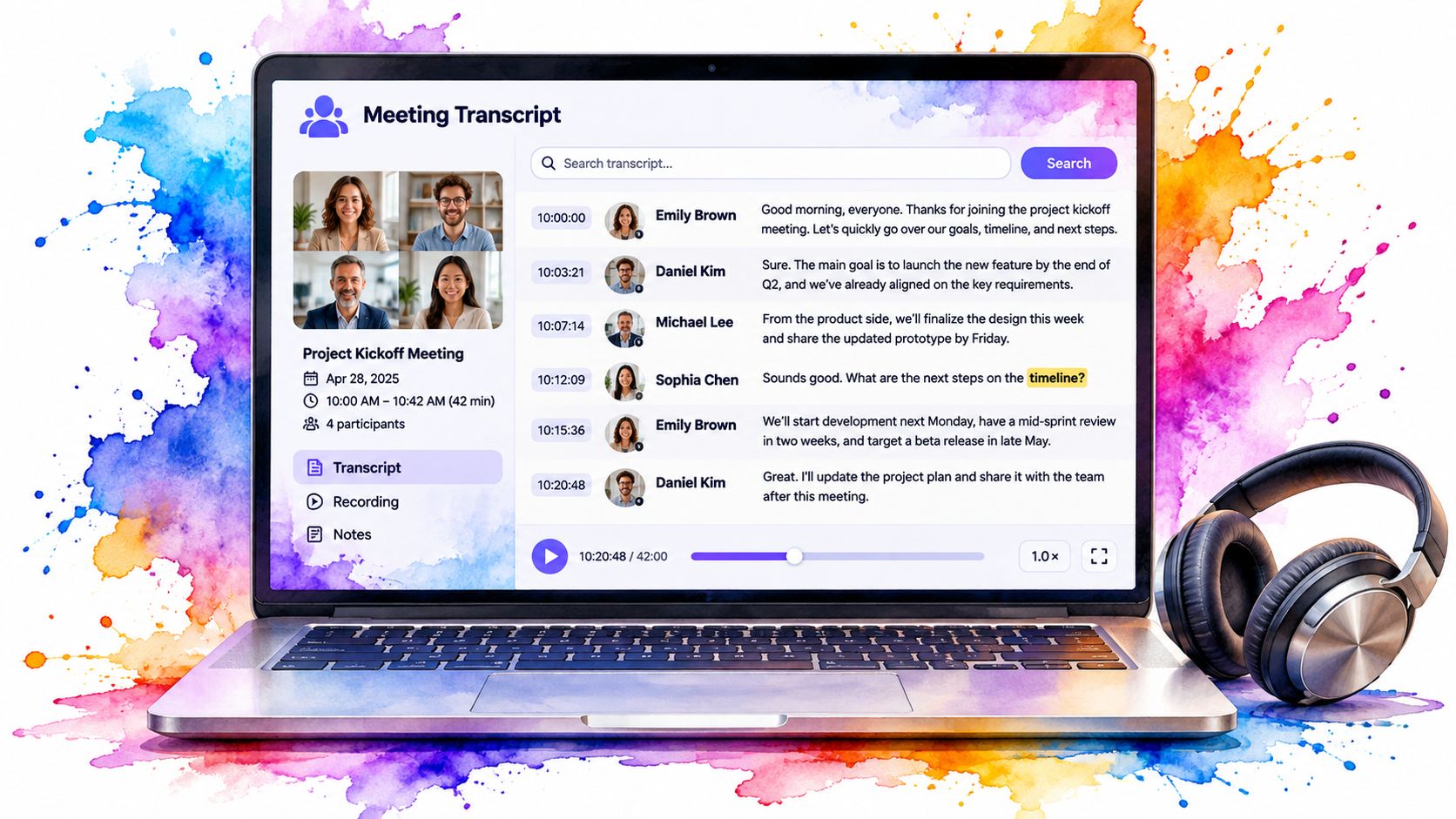
Think about a ninety-minute safety-training debrief. Nobody wants to retype all of it, and you really shouldn't have to.
Letting the Machine Do the Typing
ClassLecture.ai runs your audio through Whisper speech recognition on its own. A one-hour recording usually finishes in about five minutes, and then the transcript is searchable and ready for your questions.
Typing it by hand is a different story. People often cite roughly four minutes of typing for every minute of audio, so a sixty-minute meeting can swallow around four hours of focused work.
Where Automatic Transcripts Fall Short
Let's be straight about the trade-off. The reported median word-error rate is 8.9% for the best automatic service tested, compared with 7.6% for professional human transcription.
That gap looks small on paper, but it still matters. The errors tend to land on the words that count most, like dosages, vote counts, specs, and deadlines.
What the Finished Transcript Gives You
Once the transcript is ready, three features make review much faster:
- Clickable timestamps that play the original moment, so you can hear exactly what was said.
- Speaker turns you can skim in seconds, which makes it obvious who committed to what.
- Search for phrases like "we agreed" or a project code, landing you on that exact spot.
If you want the background on how these transcripts get built, what audio transcription is and how it works is worth a read before you dive in.
Why Speed Still Needs a Review Pass
Speed buys you review time. It doesn't let you skip the review. Treat the transcript as a fast first draft, then listen closely to the moments that carry the most weight.
A clean-looking transcript can still get one deadline wrong. Check every number by ear.
A Quick Routine for the Debrief
Open the transcript and search for "agreed," "approved," or "deadline." Click each timestamp and listen to about ten seconds around it. Then:
- Mark each decision with its exact time.
- Note who owns each commitment and the date attached to it.
- Save corrected minutes only after the replay matches what was said.
That's how to transcribe meeting minutes well.
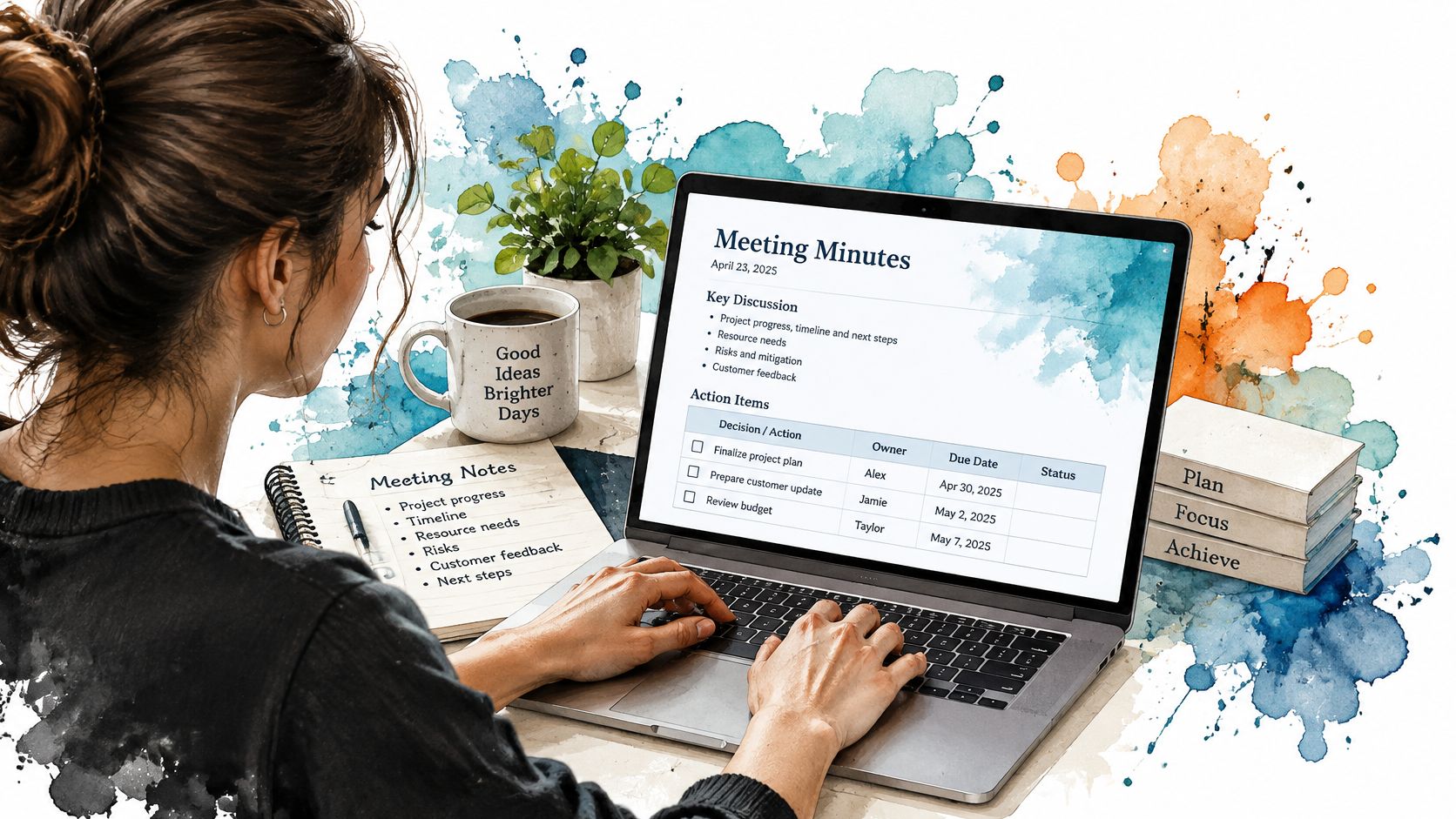
A transcript tells you what was said. Minutes tell you what was decided. Getting from one to the other takes about three passes, and it's less tedious than it sounds.
Read for Structure, Not Word Count
Don't read it line by line. Skim it the way you'd skim a long email thread, watching for the moments when someone made a call, took something on, or left a question hanging.
Plan on three passes:
- Decisions and motions. Every point where the group agreed, voted, or formally adopted something.
- Commitments. Each task with an owner and a date, plus any condition attached to it.
- Open questions. Anything unresolved, with a note on who's bringing it back.
Worked Example from a Construction Training Session
Here's a snippet from a construction training debrief. Word for word, it sounds like this:
Okay, so, um, the Thursday inspection proposal, I think that makes sense? Yeah, let's go with that. Dev, can you do the east scaffold by the 14th, I mean Friday, sorry.
The minute entry looks like this:
- Decision: Scaffold inspections move to Thursdays.
- Action: Dev inspects the east scaffold by Friday the 14th.
Much tighter, right? The hedging, the repeated date, and the filler are all gone, and nothing important was lost.
Building a Reusable Minutes Skeleton
Use the same layout every time. Reviewers learn where to look, and you stop reinventing the format for each meeting. A workable skeleton includes:
- Meeting date and location
- Attendees and absentees
- Agenda items
- Decisions, with exact wording
- Action owners, due dates, and conditions
- Follow-ups
Wording matters more than people expect. "We should" signals a suggestion. "The group agreed" signals a decision. If you blur those two in the minutes, someone will eventually act on a suggestion as if it were settled.
Using Chat Summaries as a First Draft
A chat summary can save real time on the first draft. ClassLecture.ai offers Standard Summary and Speaker's Summary modes, so you can pick the view that fits your skeleton.
Treat that output as a starting point, not a finished product. Check each decision against the recording before it goes anywhere.
Once the transcript is accurate, the next job is shaping it into notes people can actually use. Compare meeting note formats for busy managers.
Read also: how to summarize a meeting.
Short minutes get read. Long ones get skipped, so cut until only decisions, owners, and dates remain.
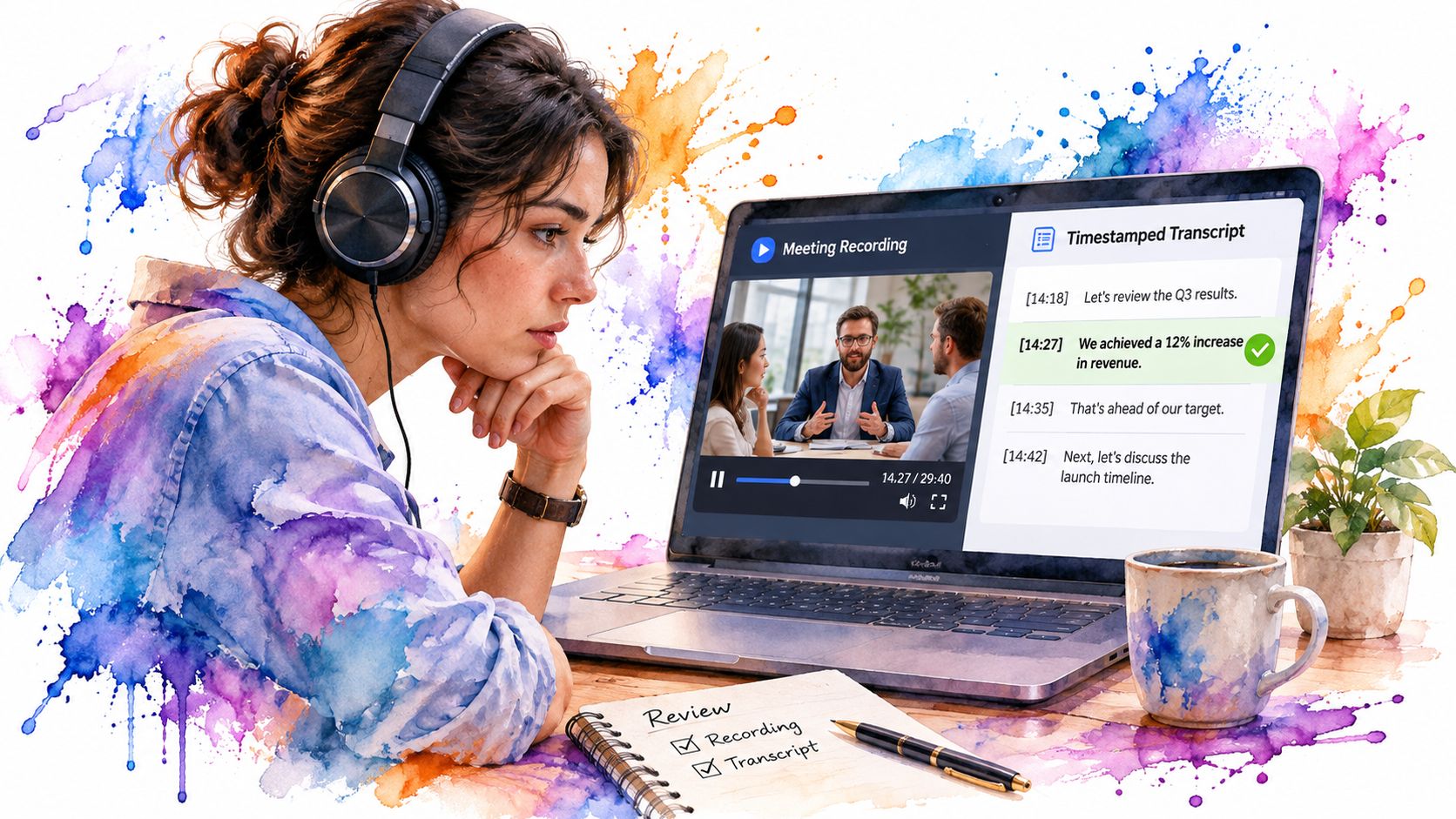
Checking is the step people most want to skip, and it's the one that matters most. Transcripts, AI answers, summaries, and citations are all machine-generated. Any of them can be wrong or missing pieces, so each one needs to be checked against the recording and your source documents.
A Ten-Second Routine for Key Details
Start with the details that cause real trouble when they're wrong: decisions, numbers, names, acronyms, and deadlines. Jump to the timestamp for each one and listen to about ten seconds on either side. Trust your ears over whatever the screen says.
Do this even for decisions that look obvious. Those are often the ones nobody double-checks.
Timestamp-linked Q&A makes this faster. If you ask ClassLecture.ai where a commitment was made, it points you to the cited moment. Then confirm the wording by listening yourself before you accept it.
Where Details Most Often Go Wrong
Certain types of details fail in predictable ways. Knowing the pattern tells you where to look first.
| Detail Type | Why It Tends to Fail | How to Confirm |
|---|---|---|
| Decisions and motions | Summaries soften "we agreed" into "discussed" | Replay the vote or agreement moment |
| Numbers and quantities | Digits and decimals get misheard | Listen to the figure and check the source document |
| Names | Similar-sounding names and unlabeled speakers | Confirm the speaker label and spelling |
| Acronyms | Spoken letters blend together | Check the spelled-out term in source materials |
| Deadlines | Dates like "the 14th" and "Friday" get swapped | Replay and confirm the exact date |
Keeping the Record Honest
In legal and public-sector meetings, minutes often become the official record of what was decided. Once they're approved, they may be public too, so an error can travel far beyond the room.
Retention rules depend on the type of record. One New York schedule, for example, lists official minutes for permanent retention, while recordings of public meetings may only need to be kept for four months after transcription or approval. Check your own rules before you delete anything.
A transcript is not an approved record. Only the reviewed, approved minutes carry that status.
Before anything gets circulated, decide which version counts as the final minutes. Keep your verified minutes beside the original audio. The audio stays as the backup, so don't let the minutes replace it.
Most transcription problems in meeting minutes fall into one of five patterns. Each has a fix that takes less effort than you might expect, and once you've run into them a few times, you'll start spotting them early.
Garbled Technical Terms
A drug name can come out sounding like a sneeze. The software simply hasn't heard your vocabulary before, so it makes its best guess and moves on.
- Symptom: Drug names, equipment specs, and acronyms come out mangled.
- Cause: The software has never seen your vocabulary.
- Fix: Share a glossary before the session, and ask speakers to spell out key terms the first time they come up.
Overlapping Voices and Crosstalk
Crosstalk is sneaky. Two sentences blur into one, and suddenly the transcript says someone agreed to a deadline when they were really just nodding along.
- Symptom: Two people's sentences merge, so you can't tell who committed to what.
- Cause: People talk over each other, or several mics pick up the same room.
- Fix: Run the meeting with clear turn-taking, keep one mic close to the main speakers, and mute side chats.
Thin Audio from a Laptop Mic
Laptop mics are built for a face a foot or two away, not for a conference room. Anyone sitting at the far end tends to sound faint or hollow.
- Symptom: Voices sound faint or echoey, especially at the far end of a big room.
- Cause: A laptop mic can't reach across a large space.
- Fix: Move closer to the speakers, or mix a dedicated microphone feed with the session audio.
Decisions Lost Off the Record
This one stings the most. A decision gets made in a hallway conversation or a quick side exchange, and it never makes it into the transcript because nobody said it out loud on the record.
- Symptom: A decision made in a side conversation never shows up in the transcript.
- Cause: It happened off-mic, or nobody restated it.
- Fix: Before closing, read each outcome aloud and confirm it on the record.
Quota Limits on Long Uploads
Long batches sometimes stop partway through, and it's easy to assume the tool is broken. Usually you've just run into a usage limit. Usage counts audio minutes, questions, and file size each billing period, so a big upload can eat through your allowance quickly.
- Symptom: Long batches stop partway through.
- Cause: Usage counts audio minutes, questions, and file size each billing period.
- Fix: Upload critical files first, since bulk uploads prioritize the first ten files.
Confirm the minutes against the recording before they leave the room.
For recurring meetings, these problems tend to come back unless you build a little structure around the process. A standing agenda, a named minute-taker, and a same-day review window do most of the work. Once those habits are in place, the transcript stops being something you rescue after the fact and becomes something you can trust from the start.
How Long Should You Keep the Recording?
Don't clean up on autopilot. The rules depend on your jurisdiction, and recordings and minutes often follow different schedules. Check both before you delete anything.
Can You Transcribe a Meeting You Didn't Record?
Yes, as long as you have something to work with. Attach an external video link from YouTube, Zoom, Google Drive, or Panopto along with your other materials. Just remember that a partial recording only covers what was actually captured, so any gaps will stay gaps.
Do You Need an Account to Try It?
Nope. You can upload a lecture or poke around the chat demo without signing up first. The free plan gives you 3 hours of recorded meetings and 3 hours of audio per month, plus 10 questions to get a feel for how it works.
Should Minutes Ever Be Verbatim?
Only when the exact wording matters, like in a dispute or when you need evidence. For most meetings, concise minutes do the job better and are far easier to read later. The meeting chair or secretary usually makes that call, so check with them before you assume.
Key takeaway: Keep recordings and minutes on separate schedules, and go verbatim only when the exact words matter.
ClassLecture.ai can turn your recordings into searchable transcripts. Try ClassLecture.ai free today.
The ClassLecture.ai Team
We build ClassLecture.ai, the AI study assistant that turns your recorded lectures into transcripts, summaries, flashcards, and answers cited to the exact timestamp — so you learn faster from your own professor's words.
Keep reading
How to Transcribe Audio to Text Fast and Accurately
Learn how to transcribe audio to text quickly and accurately with the right tools, settings, timestamps, and editing workflow for clean results.
ReadHow to Summarize a Lecture With AI in Minutes (2026 Guide)
Turn a 90-minute lecture into a tight, accurate study summary. A step-by-step guide to summarizing lectures with AI without hallucinations.
ReadHow to Summarize a Research Paper: Step-by-Step Guide 2026
Learn how to summarize a research paper step by step: pull out the question, methods and results, avoid overstated claims, and cite the exact pages.
Read